White Workflow Editorial
Connected white diagrams explain your point, then return to the speaker.
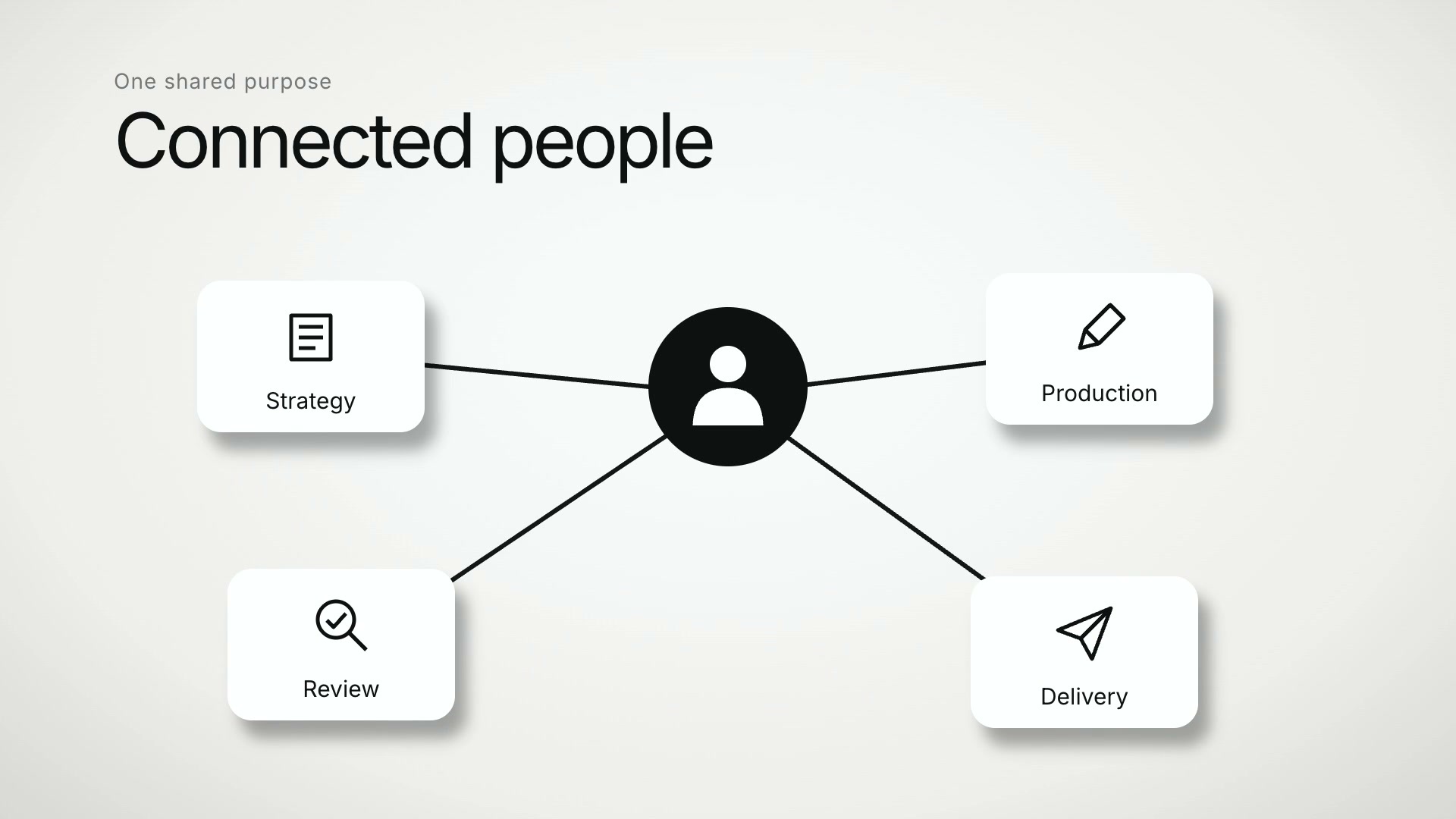
What White Workflow Editorial does to your footage
Show relationships, ordered questions, categories, and the steps in a workflow. Clean white screens and restrained motion keep the explanation readable. Choose the screen that fits the idea instead of repeating the same card.
- Connected relationship diagrams.
- Ordered cards and focused categories.
- Media workflows, revision steps, and a closing accent.
A real cut in this style
This clip was edited by Clypmint in the White Workflow Editorial style. It is not a mockup.
What footage suits White Workflow Editorial
- A short landscape explanation of a process.
- A presenter describing how work moves between people.
What White Workflow Editorial will not do
Landscape only. The sample shows six graphic treatments; it does not establish pacing for a full-length video.
How to edit a video in the White Workflow Editorial style
- Upload your footage. Drop in the recording you already made. Clypmint transcribes it and finds where the usable takes are.
- Pick White Workflow Editorial. Choose White Workflow Editorial from the style picker. Its whole editing grammar comes with it.
- Let it cut. Clypmint cuts the dead air, sets the captions the way White Workflow Editorial sets them, and places that style's graphics on the beats where they belong.
- Change it in a sentence. Tell the AI editor what to change. It edits the timeline you already have rather than starting over.
- Export it. Download the finished file. On a paid plan there is no mark on it.
How long should my footage be?
White Workflow Editorial is built for footage between 5 seconds and 1 minute. Shorter than that and the style has no room to put its graphics anywhere. Longer than that and it runs out of vocabulary before your recording ends. Your plan also sets the longest single file you can upload, and that limit is listed on the pricing page.
What shape of video does it make?
White Workflow Editorial is wide, for YouTube and a website. It has no version in another shape.
Other styles to look at

Cyan Process Explainer
Cyan diagrams and cards make each point easy to follow.
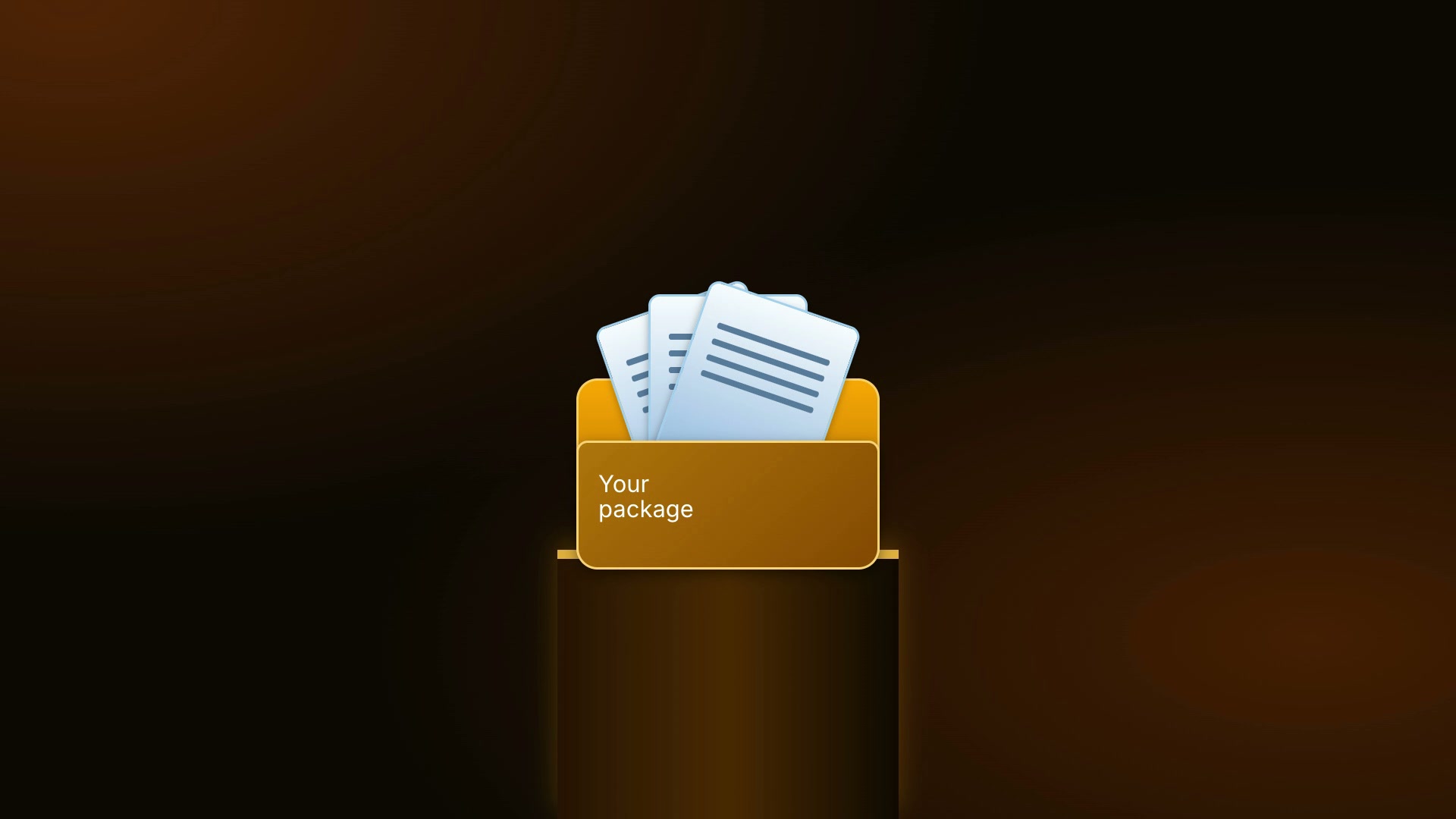
Amber Systems Editorial
Warm amber diagrams show packages, networks, processes, and tiers.
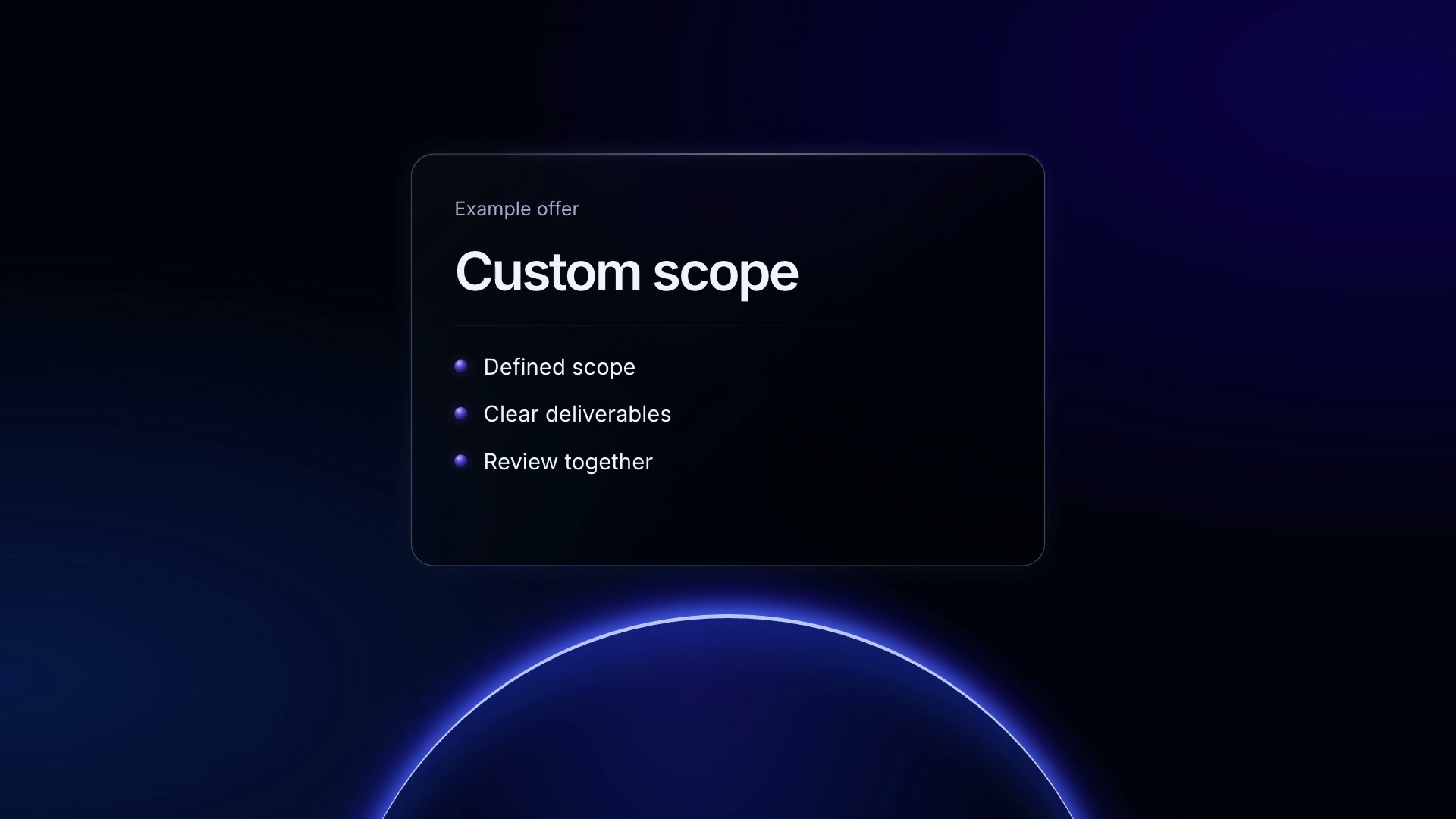
Blue Glass Process
Dark glass and blue shapes organize the ideas in your video.
Clypmint Default
Words appear as you say them. Every number and list gets one standing card in your color.