What is Clypmint?
Clypmint is the AI that edits your whole video. One upload in, a finished cut out. It finds the story, cuts mistakes and dead air, and adds captions, B-roll, motion and sound, in one of 25 styles or in the style of a video you show it. The finished video is ready to post on YouTube, Instagram, TikTok or as a Meta ad.
Is there a free plan?
Yes. Make and watch your first video free, from up to 10 minutes of footage. No card is needed to start. A paid plan is needed to download. Plans start at $29 a month and include watermark-free downloads. Copying a reference style starts on Starter, with 1 copy included each month.
What does Clypmint cost?
Plans are $29, $89, $189 and $499 a month. Free to start. Your first video is free, then 12 free credits a month.
What do I send?
A video of someone talking to camera. Raw is perfect. Add screenshots, logos or product shots you want in it. A silent clip up to a minute long gets a voice-over written from what it shows. No footage? Start from words: type a topic or your script, and Clypmint makes the video.
What do I get back?
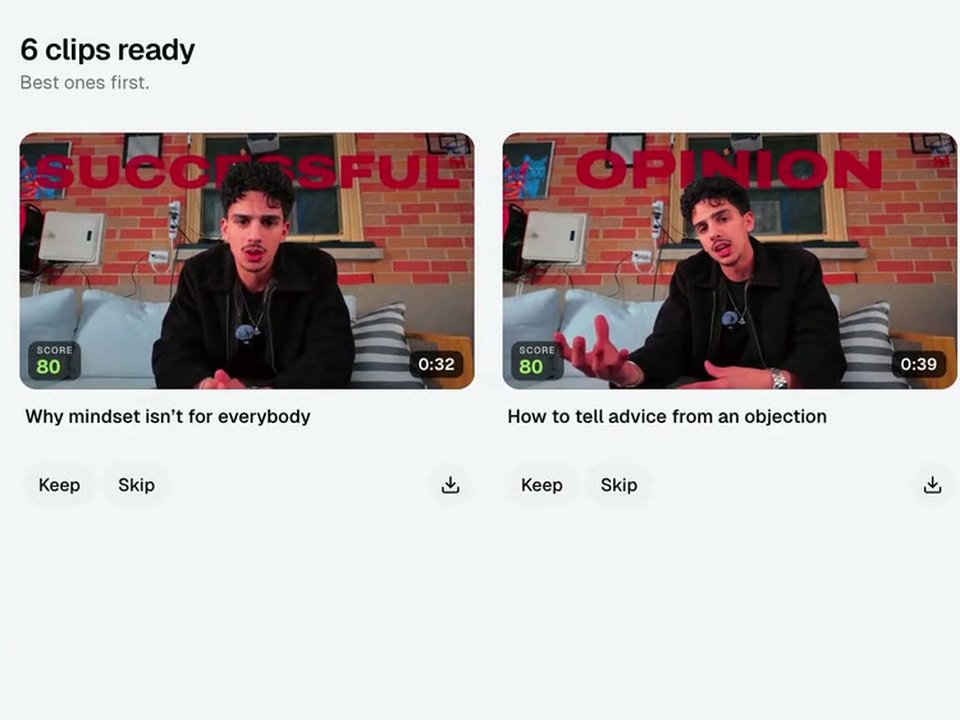
A finished video in the format you choose. Add Shorts, ad hooks or other formats when you need them; each additional output costs 3 credits. Clip a longer recording into its own project, with the original at the top and individually editable clips below. Download your MP4 files and post them anywhere.
How long does it take?
Editing time depends on your footage, style and outputs. Follow the progress in Studio, or choose a notification when your video is ready.
How long can my footage be?
Your plan sets the upload limit: Starter up to 15, Pro up to 90, Operator up to 180, Agency up to 180 minutes.
How do you pick the style?
You pick one of 25 styles when you send a video, or let Clypmint pick. Each style is measured from a real editor's video. Every paid plan can also make your own style, starting from a video you like. Style copies included each month: Starter 1, Pro 3, Operator 3, Agency 10. More style copies cost 100 credits each. Your first finished video sets your style, and later videos match it until you change it.
Can Clypmint copy another video's editing style?
Yes, on Pro and up. Send a reference link or file. Clypmint measures its cuts, pacing, captions, fonts, zooms, graphics, transitions and sound, then edits your footage that way. It does not copy the person's face, voice, brand or music.
What if I don't like the edit?
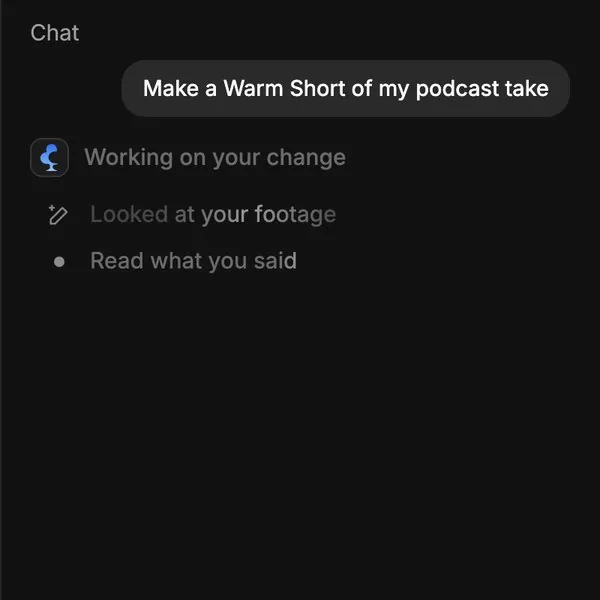
Tell Clypmint what to change in plain words. Three rounds of changes per video. You can also fix a caption's words or its key-word colour yourself. Caption corrections do not use a creative revision round.
Do I own the videos?
Yes. You download finished MP4 files and post them wherever you like. Your footage and your finished videos stay in your Clypmint account.
Is it me, or an AI actor or avatar?
It is you and whoever is in your footage. Clypmint does not use AI actors or avatars. It adds text, pictures and motion around the people already on screen.
Will it get me more views or sales?
Nobody honest can promise numbers. Every Clypmint style copies a real editor’s video that worked: the hook first, the pauses cut, a new picture before attention drops, captions you can read on mute and one clear ask at the end.
Which languages does it edit in?
Clypmint edits in the language you speak, captions included. It is tested on English, Lithuanian and Arabic, and draws captions in Latin, Cyrillic, Greek, Arabic, Hebrew, Devanagari, Thai, Japanese and Korean scripts.
How is it different from an editing agency?
An agency hands your video to a person. Clypmint edits the footage you upload in your chosen style, then lets you ask for changes in plain words. Plans start at $29 a month; the cost of each edit depends on upload length and extra outputs. We show it before you start.
Can I cancel?
Yes, any time, from your billing page. Renewal stops, your plan runs to the end of the billing period you paid for, and your videos stay in your account.
 Claude ↗



 ×
×