Find your editing style.
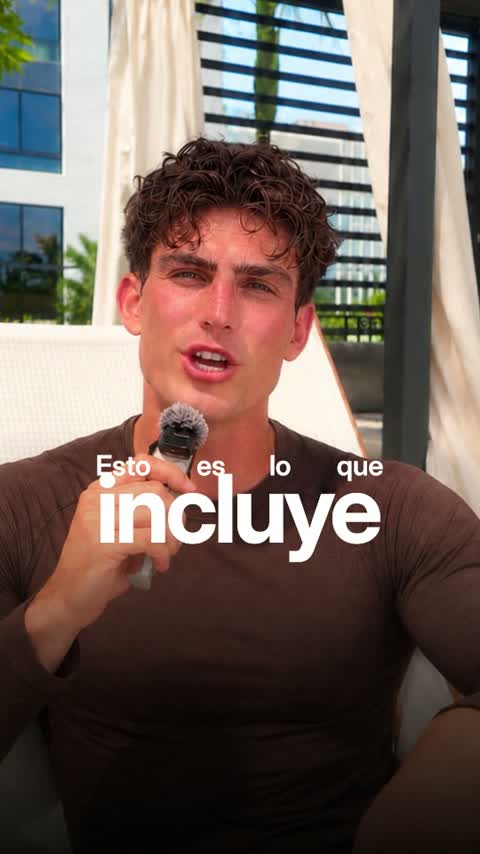
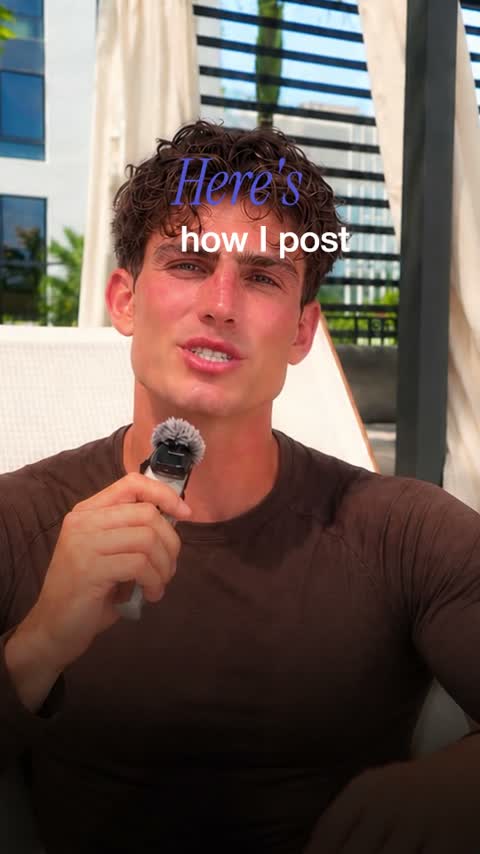
Your footage sets the story. Your style sets how it looks. Each of the 25 Clypmint styles was measured from a real edit: how it cuts, where its captions sit and what it shows on each beat. Compare real examples, choose the one you like, and make it your brand’s default.
Starter is $29 a month for 120 editing credits. Pro is $89 a month for 400 editing credits. Operator is $189 a month for 900 editing credits. Agency is $499 a month for 2400 editing credits.
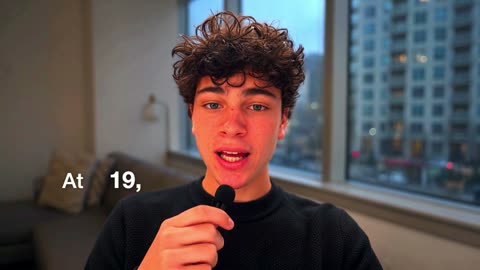
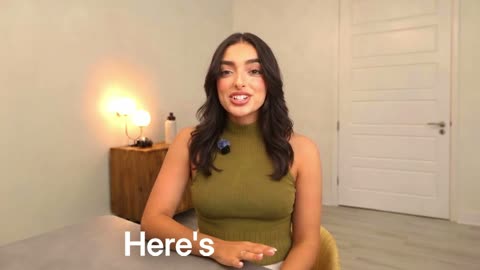
Talking-head reels
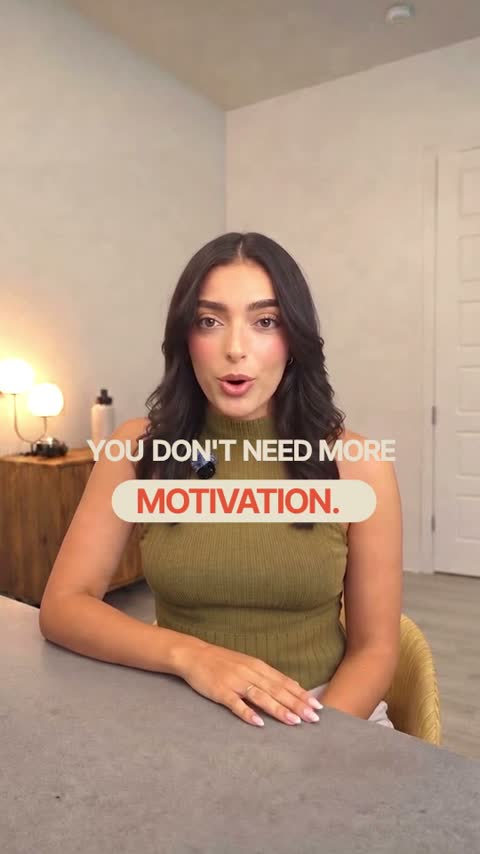
Warm
Soft pill captions and cream cards. Friendly and clear.
Use this style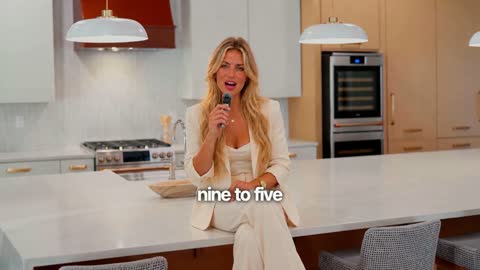
Personal brand
Captions on the chest and push-ins on your numbers. Your face is the film.
Use this style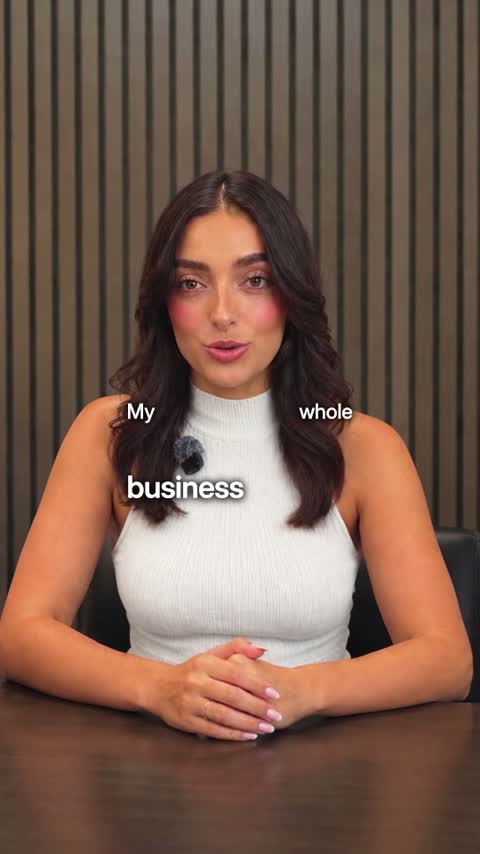
Tech
Real pictures of what you name and crisp two-voice captions.
Use this style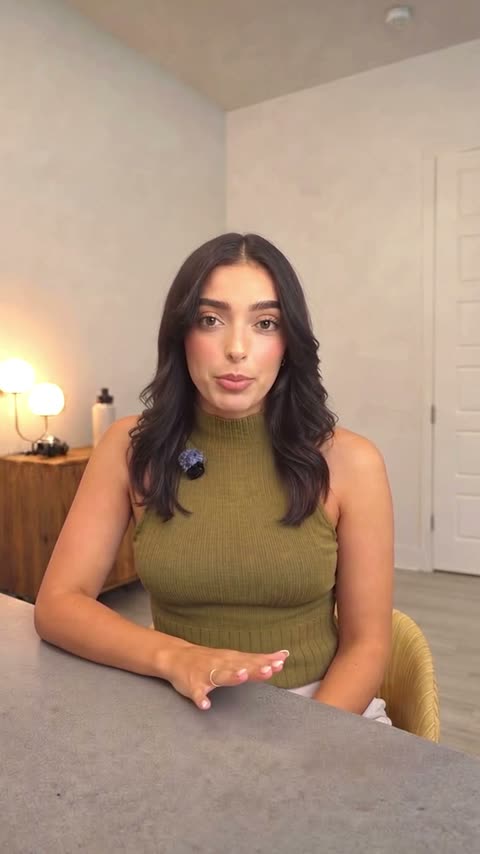
Just the cut
Pauses and mistakes cut out. No captions. Nothing added.
Use this style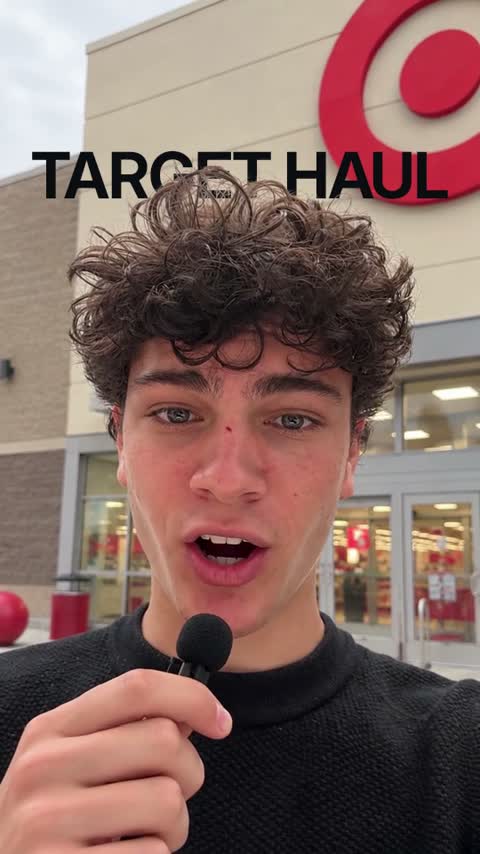
Pop-up
What you show pops up beside you with a click. For products, unboxing and reviews.
Use this style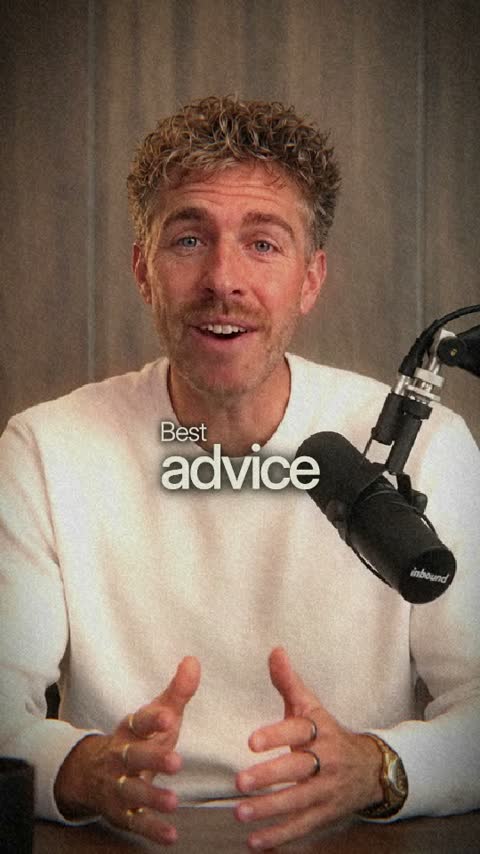
Interview
Moody green and cream. Your key word set big in every caption.
Use this style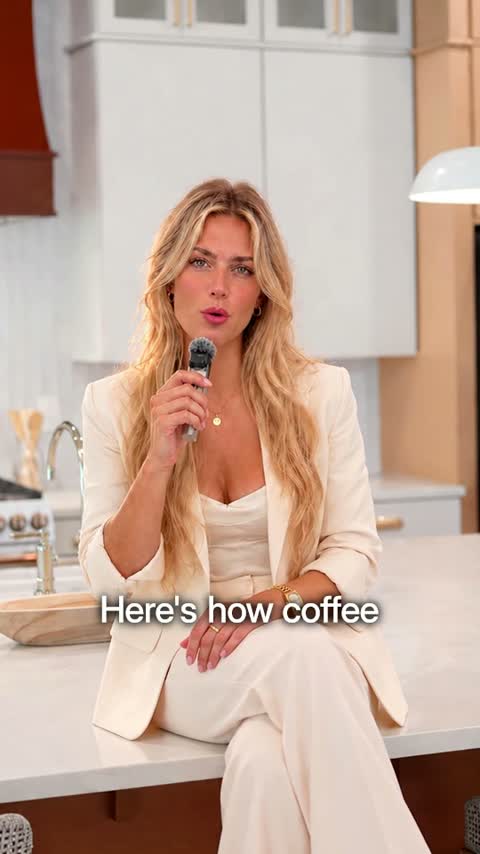
B-roll
A real picture of everything you name, a new one every second, cut clean around you.
Use this style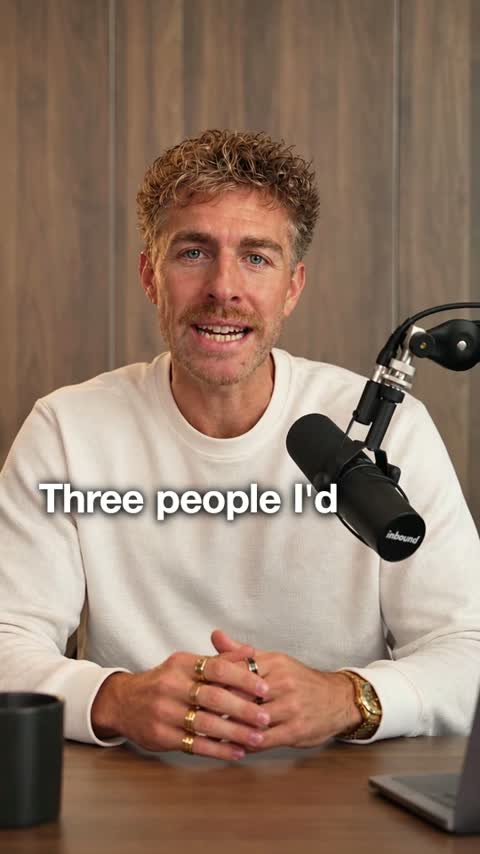
Name drop
The people and brands you name step onto white with their real faces, names and logos.
Use this style
Ads
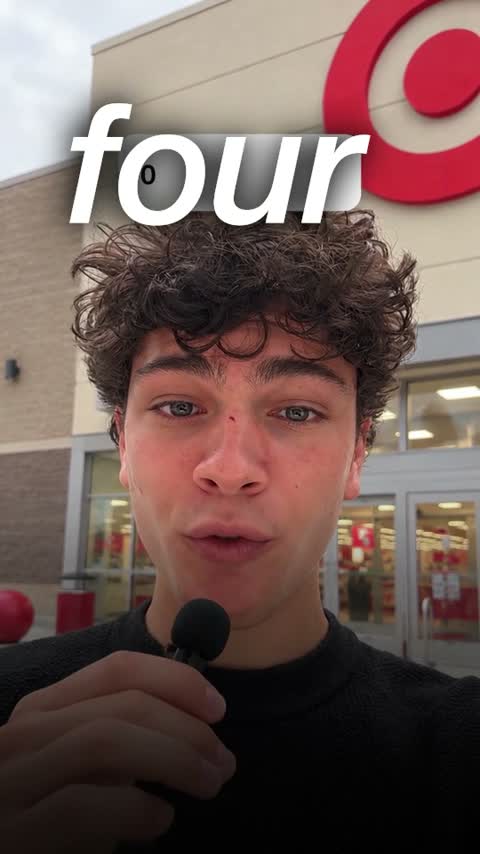
Launch
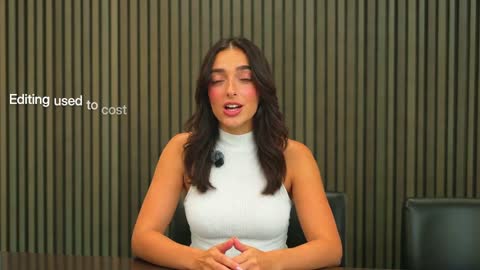
Real estate & local
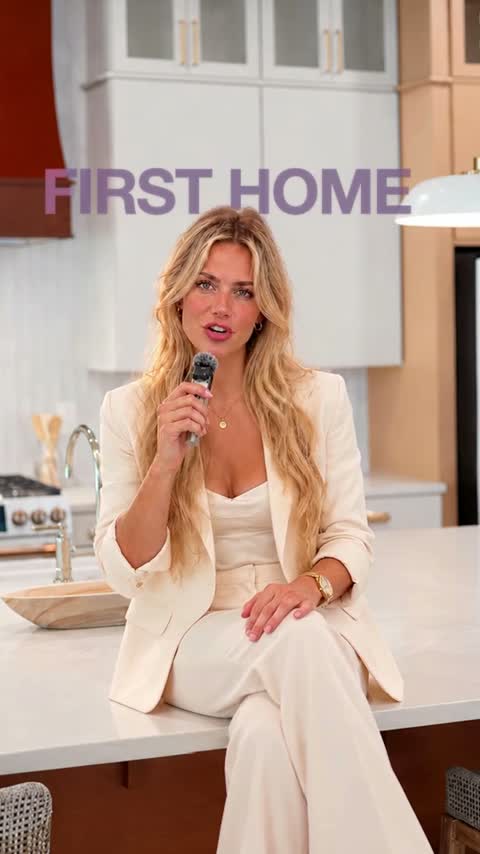
Course & coaching
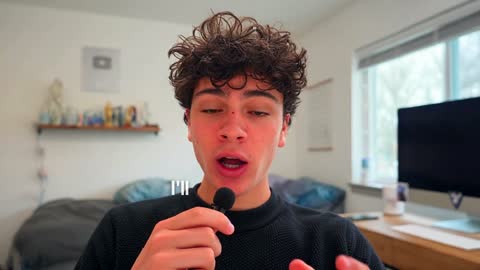
YouTube
Long videos with clean subtitles, counts and titles.
Use this style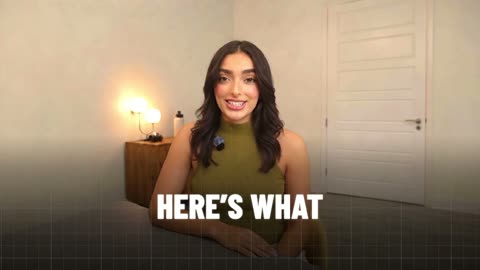
YouTube Health
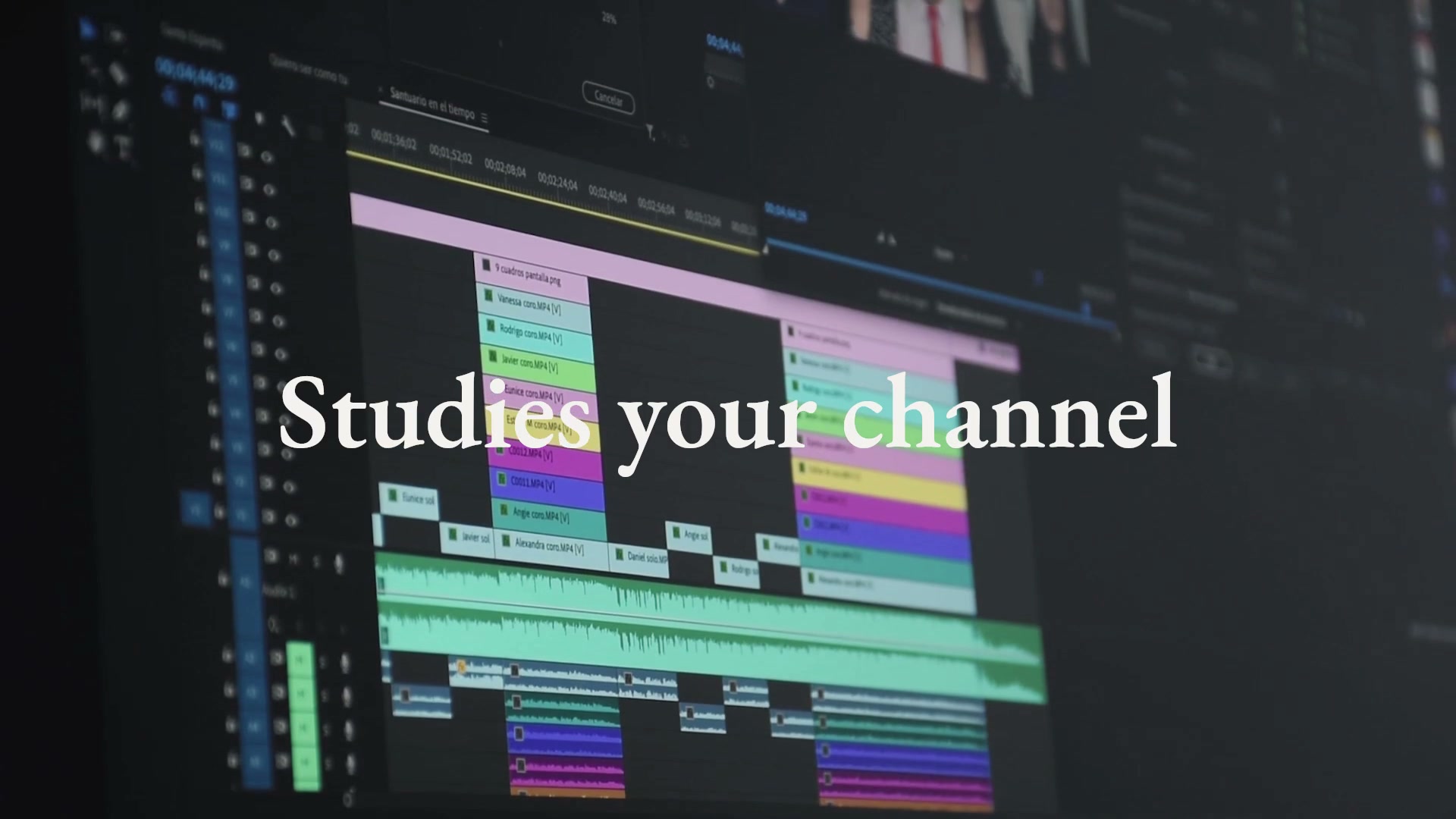
Explainers with bold key lines, charts drawn as you talk and the research on screen.
Use this style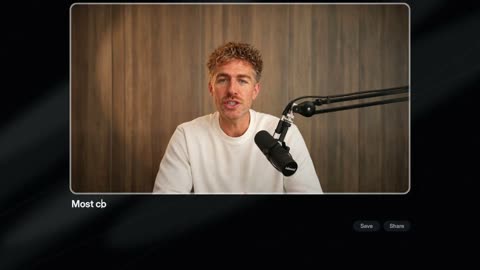
Dark stage
A dark room, no captions. Your numbers and steps light up on a stage.
Use this style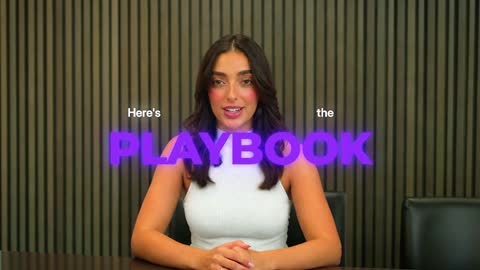
Playbook
A lesson on camera with glowing title cards, numbered steps and your key lines set big in violet.
Use this style
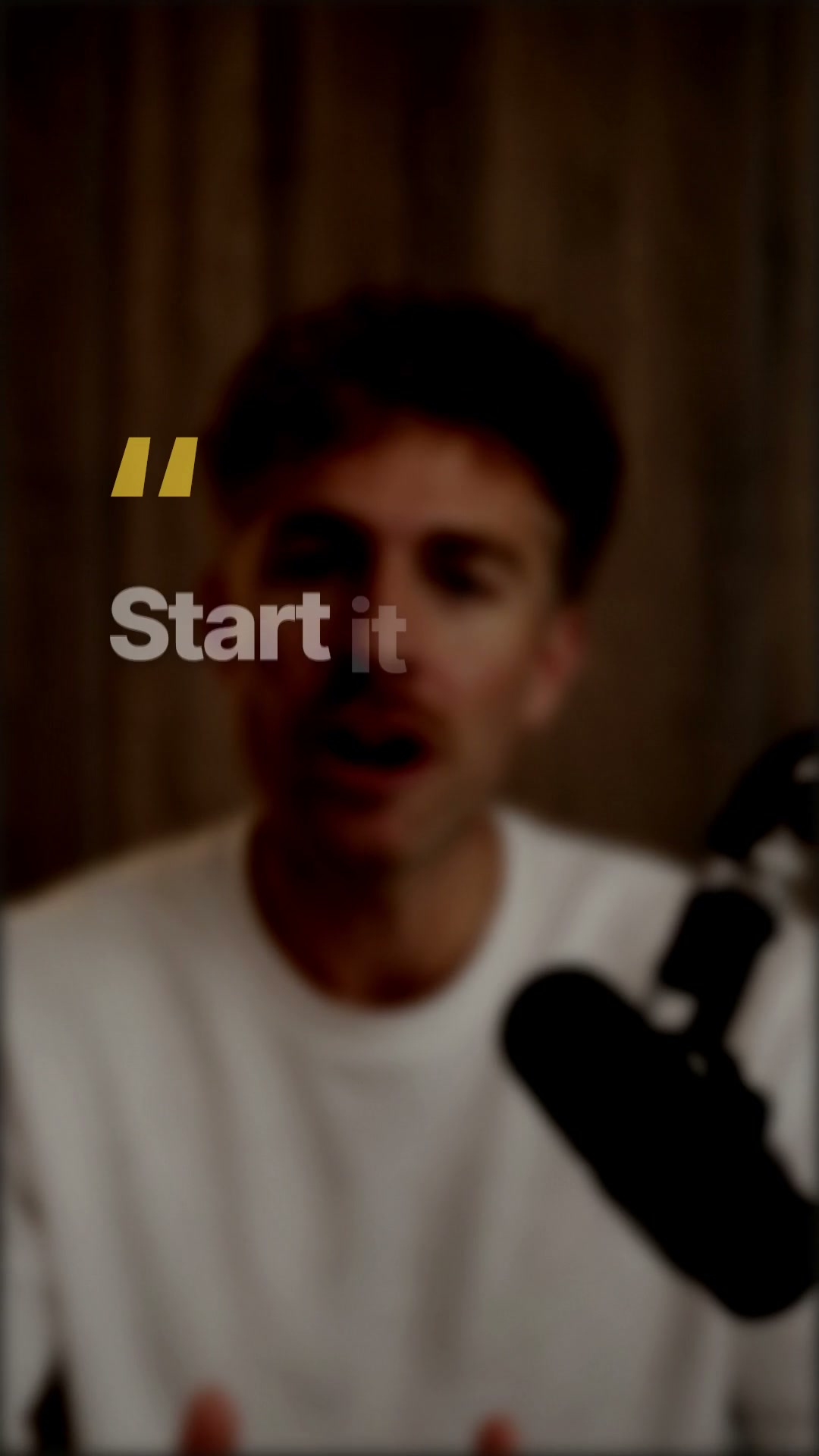
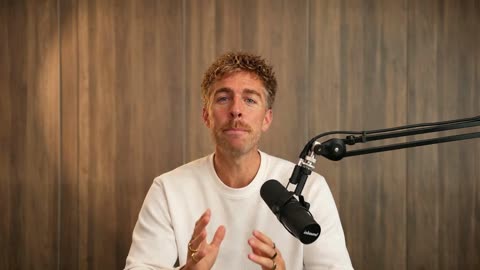
Podcast clips
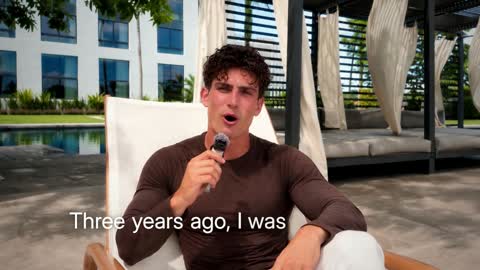
Vlog & story
Faceless explainers
Serif Editorial Launch
Serif launch statements, magazine-like frames and product pictures. Motion led by music.
Use this style
Bold Navy Statement
Oversized statements, navy and white cards, bracketed brand marks and narrated pictures.
Use this style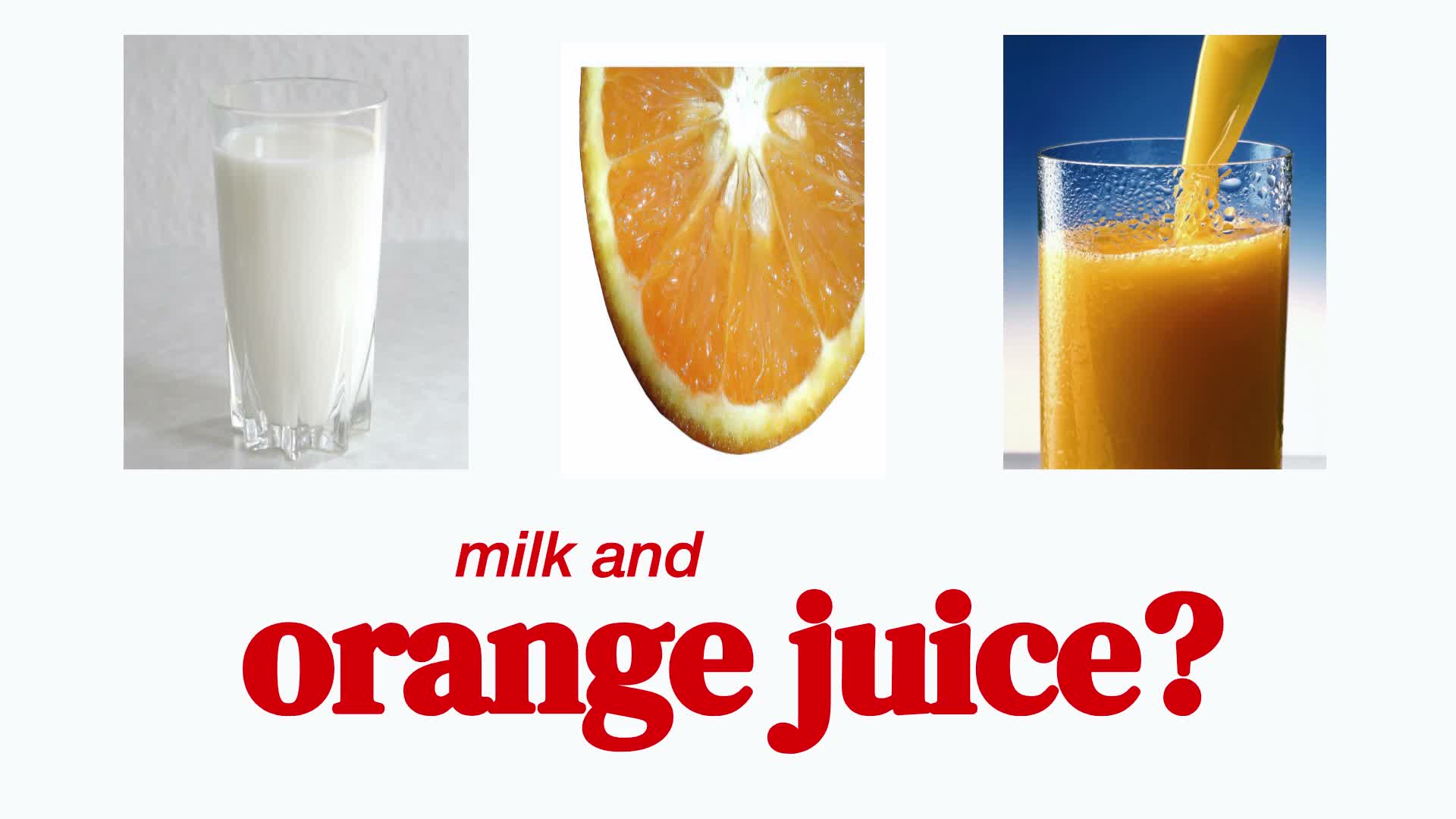
Crimson Serif Explainer
Red serif emphasis, animated phrases and story pictures on a clean white page.
Use this style
Questions
What does an editing style control?
A style gives your editor a direction for captions, graphics and visual treatment. Your footage, brief and selected format also guide the edit. Watch the example to compare styles.
Can I bring an editing reference?
Yes, on Pro. Clone a reference: upload a video you like, or paste an Instagram or TikTok link, and Clypmint measures how it is cut, captioned and moved, then saves it as your own style. On other plans, pick a style here and describe what you like in your brief.
Why do different formats show different styles?
Each style supports specific formats. The dashboard shows compatible choices for your video, so a short-form-only style is not offered for a long YouTube edit.
Can I keep a consistent style?
Save a default for posts, ads and YouTube in Your brand. Choose a different style for an individual video without replacing your saved default.
Can I get a YouTube video and Shorts together?
Yes, on plans that include Shorts. Choose YouTube video, then select No Shorts or a count from 1 to 10. The chosen Shorts count uses your plan allowance.
Read next
Who Clypmint is for, and the guides for the videos people actually make. Or read how Clypmint compares with the other tools, with their real prices.
Pick a style and send a recording.
Sign up and choose a plan to start creating. Plans start at $29 a month. Upload your footage, choose a style, and review your finished video. No watermark. Cancel any time.