
AI clip generator for Shorts, Reels and TikToks
Clypmint is an AI clip generator for the long videos you film. Upload a talk, a podcast or a YouTube video, and get back finished vertical Shorts of its best parts, reframed on the speaker, cut tight and captioned, each with its own title and post copy.
“Make the Short open on “Sales Problem””
Make a video like thisAn AI clip generator that finds the parts worth posting
Finds the best parts
Clypmint reads the whole video and picks the lines that stand on their own: a hook, a story, a strong answer.
Reframed on the speaker
Each Short is cut vertical around the person talking, and two people side by side are stacked top and bottom.
Finished, not just trimmed
Every Short comes back captioned and edited in a style, with a title and post copy ready to use.
Why creators choose Clypmint to cut their Shorts
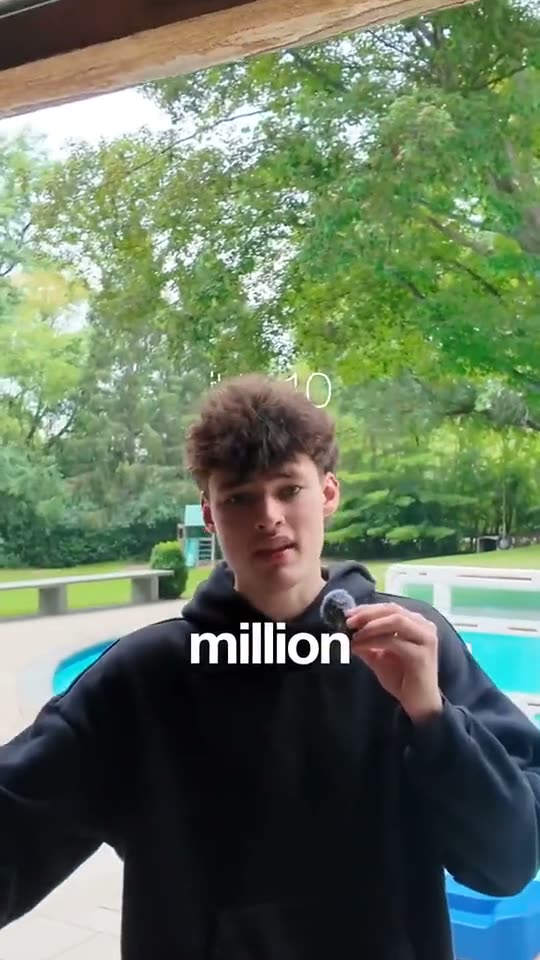
Vertical, on the speaker
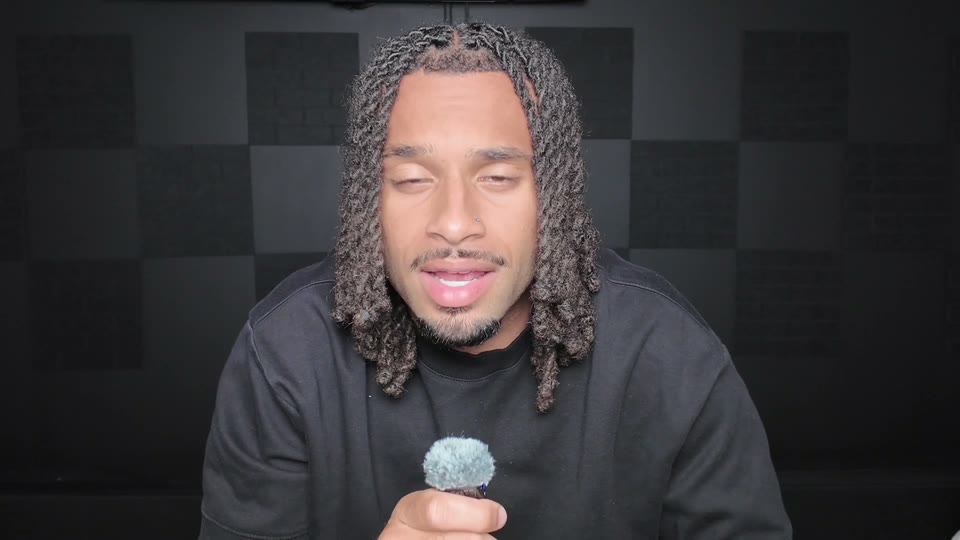
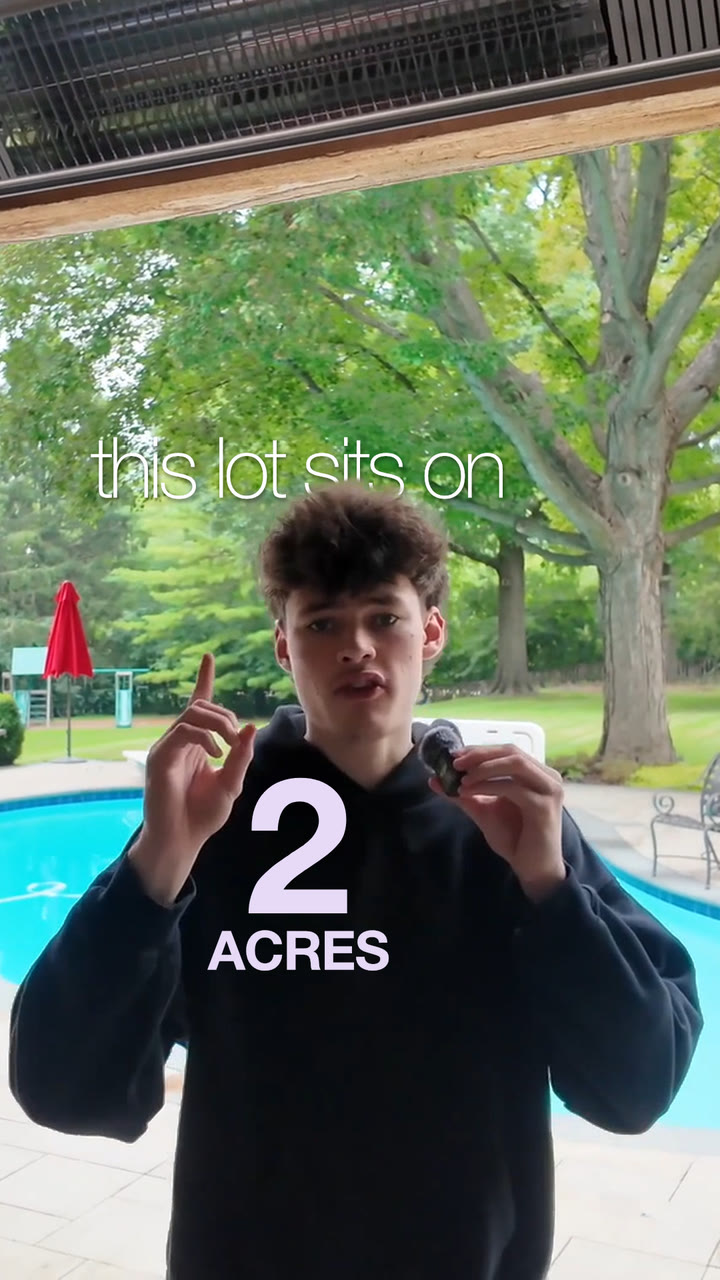
A wide talk becomes a vertical Short that keeps the speaker centered the whole time.
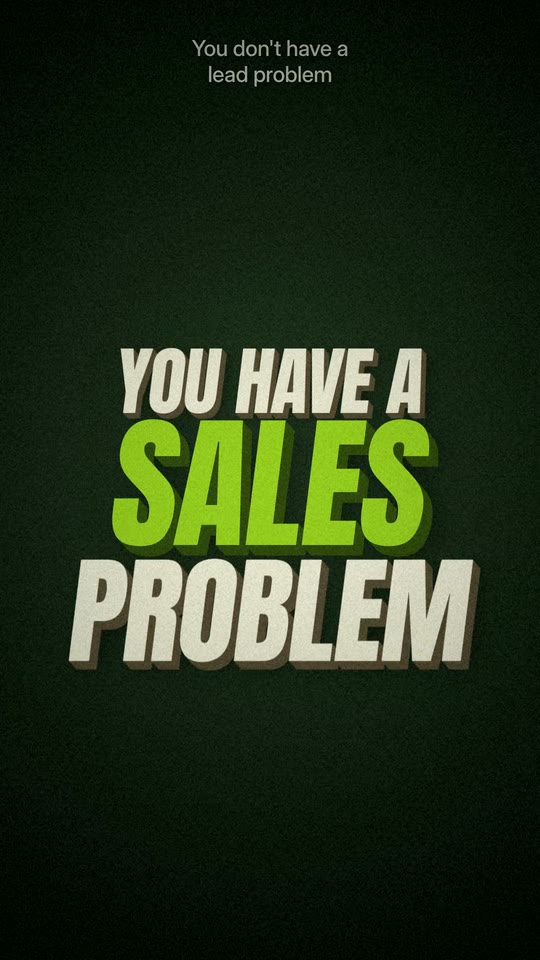
Big lines go big
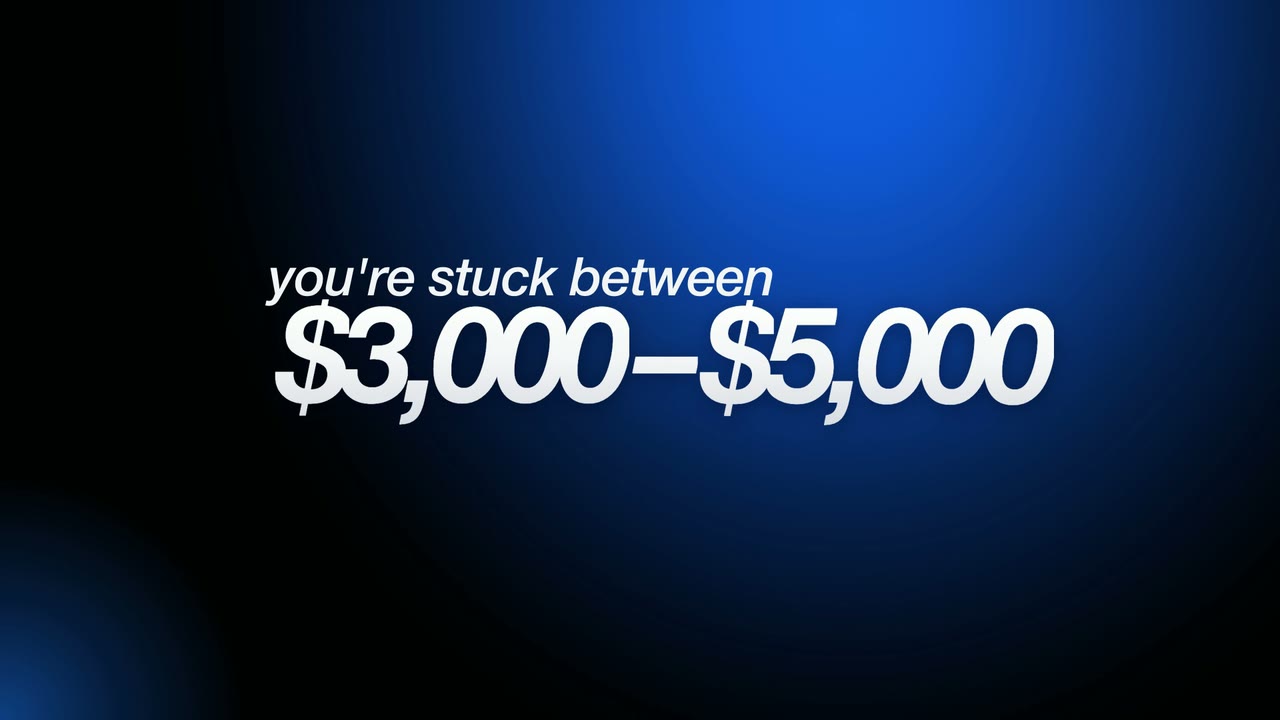
The line that stops the scroll lands big on screen, right as it is said.
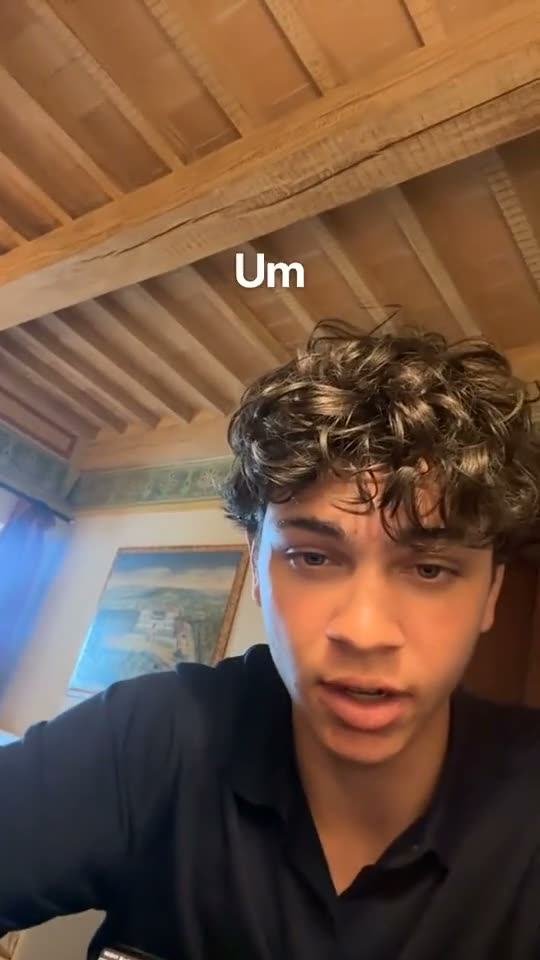
Captions on every word
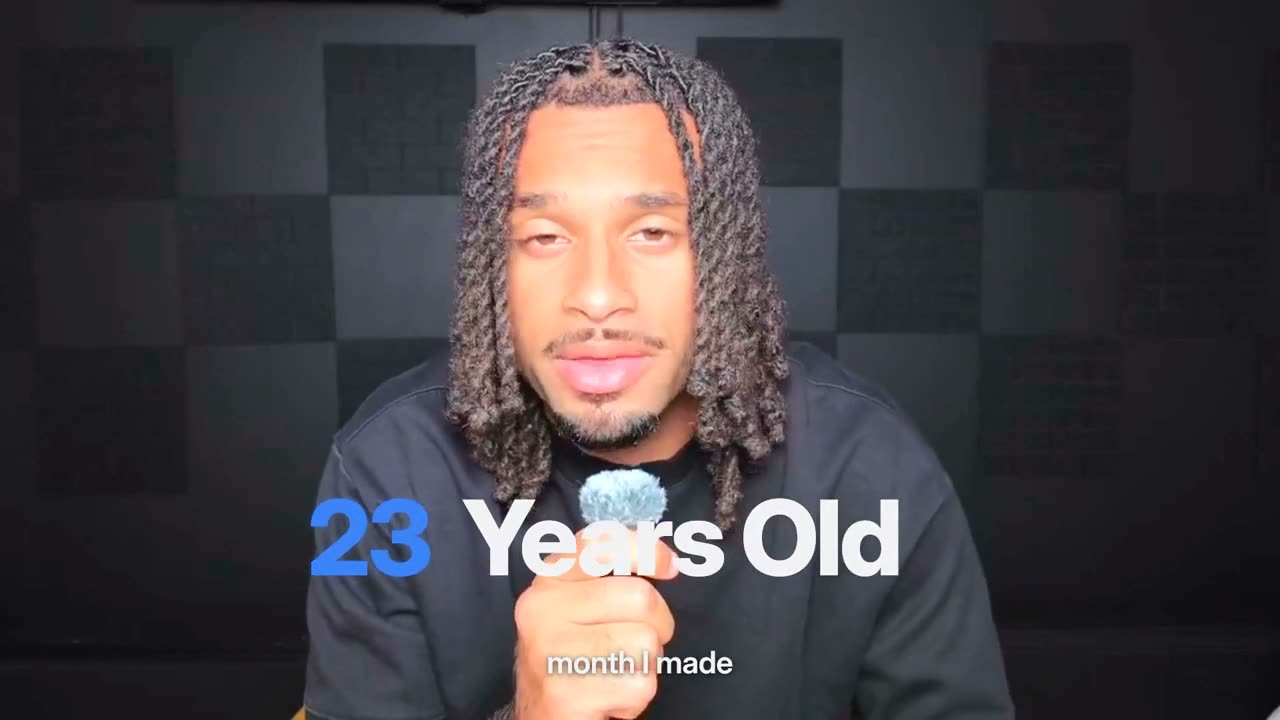
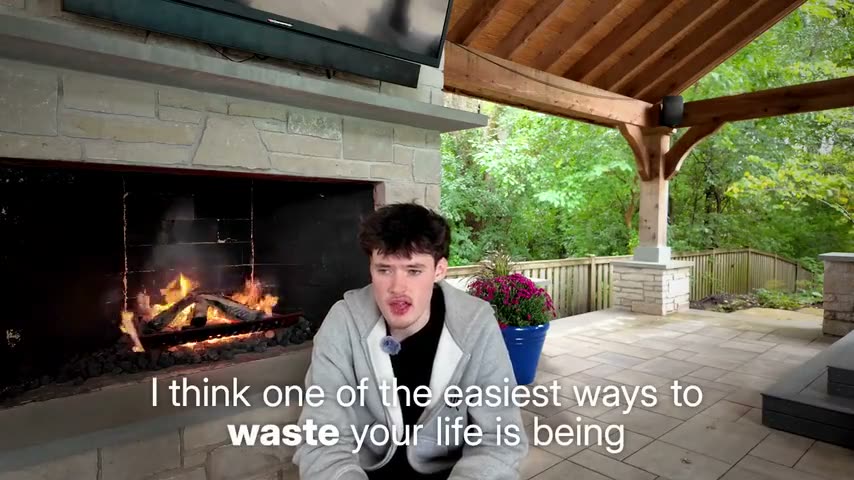
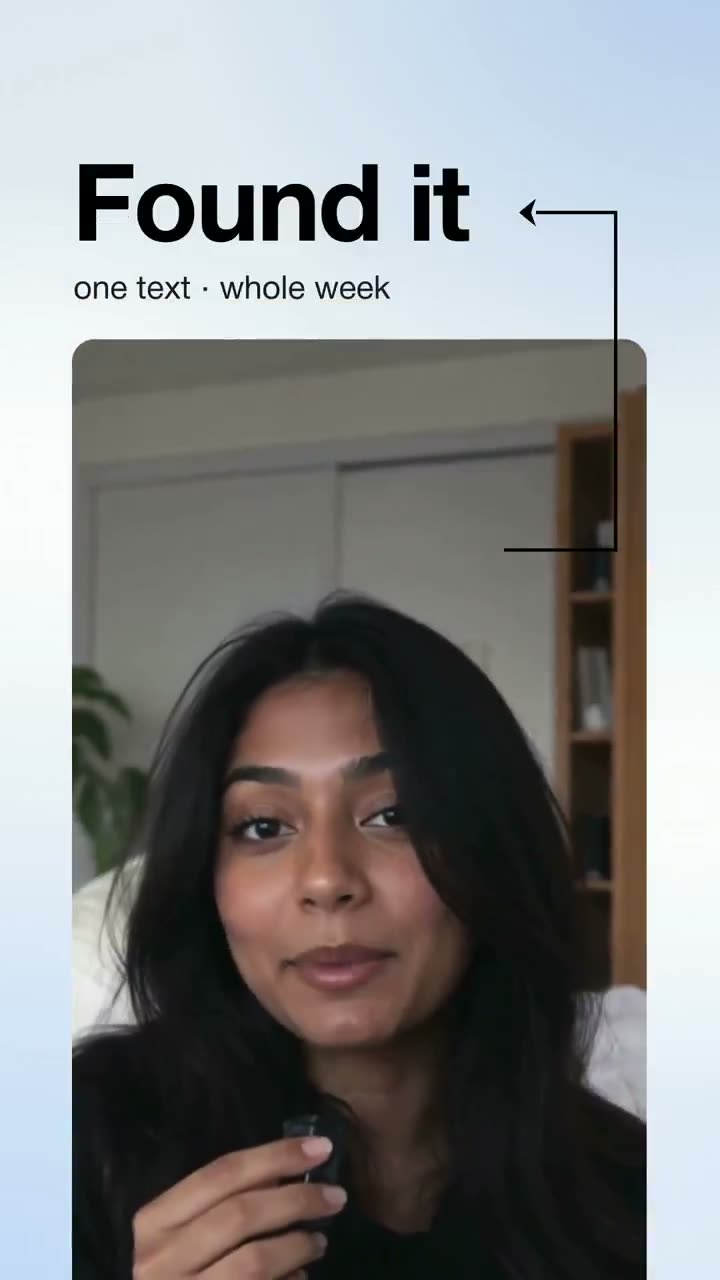
Every word lands as it is said, so the Short works with the sound off.
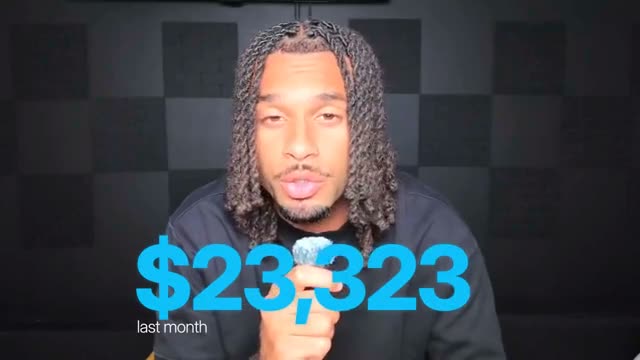
Counts and titles from the talk
Numbers count up and key lines land as titles, the same way they do in the long video.
How to turn a long video into Shorts with Clypmint
Step 1
Upload the long video
A talk, a podcast, a webinar or a YouTube video you filmed. One file is fine.
Step 2
Ask for Shorts
Say how many Shorts you want with the video, and pick a style or let Clypmint pick.
Step 3
Get the finished Shorts
Each Short comes back reframed, cut, captioned and edited, with its own title and post copy.
Step 4
Change any of them in plain words
Ask for a different opening or a shorter cut. A change by typing costs 1 to 2 credits (Fast) or 1 to 4 (Best), for what it uses, and changes by hand are free. Then download and post.
Explore Clypmint for every kind of video
Frequently asked questions
What is the best AI clip generator?
One that hands you finished Shorts, not just trimmed clips: reframed on the speaker, cut tight, captioned and edited in a style. Clypmint does that from the long video you upload.
How does it pick the clips?
Clypmint reads the whole transcript and picks the lines that stand on their own. A hook, a short story or a strong answer each make a clip, cut tight.
Does it work with podcasts and two people?
Yes. When two people sit side by side, the Short stacks them top and bottom, and the picture stays on whoever is talking.
Do the Shorts come with captions?
Yes. Captions are timed to the word, with key words colored and kept clear of the face.
What does Clypmint cost?
Starter is $29 a month for 120 editing credits. Pro is $89 a month for 400 editing credits. Operator is $189 a month for 900 editing credits. Agency is $499 a month for 2400 editing credits. Sign up and choose a plan to start creating. Plans start at $29 a month. Upload your footage, choose a style, and review your finished video. No watermark. Cancel any time.
Your next Shorts start here
Cut five Shorts from my 30 minute podcast…ClypmintSee plansSign up and choose a plan to start creating. Plans start at $29 a month. Upload your footage, choose a style, and review your finished video. No watermark. Cancel any time.