
Turn a long YouTube video into edited Shorts
Clypmint turns a long YouTube video file into edited Shorts. Upload the file you uploaded to YouTube, not a YouTube link. Pick a style, and get captioned Shorts you can still change in chat.
Plans from $29 a month. Cancel any time.
One long video. A week of Shorts.
Drop a podcast, a webinar or a call. Clypmint finds the moments worth posting, ranks them and edits each one as a 9:16 Short.
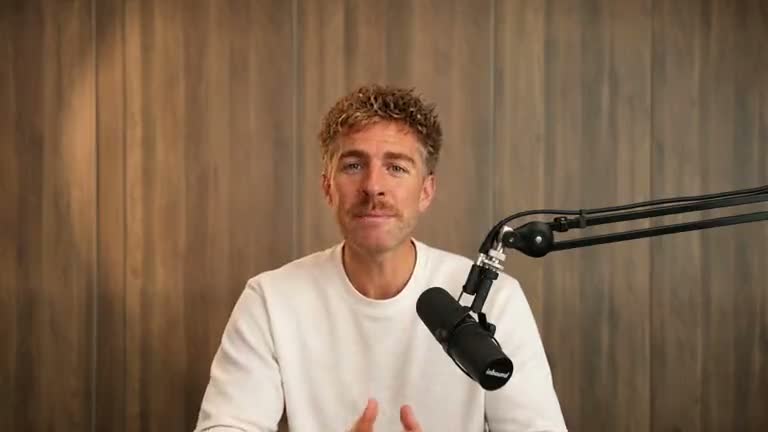
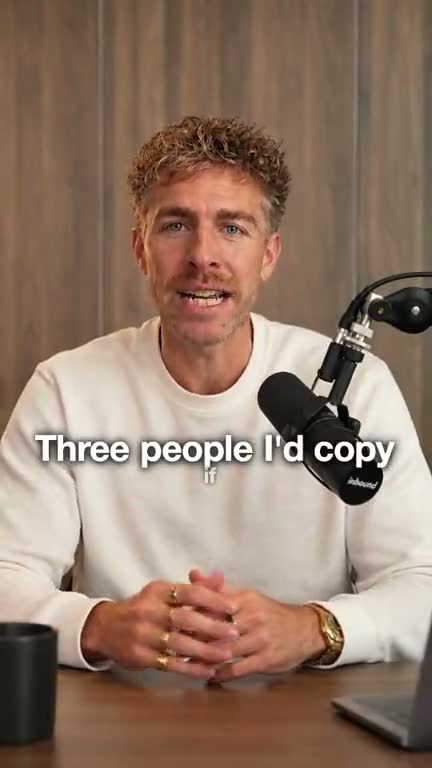
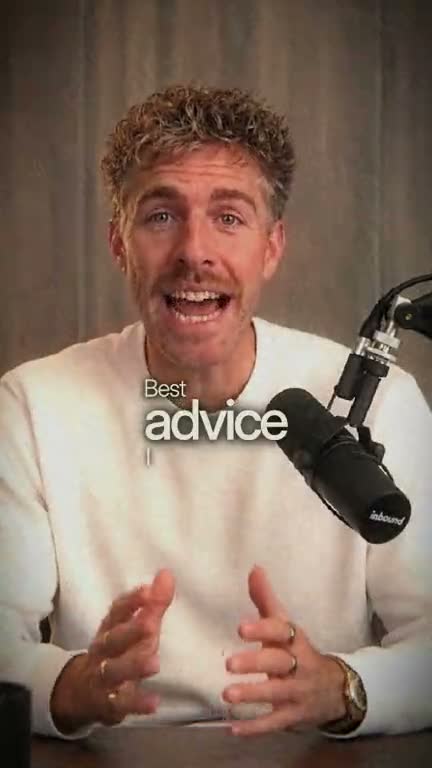
What this does
The clip finder takes one long file and proposes short clips. You keep the ones you want, then Clypmint builds those as styled Shorts.
That is a different job from a designed full-length edit. Both live in Clypmint. The clip door is the one that starts from a long recording and a count of Shorts.
How it works
- Upload the long video
Use a file. Direct video links work. A platform page does not, yet.
- Say how many Shorts
Pick the count, the length, and the shape. Vertical is the usual Shorts shape.
- Keep the clips you want
Clypmint lists the clips. You press Keep. Only those get built.
- Get styled Shorts
Each kept clip can get captions, cuts, and a Clypmint style. Change one in chat if you need to.
What it will not do
Clypmint is not the cheapest way to mine a huge pile of clips from a two hour podcast. If that is the only job, a clip finder like Opus Clip does it for less money. Use Clypmint when the Short still needs a designed edit.
Questions
Is this the same as Opus Clip?
No. Opus Clip finds the clip inside a long recording. Clypmint finds the Shorts too, then edits each one with a style, captions, and graphics.
Can I make vertical Shorts from a wide recording?
Yes. Each Short comes back vertical, framed on the speaker, from a wide or a tall recording.
How many Shorts do I get?
You pick how many when you send the video, or ask for all the good ones, up to 20. Each Short costs 3 credits, and a Short Clypmint cannot find is not charged.
Can I use a YouTube link?
No. Upload the video file you uploaded to YouTube. A YouTube watch page is not a source Clypmint can fetch.
What does Clypmint cost?
Starter is $29 a month for 120 editing credits. Pro is $89 a month for 400 editing credits. Operator is $189 a month for 900 editing credits. Agency is $499 a month for 2400 editing credits. Sign up free, with no card. Your first video is free, from up to 10 minutes of video, and you get 12 free credits every month after that. Free plan: free to make and watch, a paid plan to download. Plans start at $29 a month and download clean, in full quality. Cancel any time.
Read next
Send the recording you already made.
Sign up free, with no card. Your first video is free, from up to 10 minutes of video, and you get 12 free credits every month after that. Free plan: free to make and watch, a paid plan to download. Plans start at $29 a month and download clean, in full quality. Cancel any time.