
Video editor for animated captions
Clypmint is a video editor that adds animated captions to the videos you film. Every word lands as you say it, the key words pop, and the captions stay clear of your face. Pick a caption style or let Clypmint pick one, then post with the captions burned in.
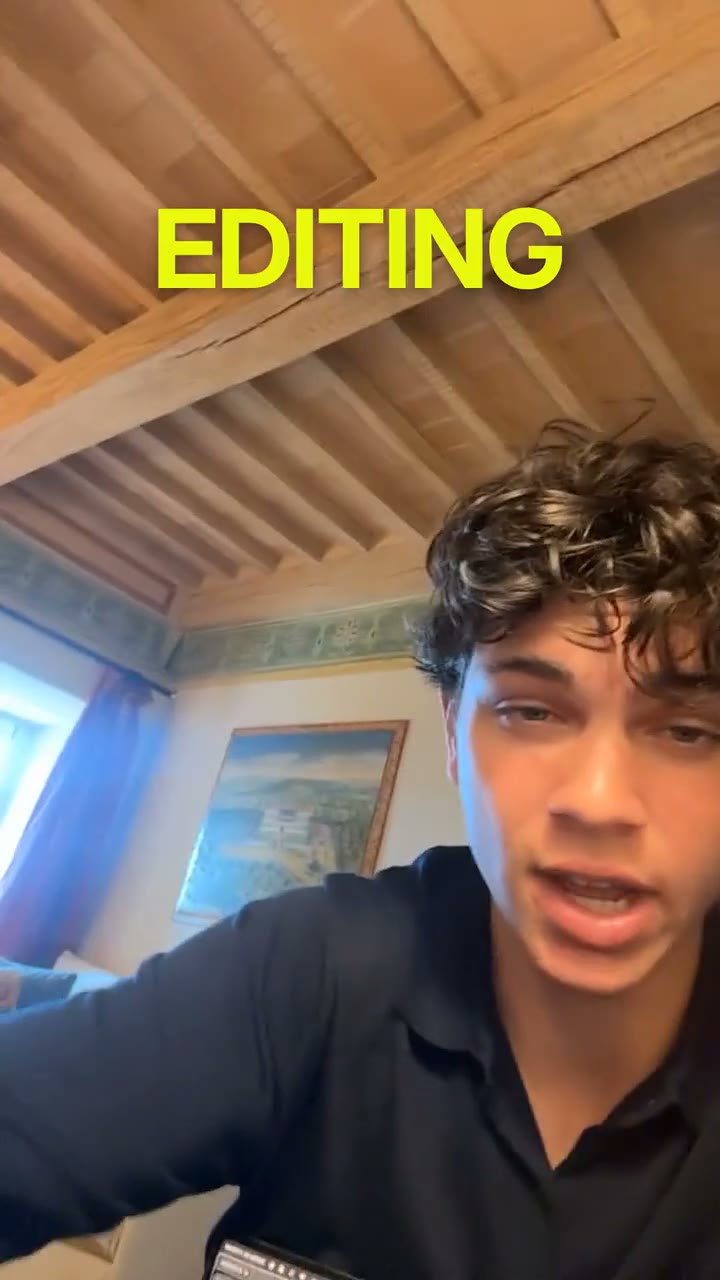
“Make “COOLEST” bigger and yellow”
Make a video like thisCaptions that move with your voice
Timed to the word
Each word shows the moment you say it, from the transcript of your own voice. No late lines and no drift.
Key words that pop
The word that matters goes big, in color, in glass or in a second font, so a scrolling viewer catches it.
Clear of your face
Clypmint finds your face and keeps the captions off it, so you never talk from behind your own words.
Caption styles people stop scrolling for
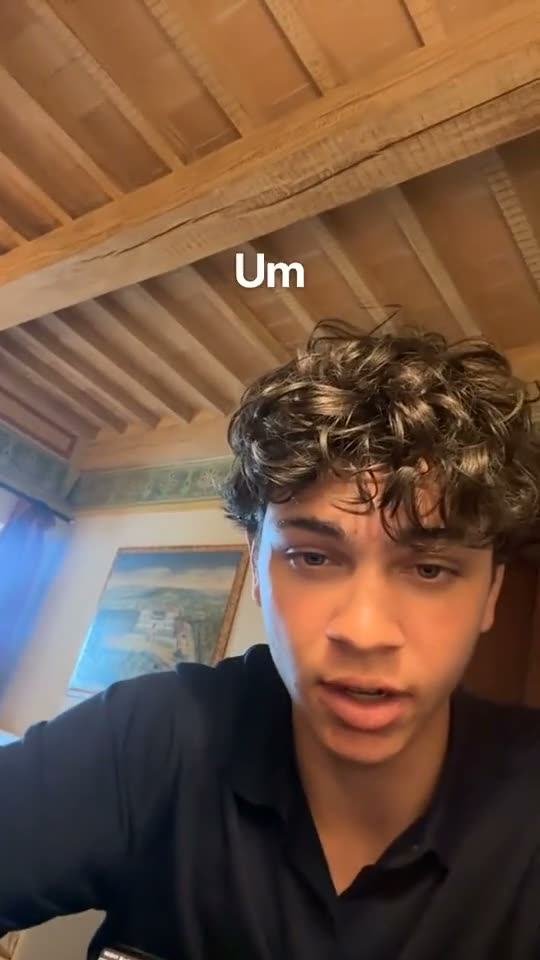
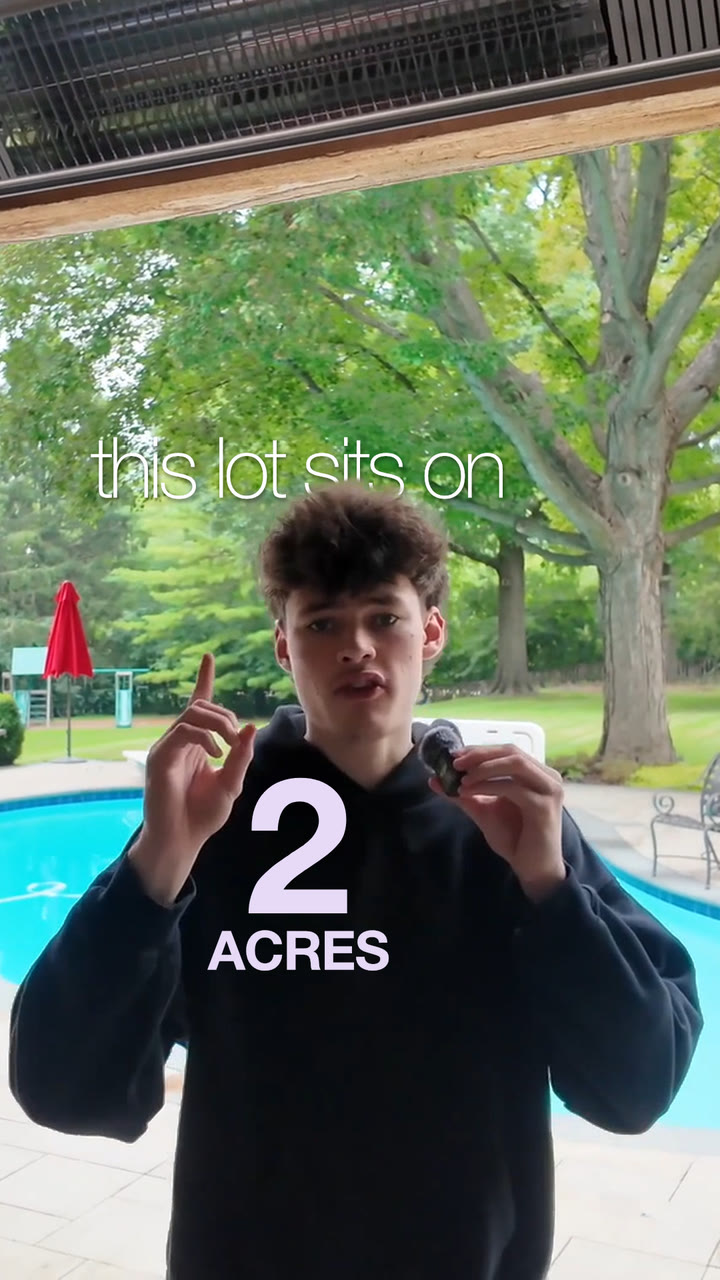
Neon pop
Words tap on above your head, and the line that matters goes big in neon yellow.
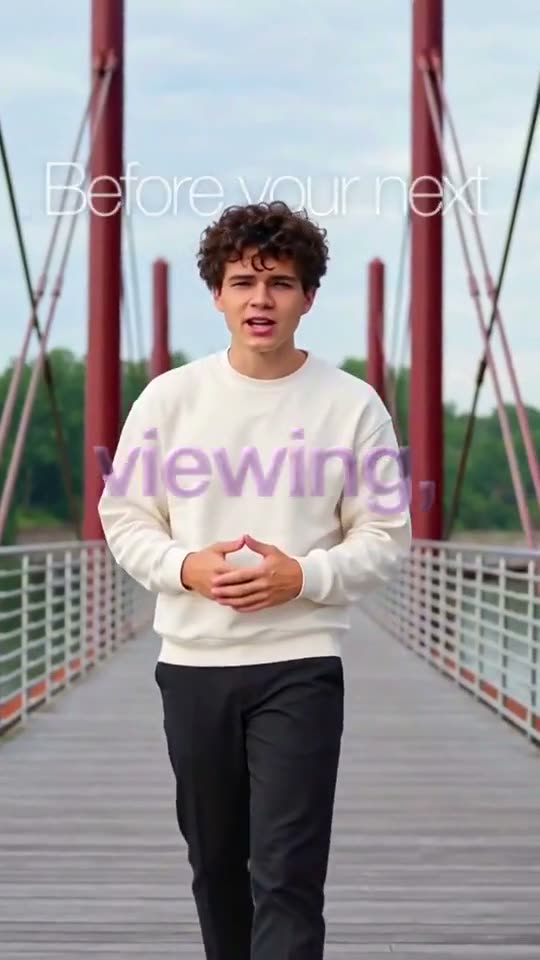
Glass key words
One bold key word turns to glass and catches the light, over small words under your chin.
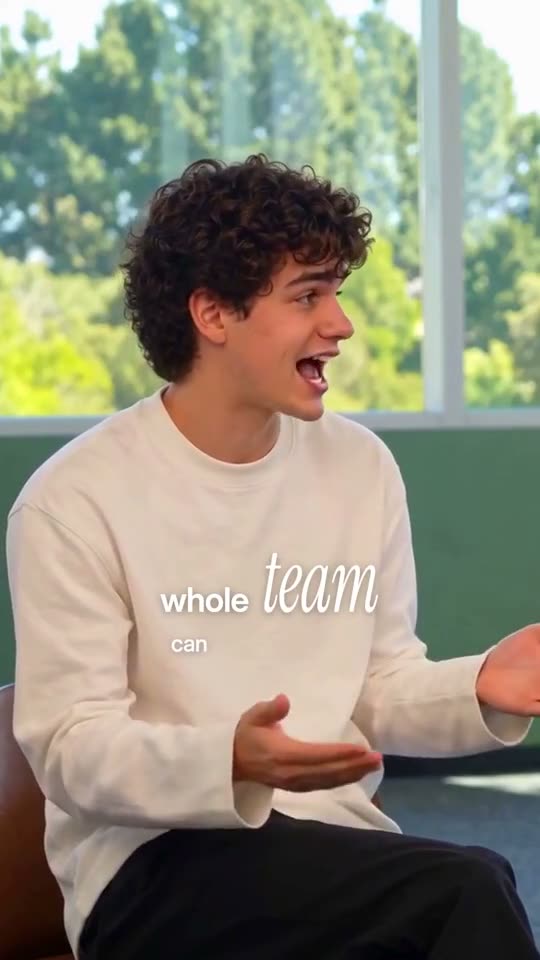
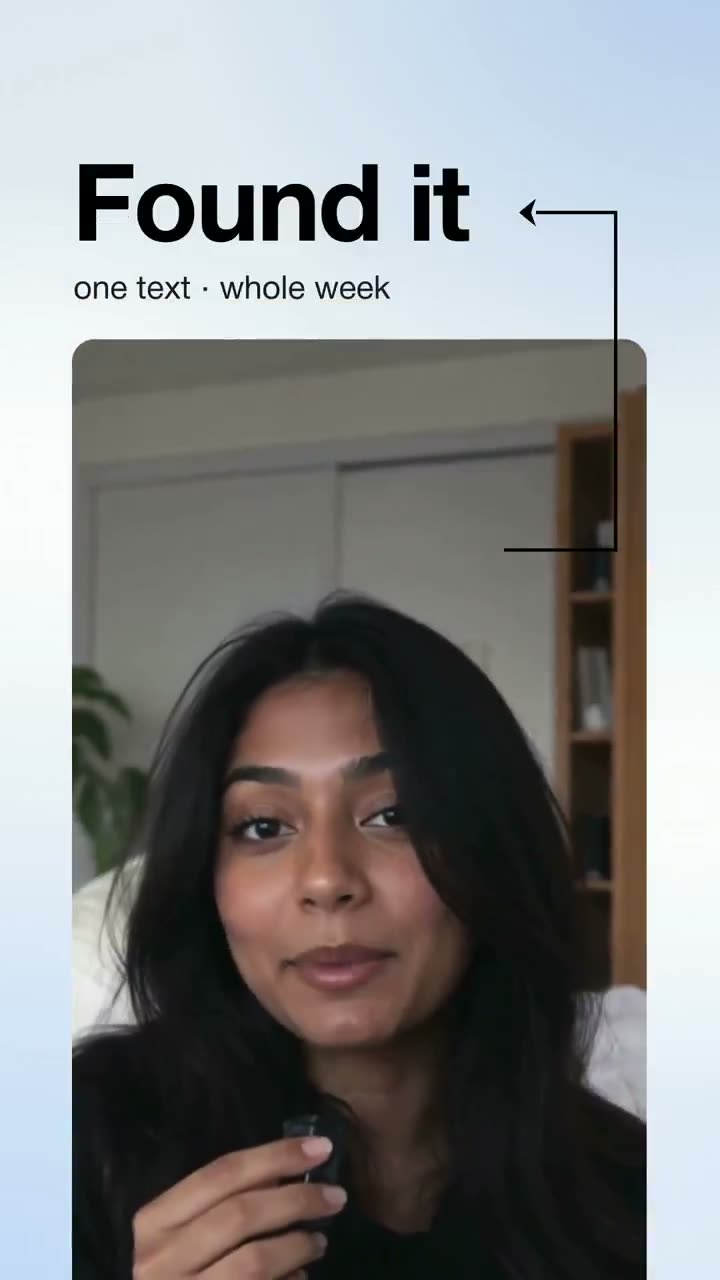
Serif accents
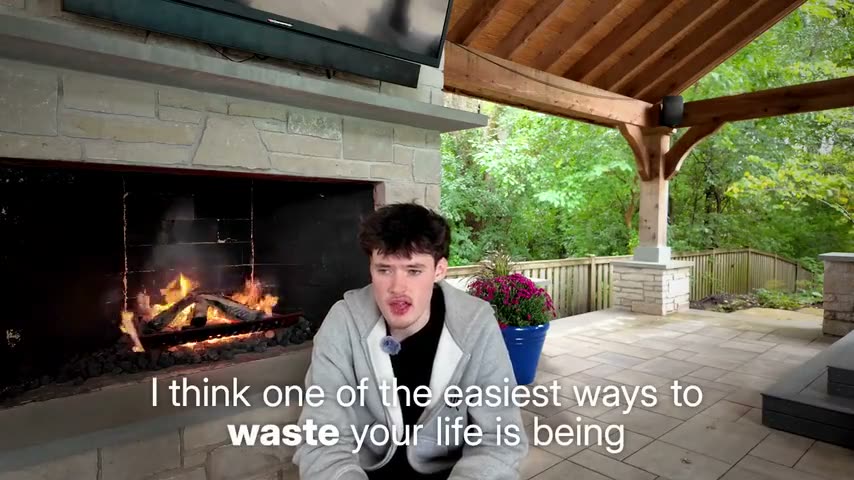
Crisp small words with the key word set in a big italic serif, like a magazine.
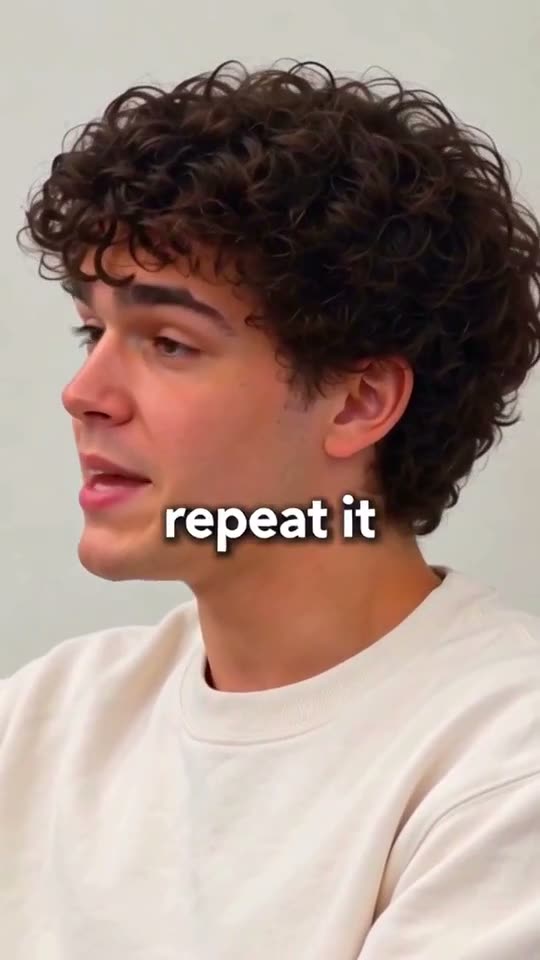
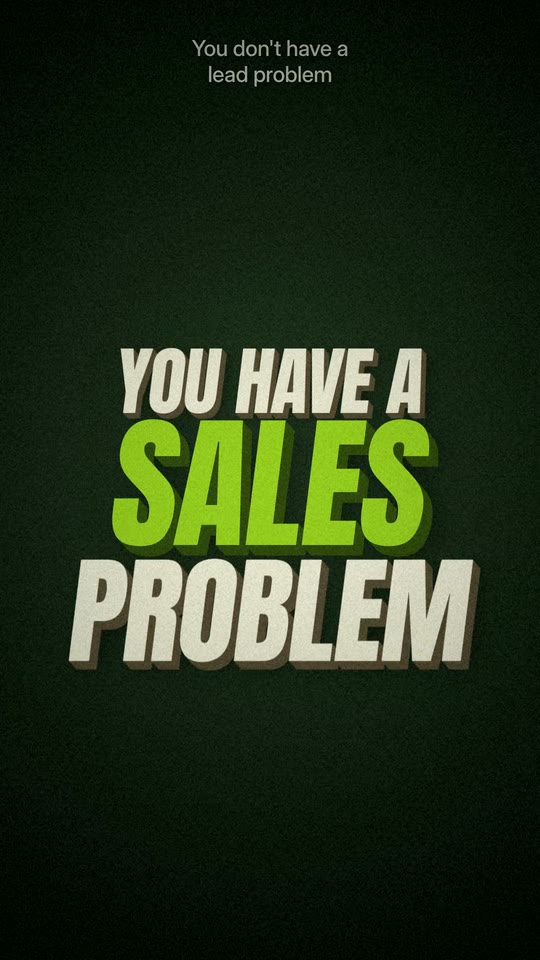
Bold and clean
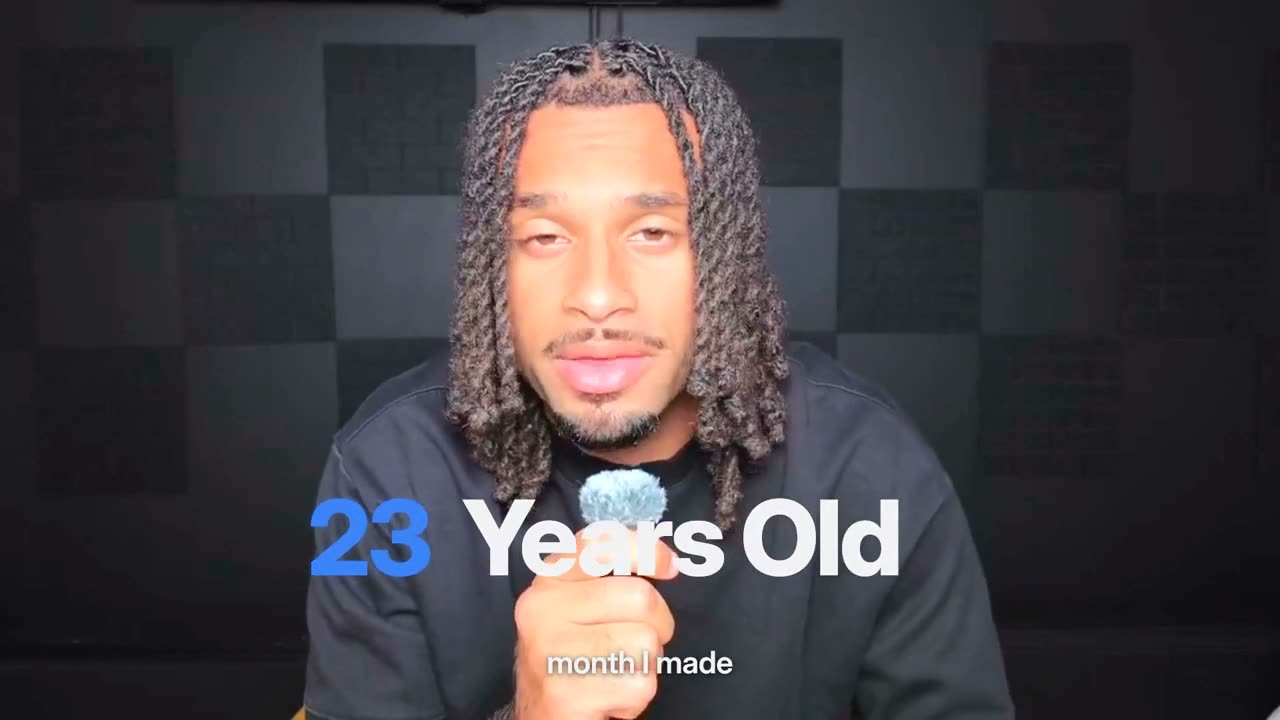
Big white words, one short phrase at a time. Simple, and readable on any phone.
How to add animated captions to a video
Step 1
Upload your video
Use a take with clear speech. Captions come from what you say, so there is nothing to type.
Step 2
Pick a caption style
Choose the style whose captions you like, or let Clypmint pick one that fits your video.
Step 3
Get the captioned video
Every word lands on the beat you say it, with the key words set apart, burned into the picture.
Step 4
Fix any word
Fix captions lets you edit a line's text and its key-word color. The new version comes back in about 7 minutes and is free.
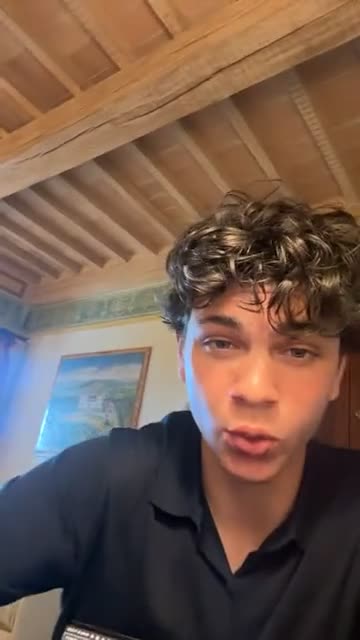
Explore Clypmint for every kind of video
Frequently asked questions
What is the best video editor for cool captions?
One that times every word to your voice, makes the key word pop and keeps the captions off your face, without you placing a single word. Clypmint does that in every style, and you pick the caption style you like.
Are the captions burned in?
Yes. They are part of the video you download, so they show on every app.
Can I change a word in the captions?
Fix captions lets you edit a line's text and its key-word color. The new version comes back in about 7 minutes and is free.
Do captions cover my face?
They should not. Clypmint measures where your face is and moves the captions so they stay clear of it.
Can I change the caption style later?
Yes. Pick a different style, or tell the AI editor what to change.
What does Clypmint cost?
Starter is $29 a month for 120 editing credits. Pro is $89 a month for 400 editing credits. Operator is $189 a month for 900 editing credits. Agency is $499 a month for 2400 editing credits. Sign up and choose a plan to start creating. Plans start at $29 a month. Upload your footage, choose a style, and review your finished video. No watermark. Cancel any time.
Your next captioned video starts here
Add neon captions to my talking video…ClypmintSee plansSign up and choose a plan to start creating. Plans start at $29 a month. Upload your footage, choose a style, and review your finished video. No watermark. Cancel any time.