
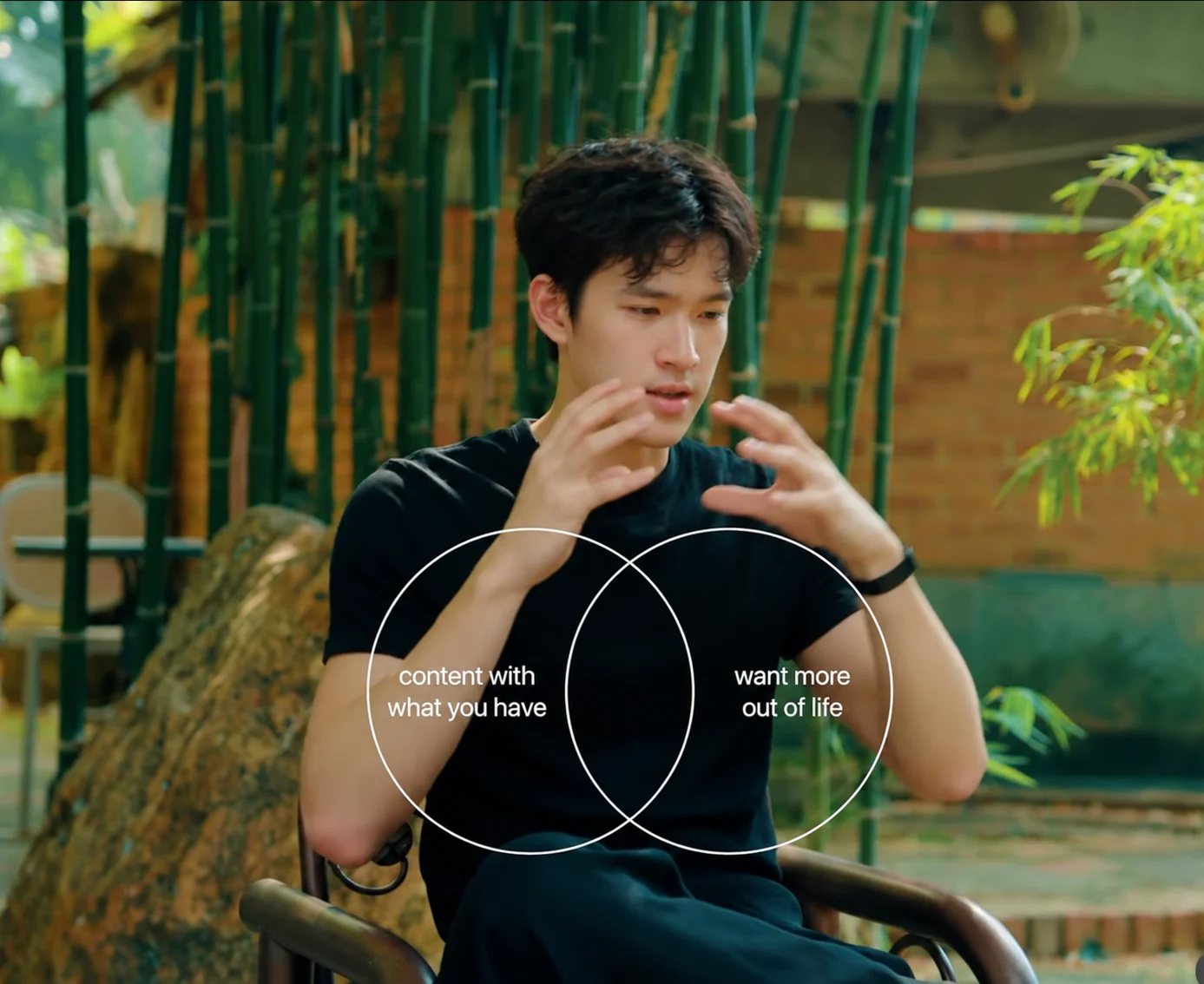
Motion graphics with a style worth copying
Clypmint makes AI motion graphics from your words and visual material. Extract a new editing style from a reference, or choose an existing style. Starter includes 1 style copy a month. Create with footage or make it faceless from your words and images.
Plans from $29 a month. Cancel any time.
Bring a referenceExtract a new editing style
Build from motion you actually want. Starter includes 1 style copy a month.
Explore the libraryChoose an editing styleAny editing style can be used for a faceless video. Bring words, images or footage.
Every kind of video. One editor.
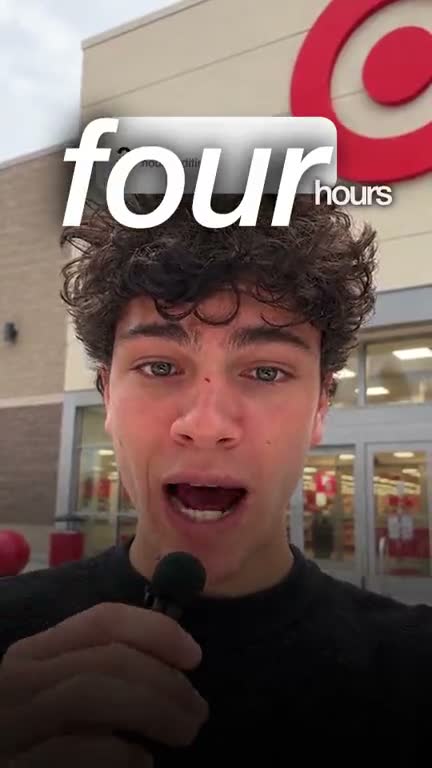
Ads from your own footage
B-roll it finds for you
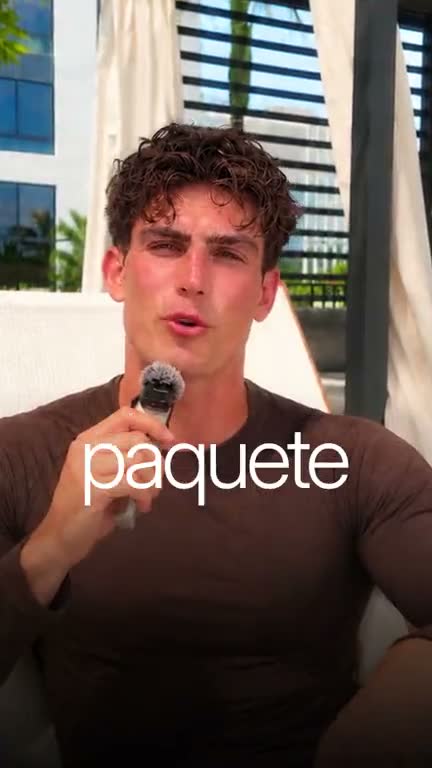
Captions in your language
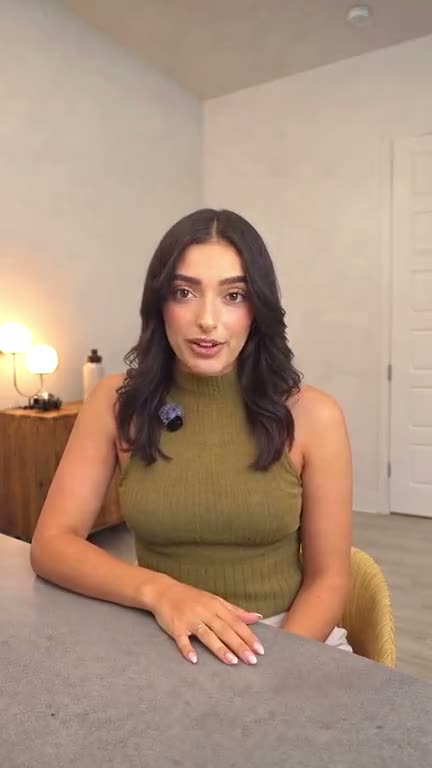
Just the cut
Numbers that pop on screen
Like how a video looks? Make it your style.
Crimson Serif ExplainerFrom instagram.comMake a video in this style
Original
Our sample, on our footage
What this does
Start with a motion reference you actually like. Style extraction measures its typography, scene structure, motion and pacing so you can reuse the direction on new material.
For an existing starting point, Serif editorial launch is music-led, with large serif statements, collages and product frames. Bold navy statement uses a narrator, oversized headlines and graphic cards.
Any editing style can be used for a faceless video. Choose the motion direction you want, then bring your words and visual material.
Watch the Clypmint launch film above for kinetic type, scene transitions and product storytelling. Compare editing-style previews below, or bring a reference for a new direction.
Bring a script or an idea, plus your product screens, images or clips when the film needs them. The selected style determines the visual treatment.
How it works
- Bring your words and material
Start with a brief or script. Add your brand images, product screens or footage.
- Choose or extract a style
Extract a new editing style from a reference, or choose an existing style from the library. Starter includes 1 style copy a month.
- Get the graphics
Clypmint builds the graphic scenes in the selected style and renders your video.
- Direct in chat
Ask for a card to hold longer, a different colour, or a callout on a line it missed.
Example motion treatments

What it will not do
The limit
Style extraction carries the reference’s editing direction into your own video. Your words and assets supply the content; the reference’s footage, script and logos are not copied.
Questions
Can I bring a motion reference?
Yes. Extract an editing style from a reference video. Starter includes 1 style copy a month. Clypmint measures its typography, motion, scene structure and pacing so you can use that direction with your own content.
Can I use my brand colours and font?
Include your brand direction and assets in the brief. Choose a compatible style or extract a reference, then review the output and ask for changes.
Is this an AI motion graphics generator from text?
Yes. Start from a brief or script without filming a talking head. Any editing style can be used for a faceless video. Add your images or product screens when needed.
What kinds of graphics are there?
Large type, statement cards, collages, product frames and brand marks. The editing style or reference you choose guides the motion and visual treatment.
What does Clypmint cost?
Starter is $29 a month for 120 editing credits. Pro is $89 a month for 400 editing credits. Operator is $189 a month for 900 editing credits. Agency is $499 a month for 2400 editing credits. Sign up and choose a plan to start creating. Plans start at $29 a month. Upload your footage, choose a style, and review your finished video. No watermark. Cancel any time.
Read next
Bring your words. Choose your motion.
Sign up and choose a plan to start creating. Plans start at $29 a month. Upload your footage, choose a style, and review your finished video. No watermark. Cancel any time.