
Talking head video editor that does the editing
Clypmint is an AI video editor for talking head videos. Upload the take where you talk to camera, and get back a finished video with the pauses cut, captions on every word and pictures on what you say. One take can come back as a YouTube video and a Reel.
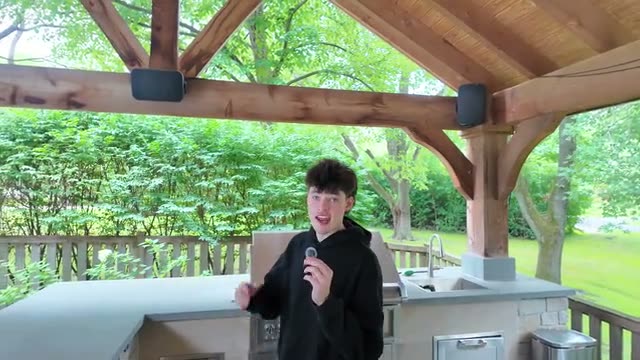
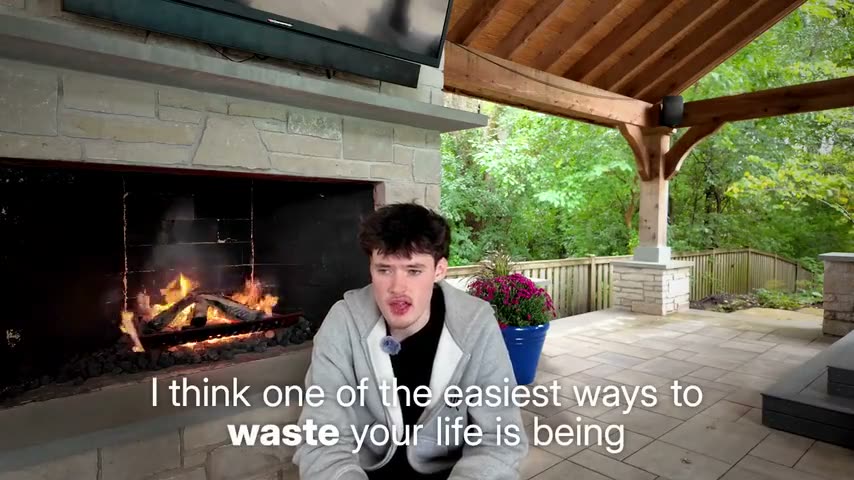
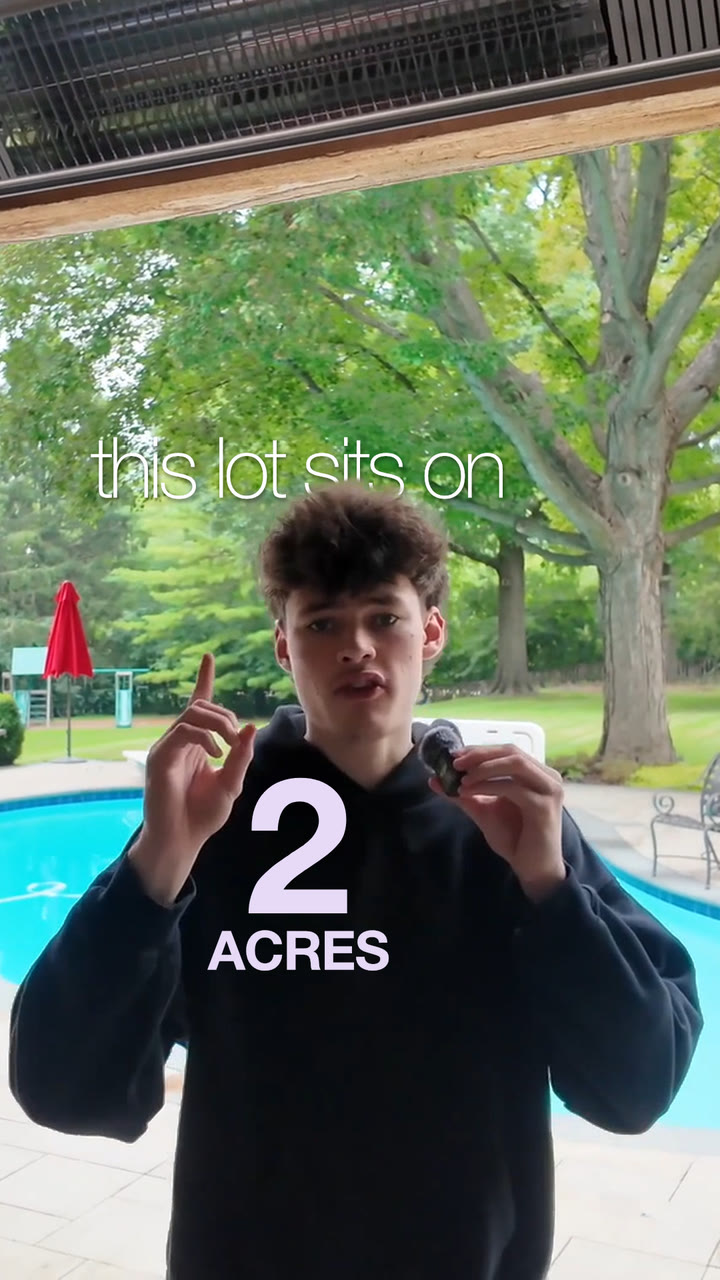
Try for freeLiam’s backyard take, edited by Clypmint as a documentary-style YouTube video and as a vertical Reel, in his own words.
A talking head video editor that hands you the finished video
Made for people who talk
Built for coaches, founders, teachers and creators who talk to camera. One long take with restarts is fine.
No editing skills needed
You never open a project file. Clypmint finds the good takes, cuts the rest and sends back a finished video.
One take, two videos
The same take can come back as a wide YouTube video and a vertical Reel, each cut for where it is posted.
Why people choose Clypmint for their talking head videos
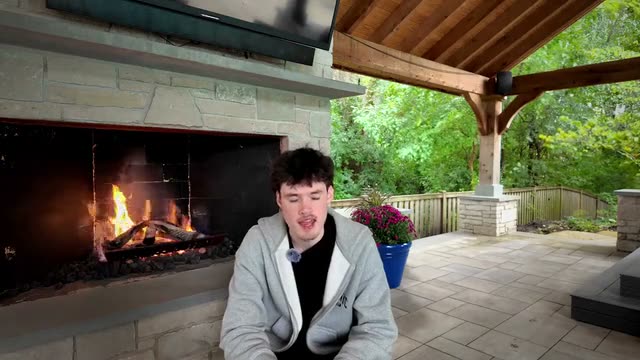
Two angles from one camera
Clypmint cuts between a wide and a close frame of your one camera, like a filmed interview.
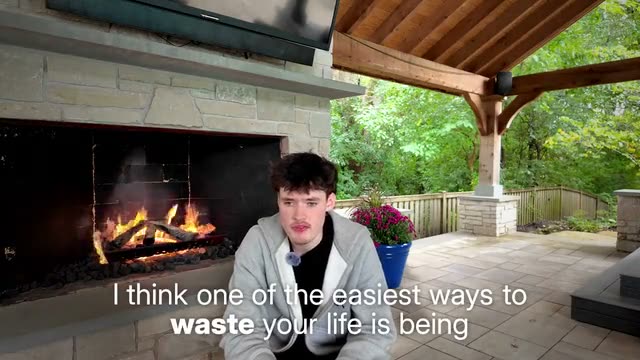
The key word stands out
Captions run under every line, and the word that carries the point is set bold.
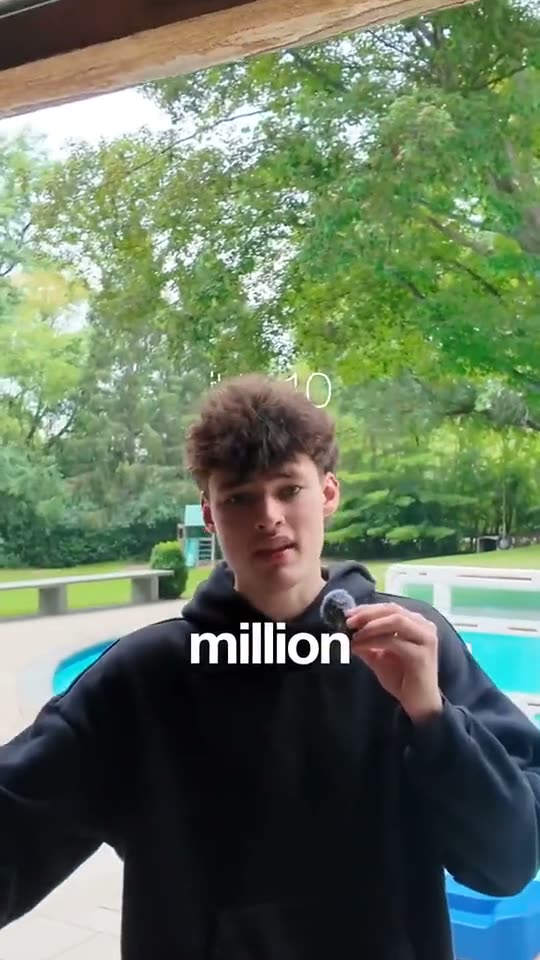
Big lines go big
Say the number or the punch line, and it lands big on screen, right as you say it.
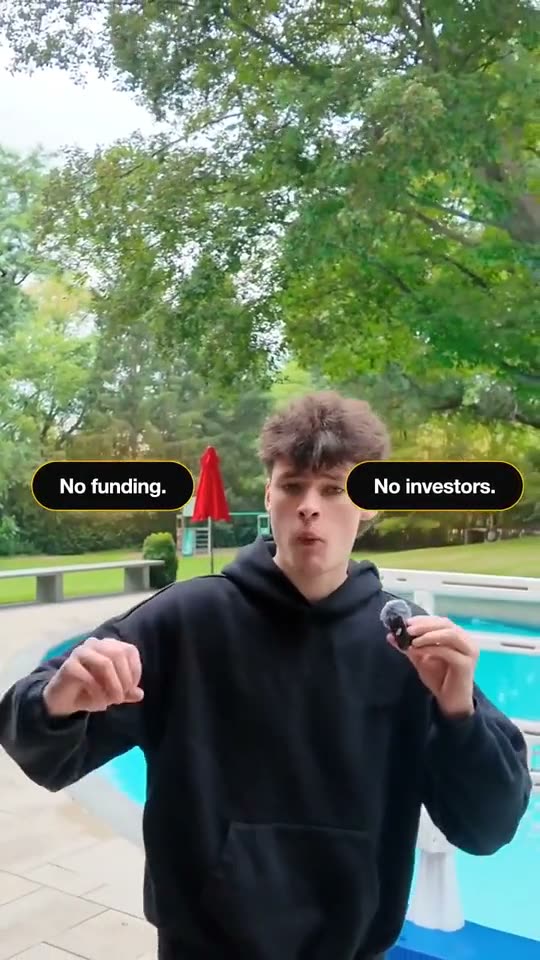
Your points beside you
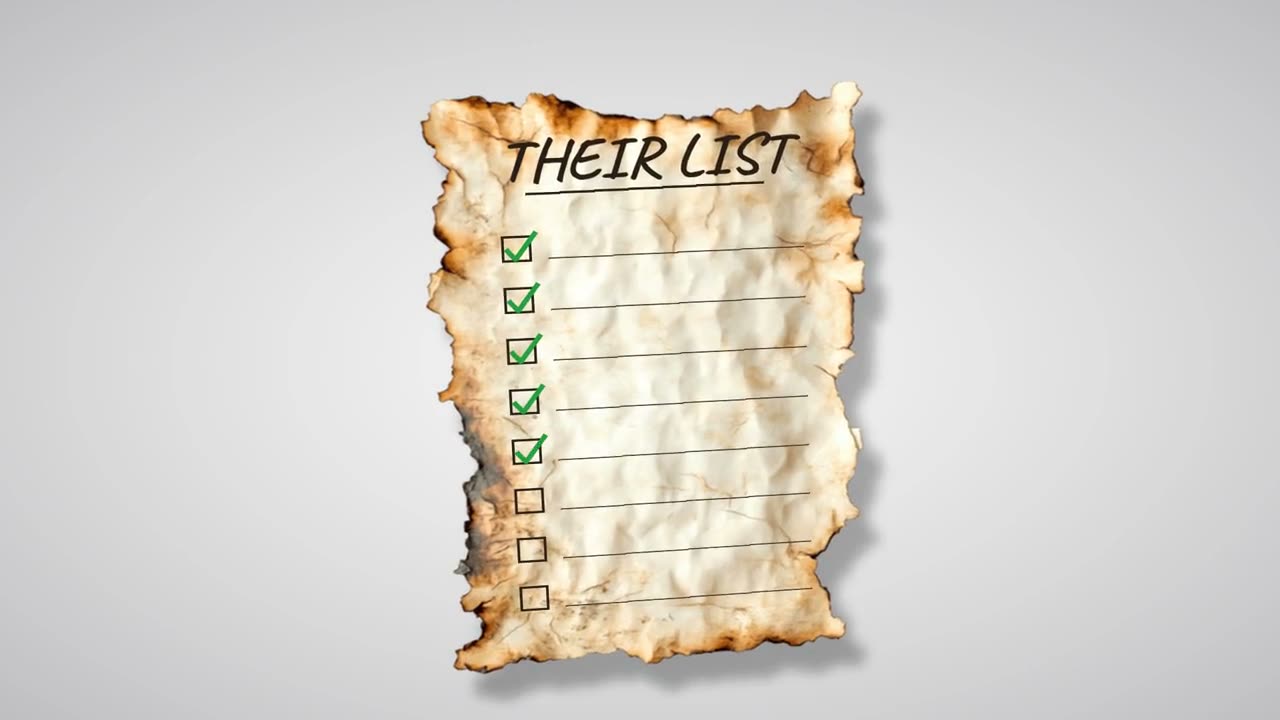
List your points and each one appears beside you as you say it, then makes room for the next.
How to edit a talking head video with Clypmint
Step 1
Film yourself talking
Talk to your phone or camera. One take is fine, and so are restarts. Clypmint keeps the best take of each line.
Step 2
Upload the take
Upload the file, pick a style or let Clypmint pick, and say if you want a YouTube video, a Reel or both.
Step 3
Get the edit back
Clypmint cuts the pauses, captions every word and puts pictures on what you say.
Step 4
Change it in plain words
Ask for a tighter middle or a new opening. A change by typing costs 1 credit (Fast) or 2 (Best), and changes by hand are free. Then download it and post.
Made by real people
with Clypmint
See more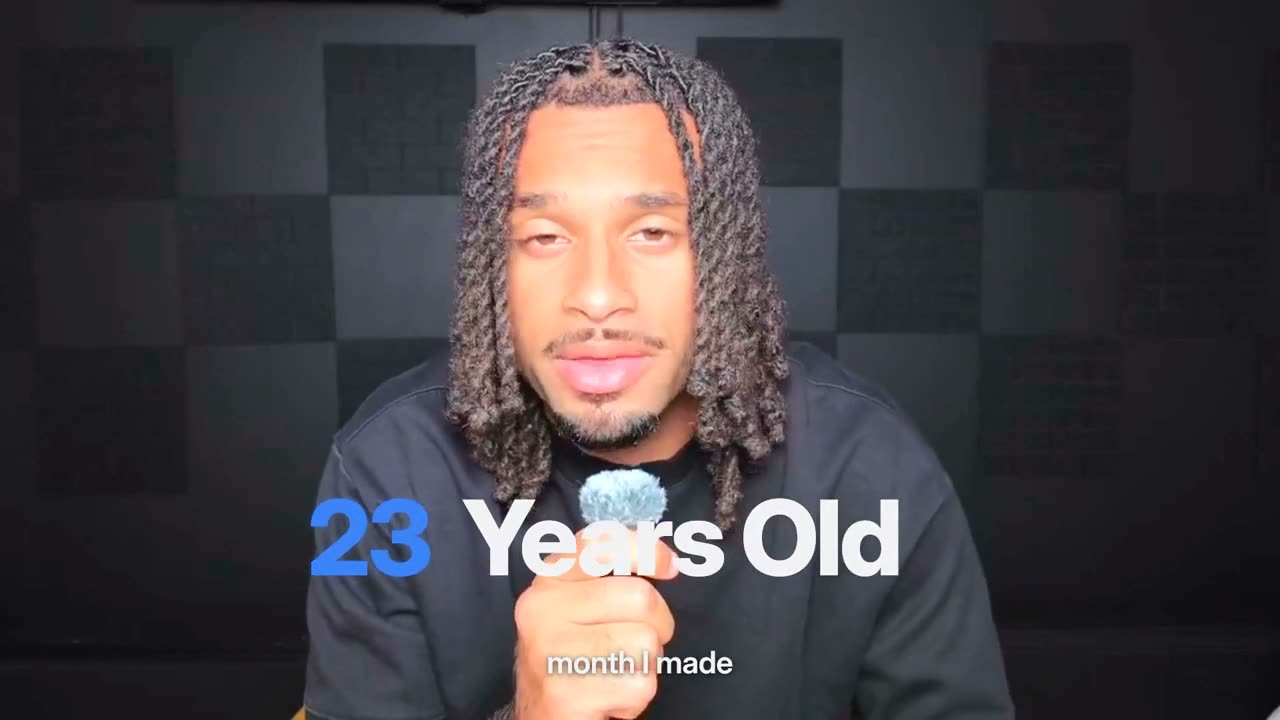

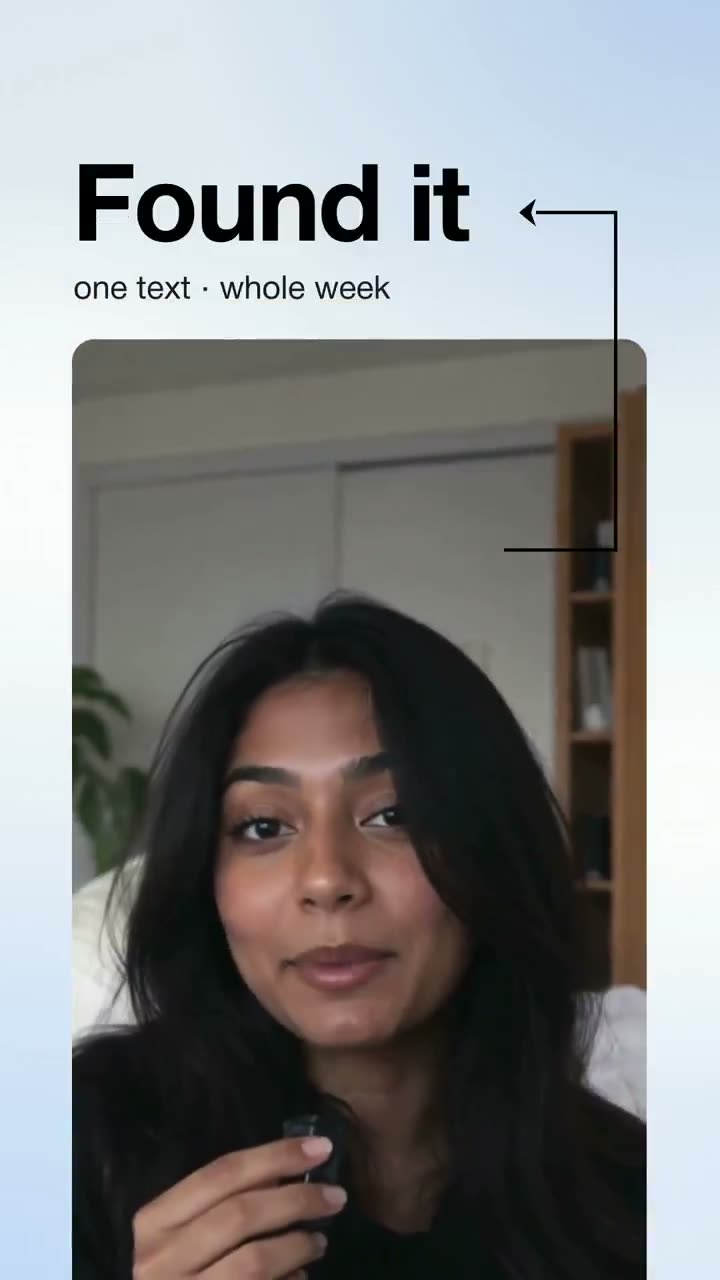
Explore Clypmint for every kind of video
Frequently asked questions
What is the best way to edit a talking head video?
Cut every pause and restart, keep the best take of each line, caption every word, and change the frame or add a picture every few seconds so it never sits still. Clypmint does all of that for you from one take.
Can AI edit a talking head video well?
Yes, when it edits like an editor. Clypmint follows a style measured from a real editor’s video, so the cuts, captions and pictures land where a good editor would put them.
Do I need B-roll?
No. Clypmint can edit a talking head video with nothing but your take. Add photos or clips if you have them, and they show up when you name them.
Can I keep the same style on every video?
Yes. Pick one style and every video comes back in it, so your channel looks the same week after week.
How long can my take be?
Your plan sets the longest single file you can upload. Choose a paid plan before creating your first video.
What does Clypmint cost?
Starter is $29 a month for 120 editing credits. Pro is $89 a month for 400 editing credits. Operator is $189 a month for 900 editing credits. Agency is $499 a month for 2400 editing credits. Sign up free, with no card. Your first video is free, from up to 10 minutes of video, and you get 12 free credits every month after that. Free plan: free to make and watch, a paid plan to download. Plans start at $29 a month and download clean, in full quality. Cancel any time.
Your next talking head video starts here
Cut my 10 minute talk into a YouTube video and a Reel…ClypmintSee plansSign up free, with no card. Your first video is free, from up to 10 minutes of video, and you get 12 free credits every month after that. Free plan: free to make and watch, a paid plan to download. Plans start at $29 a month and download clean, in full quality. Cancel any time.