How to get the After Effects style without After Effects
Pick a Clypmint style that was measured from a real edit and apply it to your footage. The After Effects feel is not a filter. It comes from specific choices: hard cuts with no dissolves, type that snaps into place instead of fading, and graphics that land on the word you say. Clypmint measured those choices and applies them.
Starter is $29 a month for 120 editing credits. Pro is $89 a month for 400 editing credits. Operator is $189 a month for 900 editing credits. Agency is $499 a month for 2400 editing credits.
Why this is hard
- Your edit looks like a template because it is one.
- Fades and slides read as amateur, and you cannot say why.
- Learning After Effects takes a year you do not have.
How to do it, step by step
- Understand what the style actually is
Hard cuts, no dissolves. Type that snaps into position instead of sliding in. Graphics timed to your words, not to a template.
- Pick a style built from that grammar
Intro turns the talk into a moving page of icons, screens and checklists. Luxe sets one huge word over you, with editorial pages.
- Upload your footage
Real footage of a real person. The styles were measured on that and not on stock.
- Let it apply the whole grammar
Cuts, captions, cards, and colour all follow the style rather than a preset dropped on top.
- Refine in a sentence
Tell the AI editor which beat to hold, cut, or move.
Which styles suit this
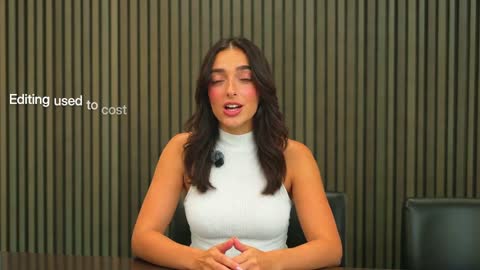
Intro
Edit-heavy pages, checklists and your hook set behind you.
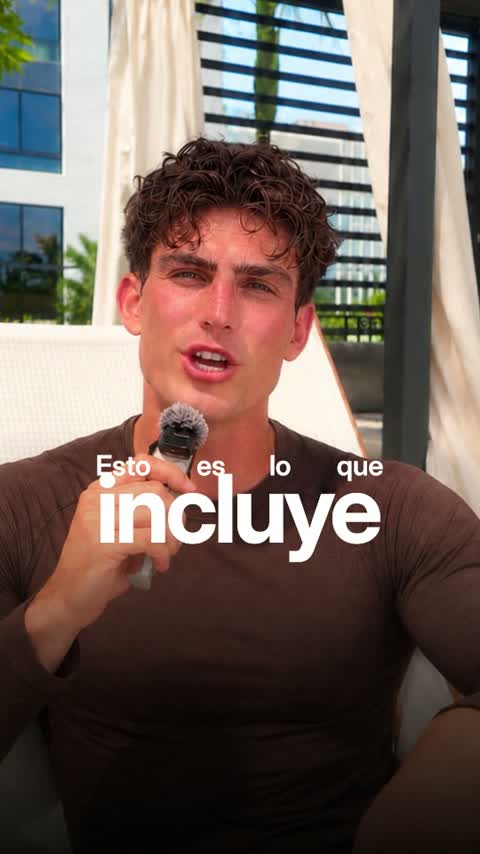
Luxe
Big set words and framed cards. Polished and premium.
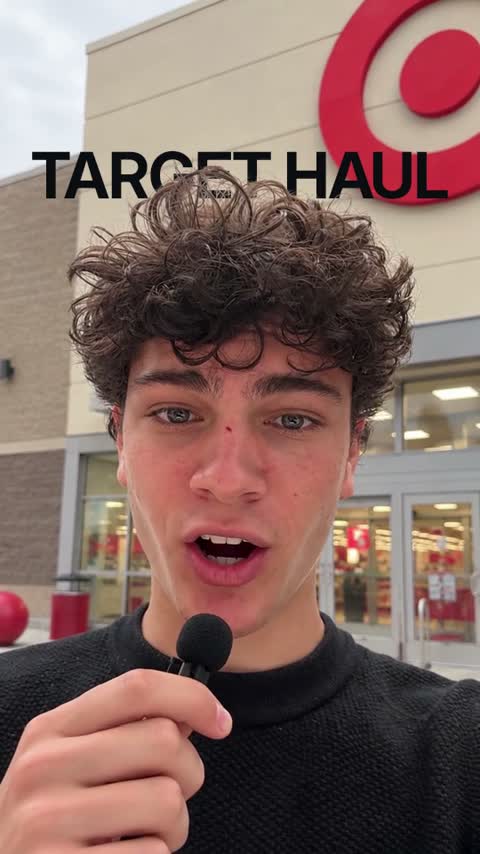
Pop-up
What you show pops up beside you with a click. For products, unboxing and reviews.

Real estate
Glass captions behind your head, zooms on your face and your listings popping up.
Or browse every Clypmint style.
What Clypmint will not do here
A Clypmint style is a fixed grammar, not an open canvas. If you want a shot nobody has made before, you want a motion designer, not a style.
Questions
What makes an edit look designed?
Rules held on every beat: the same type voices, the same cuts and the same moves. A Clypmint style is those rules, measured from one finished edit, so every video made with it follows them.
Is this just a template?
No. A template puts the same graphics in the same places. A Clypmint style is a set of rules about which graphic fires on which beat, so the output follows your footage.
Can I use my own brand colours?
Each Clypmint style carries its own measured palette. On the plans that include style cloning you can build a style from a reference video you own.
Is Clypmint an After Effects alternative?
For getting a finished After Effects style on a talking-head video without animating it yourself, yes. For designing your own motion from scratch, no. After Effects gives you every keyframe, and Clypmint gives you finished styles measured from real edits.
What does Clypmint cost?
Starter is $29 a month for 120 editing credits. Pro is $89 a month for 400 editing credits. Operator is $189 a month for 900 editing credits. Agency is $499 a month for 2400 editing credits. You are billed monthly and you can cancel any time.
Is there a free trial?
Sign up and choose a plan to start creating. Plans start at $29 a month. Upload your footage, choose a style, and review your finished video. No watermark. Cancel any time.
Other jobs
Send us the recording.
Sign up and choose a plan to start creating. Plans start at $29 a month. Upload your footage, choose a style, and review your finished video. No watermark. Cancel any time.