
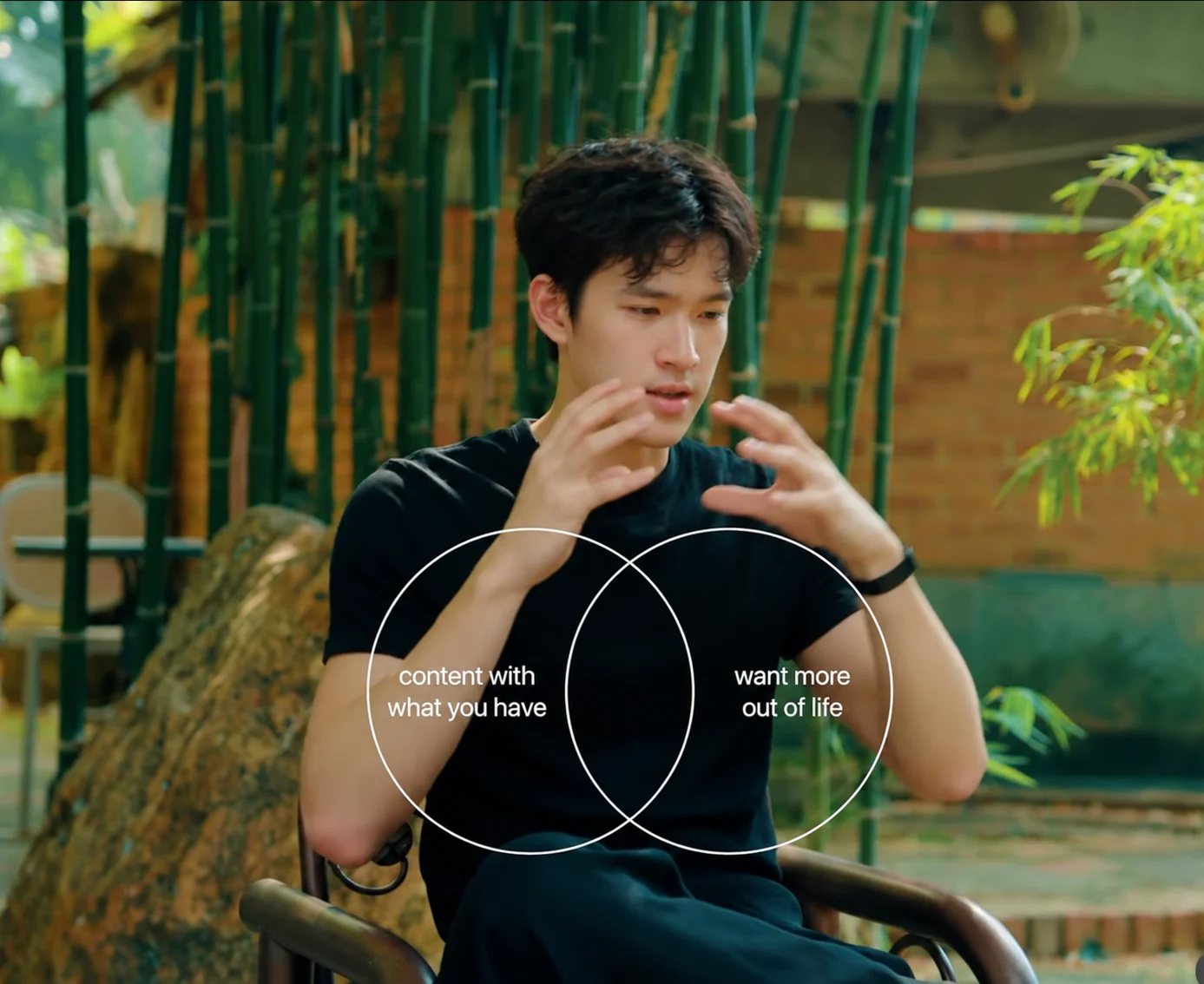
Edit your talking videos
Send the take you shot. It cuts the pauses and adds captions, pictures and sound.
Clypmint makes an AI explainer video from footage you already shot, or from your script. You pick a motion-graphics style and get captions, cuts, and explainer screens, then change the edit in chat.
Plans from $29 a month. Cancel any time.
Talking videos, faceless videos, motion graphics, B-roll, ads and captions in your language.
Send the take you shot. It cuts the pauses and adds captions, pictures and sound.
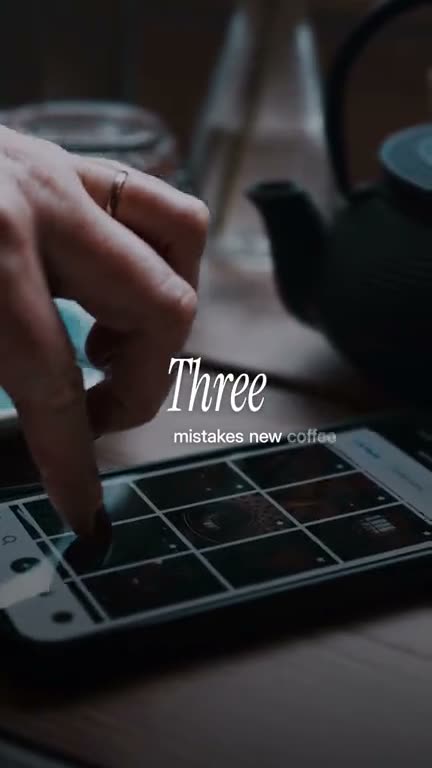
No camera. Give it a topic and get the script, voice, footage and edit.
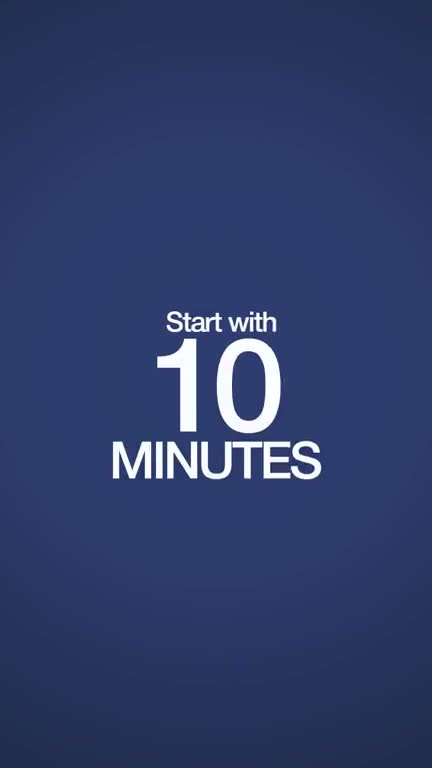
Words that move on the beat, titles, charts and cards, set in your colors.
For every line worth showing, it searches, picks the picture and lands it on the word.
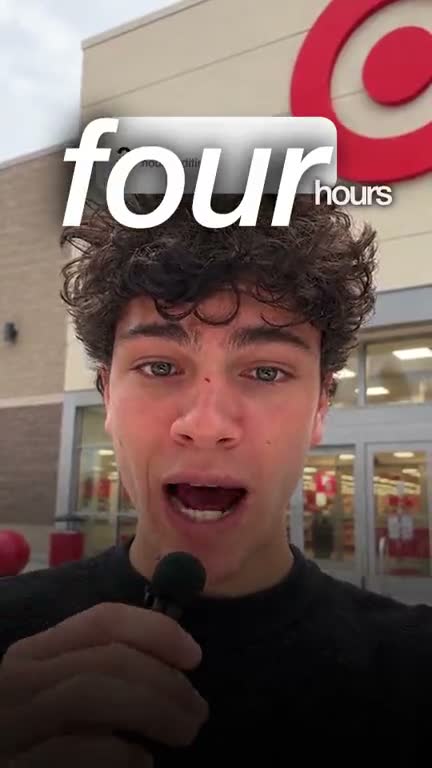
A hook in the first second, three versions to test, sized for Meta and TikTok.
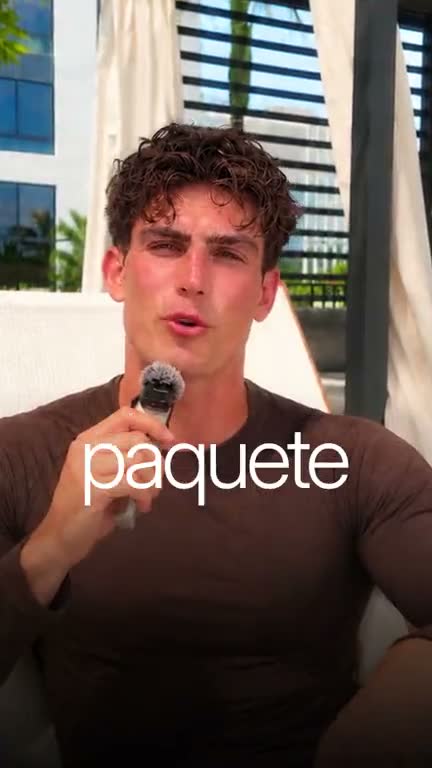
It edits in the language you speak, with captions timed to every word.
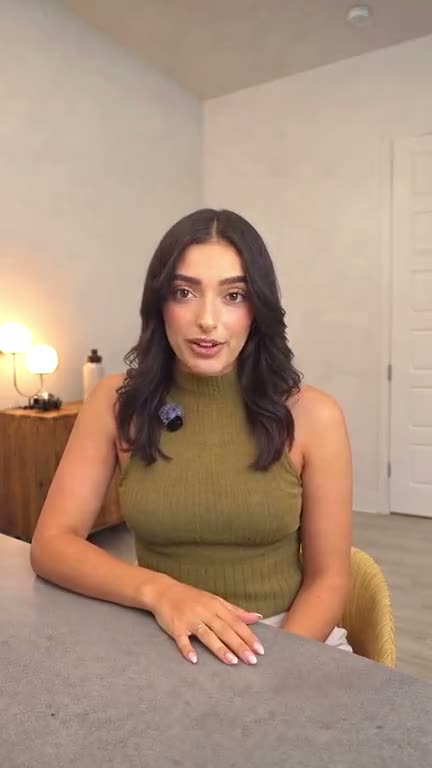
No captions and nothing added. The pauses and mistakes come out.
Paste a link. Clypmint measures its type, colors, cuts and motion, shows you what it found, and edits your video that way. Every paid plan copies styles, from 1 a month on Starter.
An explainer has to show the idea, not only say it. Clypmint places explainer screens on the beats where you introduce, show, and close.
The motion-graphics proof on this page is a real Clypmint edit in that style. It is not a stock template dropped on top of your face.
Film yourself, your screen, or both. Speak the points you want on screen.
Choose a style with plates, cards, or motion graphics built in.
Clypmint cuts the take, sets the captions, and places explainer screens on those beats.
Say what to hold, cut, or show first. The AI editor performs that edit.
Clypmint edits footage. It does not record your screen for you, and it does not generate a product shot you did not film.
Yes. That is what a Clypmint style is. Each one carries a fixed set of graphics, and the edit places them on the beats in your recording.
No. The styles were measured from finished edits, so those design choices are already made before your footage arrives.
From-scratch motion is a separate door, open on every plan. Each piece uses one AI edit. This page is for editing a take you already have.
It is your footage, edited, with explainer screens on the beats where you introduce, show, and close. It is not a video made from a script with no take.
Starter is $29 a month for 120 editing credits. Pro is $89 a month for 400 editing credits. Operator is $189 a month for 900 editing credits. Agency is $499 a month for 2400 editing credits. Sign up free, with no card. Your first video is free, from up to 10 minutes of video, and you get 12 free credits every month after that. Free plan: free to make and watch, a paid plan to download. Plans start at $29 a month and download clean, in full quality. Cancel any time.
Sign up free, with no card. Your first video is free, from up to 10 minutes of video, and you get 12 free credits every month after that. Free plan: free to make and watch, a paid plan to download. Plans start at $29 a month and download clean, in full quality. Cancel any time.