


A TikTok ad maker that edits your real take
Clypmint is a TikTok ad maker for footage you already shot. Upload one take, pick a style, and get a 9:16 ad with captions kept clear of the face. Export an MP4 and upload it to TikTok yourself.
Plans from $29 a month. Cancel any time.
One take. Any style.
Same take · Prism
Every kind of video. One editor.
Ads from your own footage
B-roll it finds for you
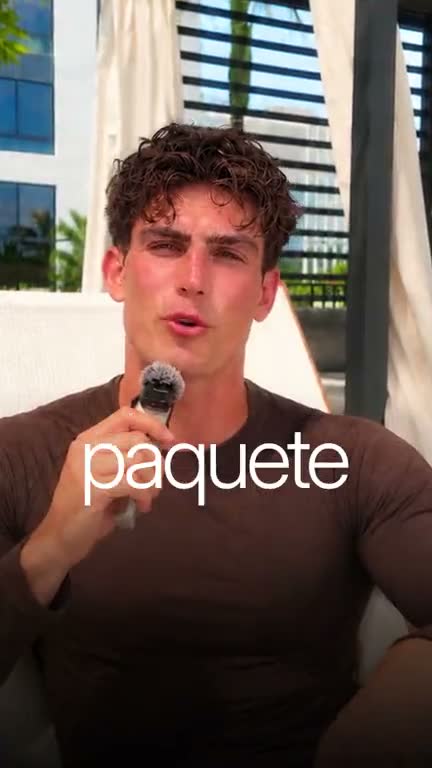
Captions in your language
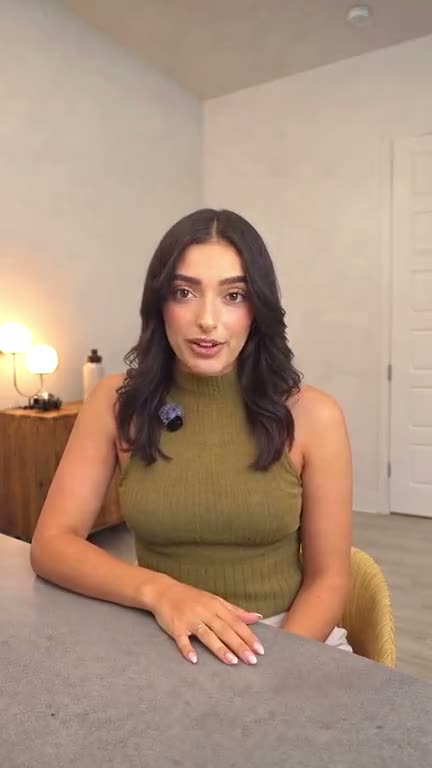
Just the cut
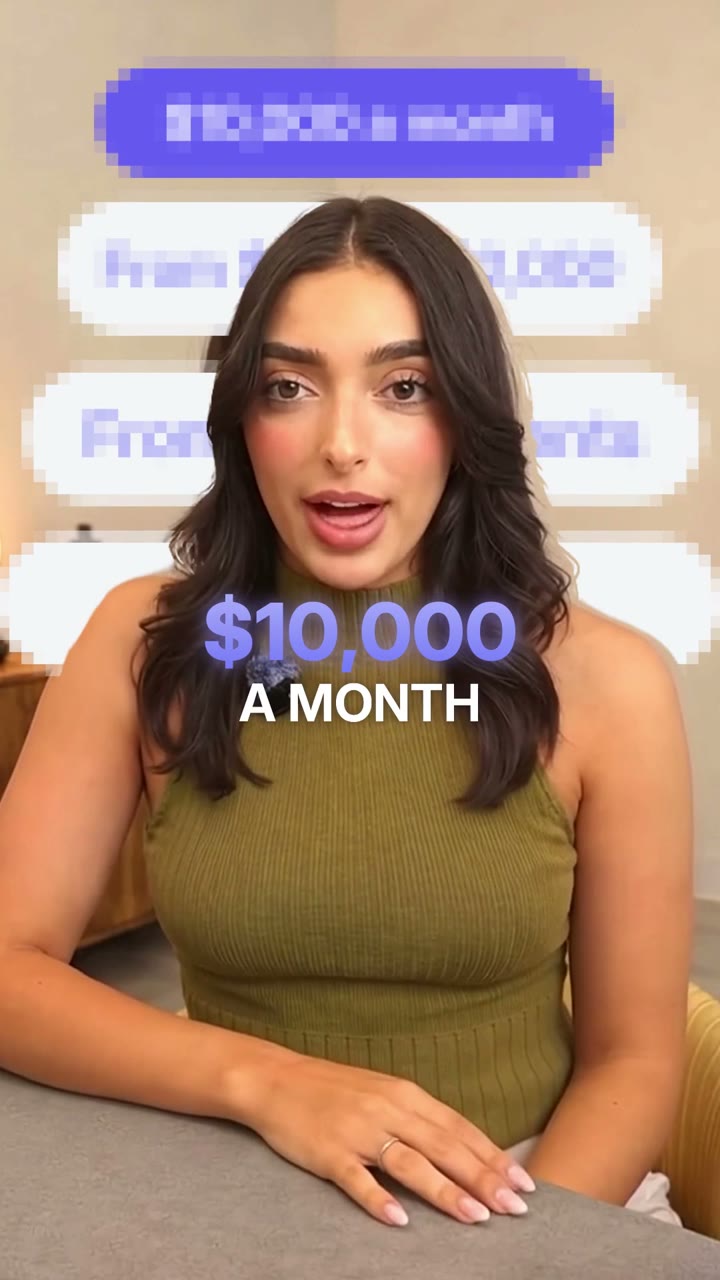
Numbers that pop on screen
What this does
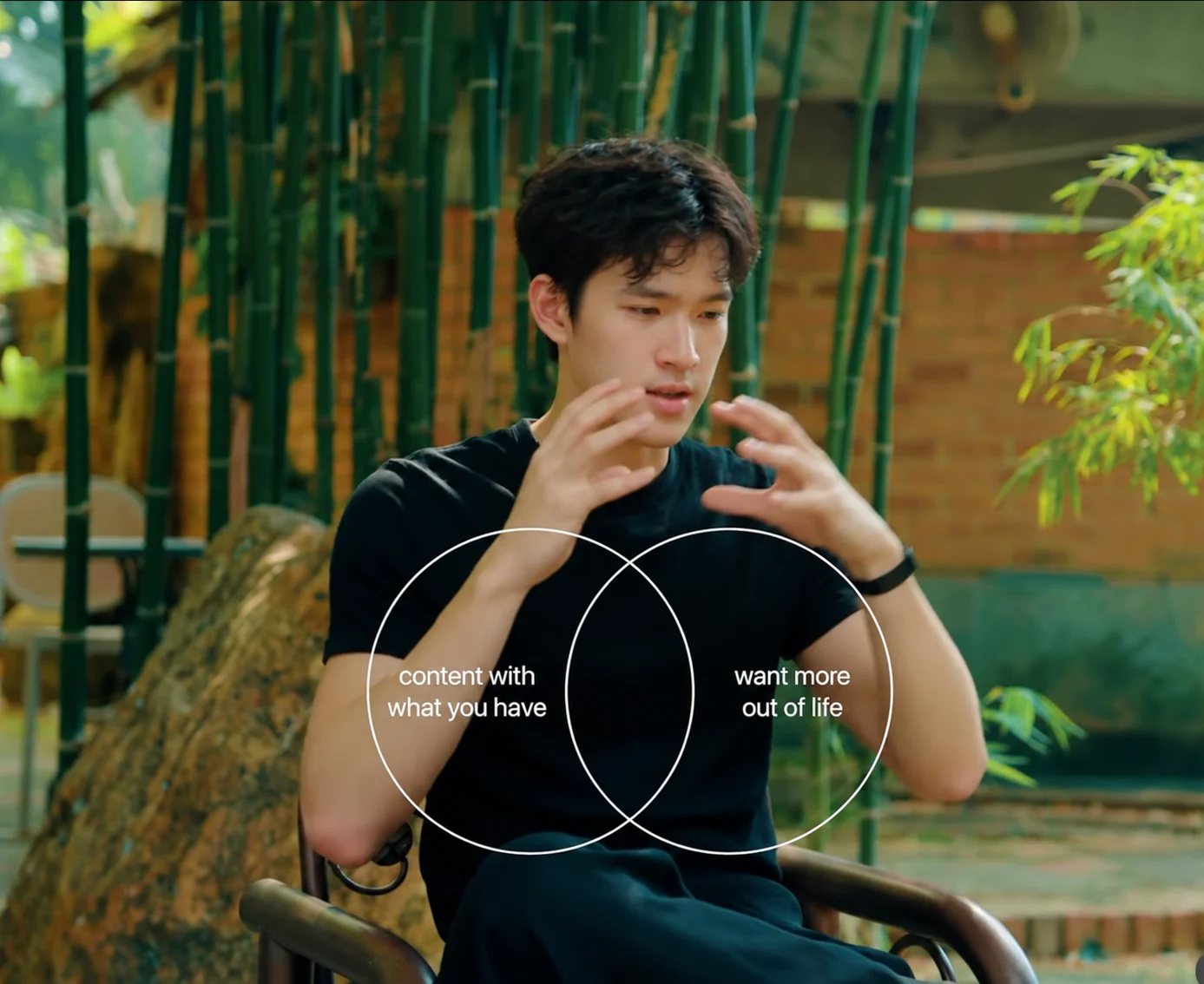
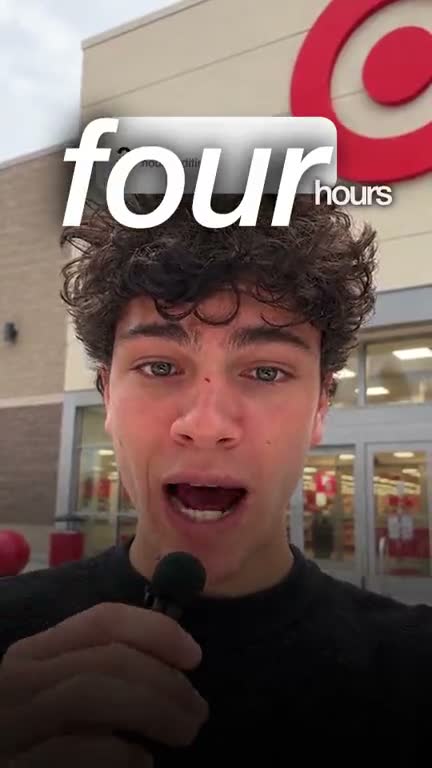
Clypmint edits a real take into a 9:16 ad. Captions stay clear of the face. Product screens land on the beats where you name the product.
You get an MP4. You upload that file to TikTok yourself. TikTok recommends 9:16 and takes MP4 files up to 500 MB. Its full specs sit in the table below, from TikTok Ads Manager help.
The proof film on this page is a real UGC ad edit. The cuts follow the words, so two takes in the same style share the caption and screen rules and still cut differently.
How it works
- Film one take
Talk to the camera about the product. Keep going. Slips get cut.
- Upload and pick a style
Choose a UGC or explainer style. Add product clips if you have them. They are optional.
- Get the 9:16 ad
Clypmint cuts the take, sets the captions clear of the face, and places product screens on the beats.
- Upload it yourself
Export the MP4 and upload it to TikTok or Ads Manager. Clypmint does not post it for you.
TikTok's own specs for in-feed video ads
| Spec | TikTok asks for |
|---|---|
| Shape | 9:16 recommended, at least 540 by 960 pixels. 16:9 and 1:1 also work. |
| Length | Up to 10 minutes. |
| File type | MP4, MOV, MPEG, 3GP or AVI. |
| File size | 500 MB or less. |
| Safe zone | Depends on the shape, the ad caption length, and any extra formats. |
Sources: TikTok Ads Manager help: Auction In-Feed Ads (2026-09-11).
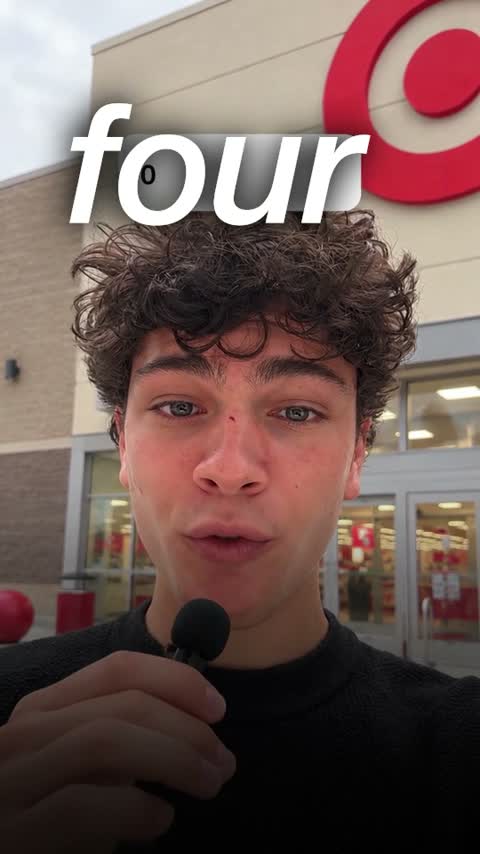
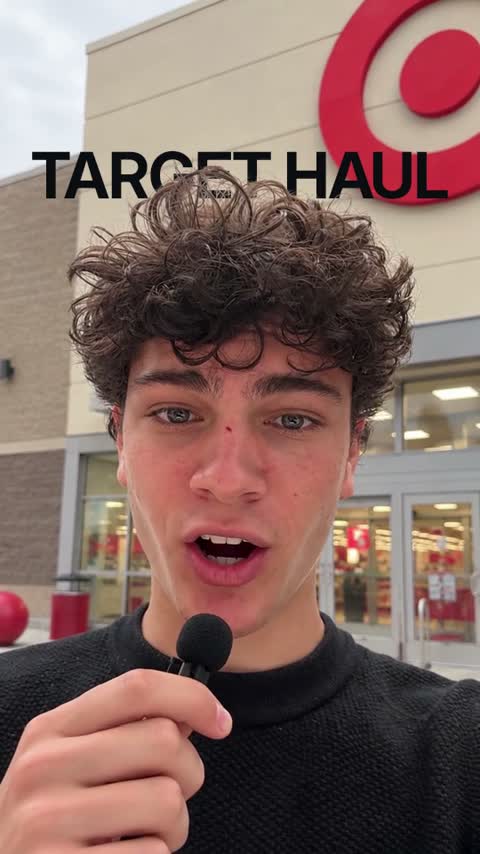
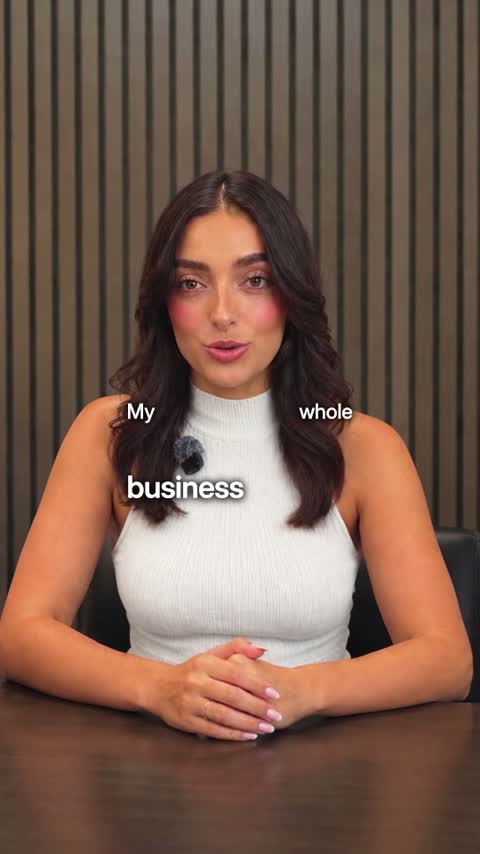
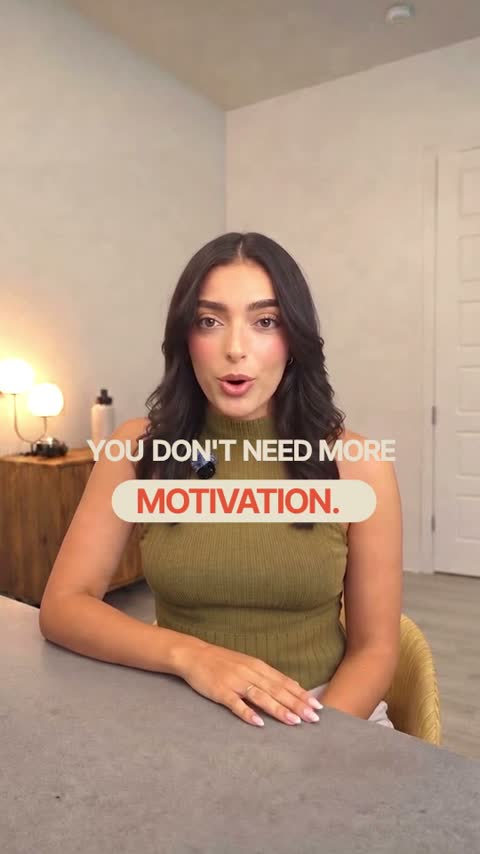
Styles for this
What it will not do
The limit
Clypmint does not post to TikTok or upload to Ads Manager. It does not generate an AI actor. You still check TikTok's safe zone for your own ad caption.
Questions
Does Clypmint post the ad to TikTok?
No. You get an MP4. You upload it to TikTok or Ads Manager yourself.
Does it generate an AI actor?
No. It edits a real person you filmed. Tools that generate an AI actor are a different product.
What shape should a TikTok ad be?
TikTok recommends 9:16, at least 540 by 960 pixels. 16:9 and 1:1 also work. That is from TikTok Ads Manager help.
Do I still have to check the safe zone?
Yes. The safe zone depends on the shape, the ad caption length, and any extra formats. Check TikTok's own spec for your ad.
What does Clypmint cost?
Starter is $29 a month for 120 editing credits. Pro is $89 a month for 400 editing credits. Operator is $189 a month for 900 editing credits. Agency is $499 a month for 2400 editing credits. Sign up and choose a plan to start creating. Plans start at $29 a month. Upload your footage, choose a style, and review your finished video. No watermark. Cancel any time.
Read next
Send the recording you already made.
Sign up and choose a plan to start creating. Plans start at $29 a month. Upload your footage, choose a style, and review your finished video. No watermark. Cancel any time.