
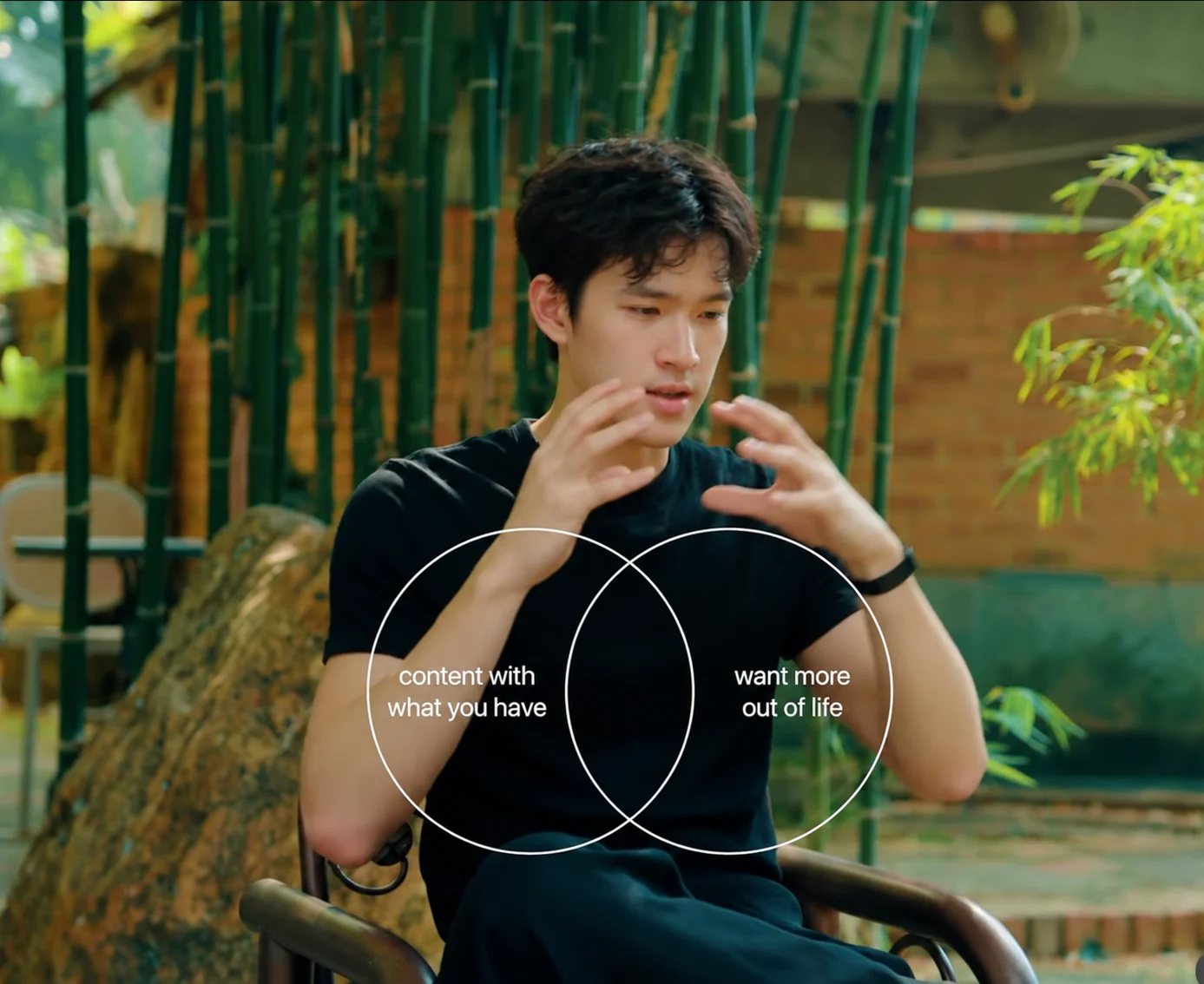
Kinetic typography that moves as a graphic
Clypmint makes kinetic typography from your words and visual material. Extract a new editing style from a reference, or choose an existing style and create with footage or from your words. Starter includes 1 style copy a month.
Plans from $29 a month. Cancel any time.
Bring a referenceExtract a new editing style
Build from motion you actually want. Starter includes 1 style copy a month.
Explore the libraryChoose an editing styleAny editing style can be used for a faceless video. Bring words, images or footage.
Like how a video looks? Make it your style.
Crimson Serif ExplainerFrom instagram.comMake a video in this style
Original
Our sample, on our footage
Every kind of video. One editor.
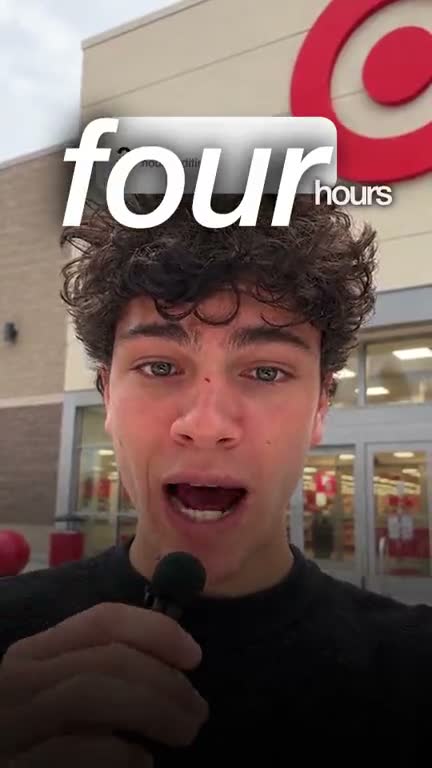
Ads from your own footage
B-roll it finds for you
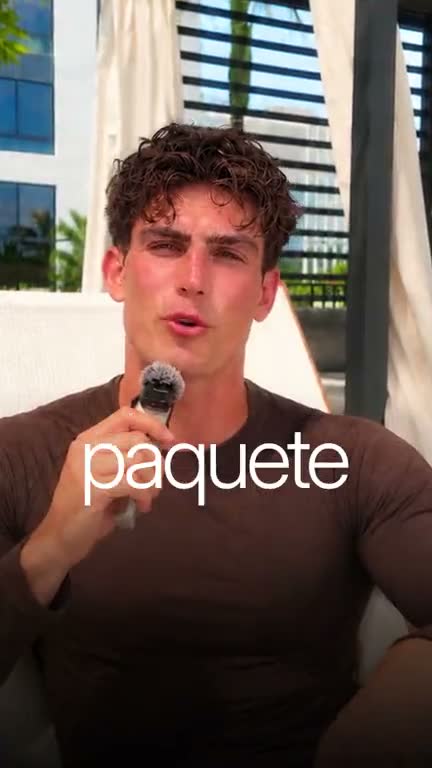
Captions in your language
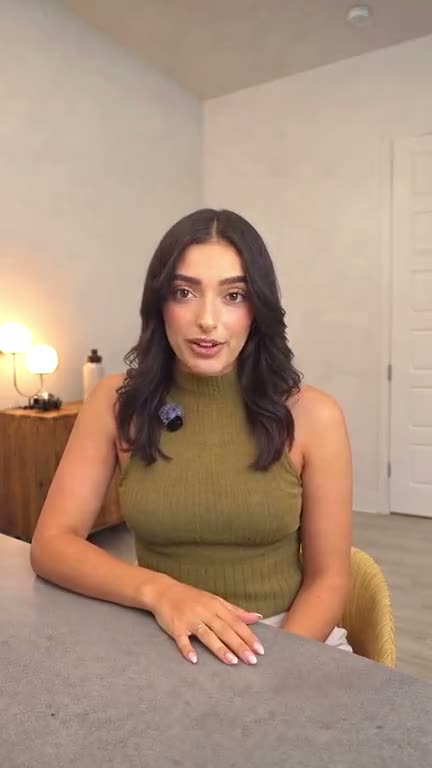
Just the cut
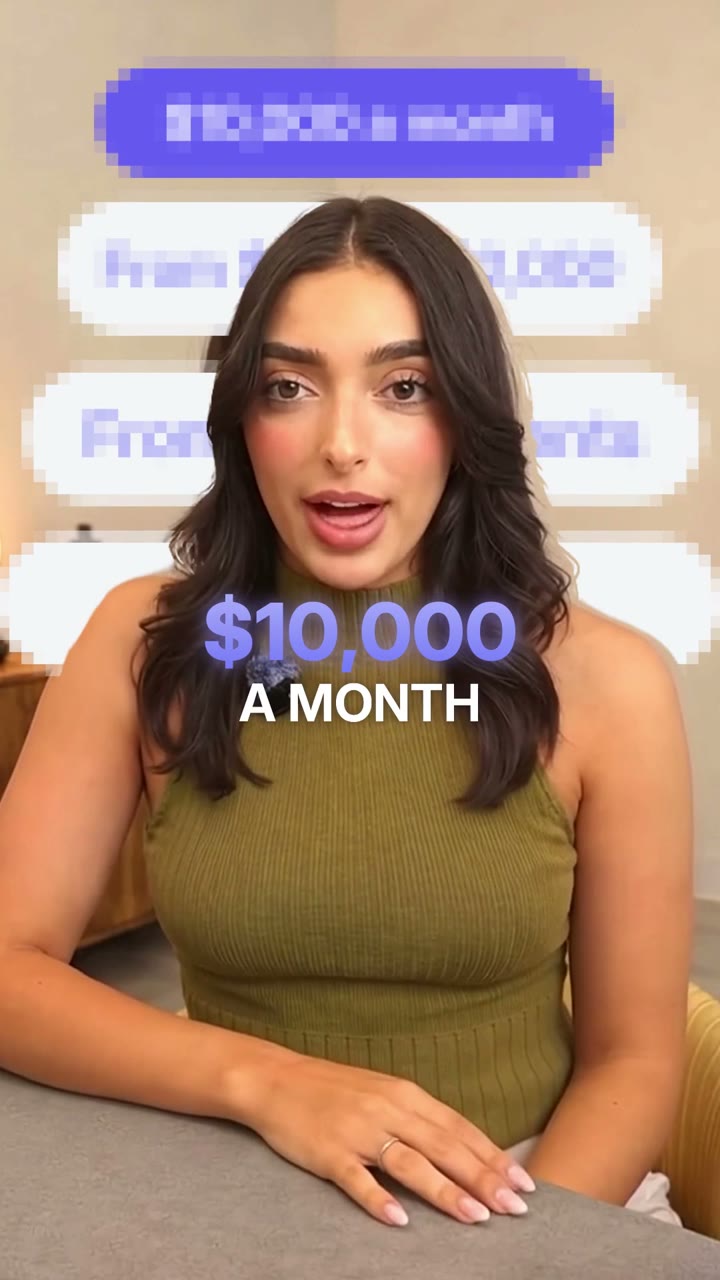
Numbers that pop on screen
What this does
Kinetic typography uses type as the scene: statements, reveals and changes in scale that carry the message.
For a new motion direction, extract a style from a reference you like. The reference sets the typography, pacing and movement; your words and assets supply the content.
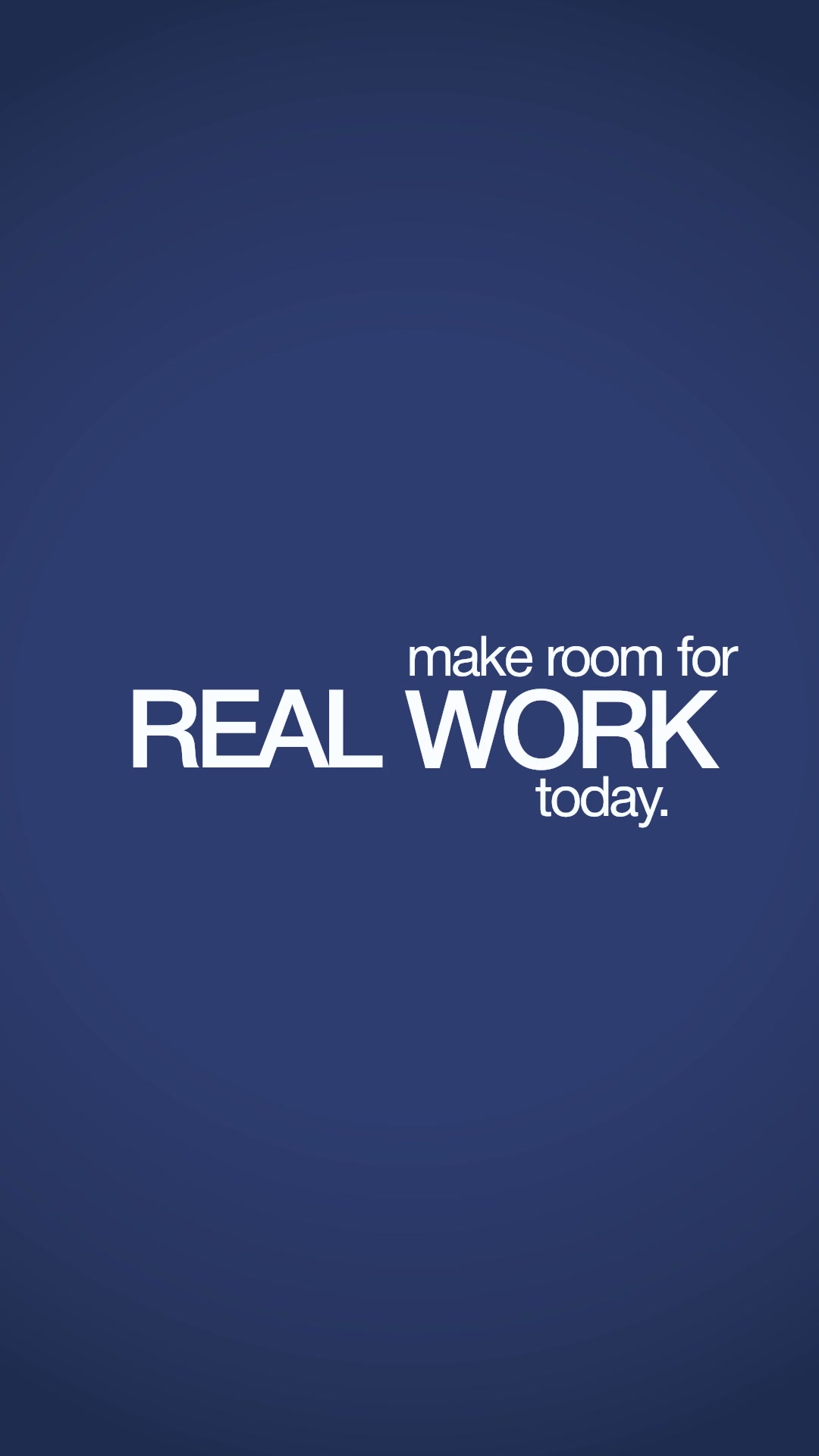
For an existing starting point, try Serif editorial launch for music-led serif statements, or Bold navy statement for narrated graphic cards. Watch both below before choosing.
These are examples of motion treatments. Faceless is a creation option available with any editing style, including one you extract from a reference.
The launch film above uses type, transitions and product scenes to carry its message. You can start your own film from a brief without filming a talking head.
How it works
- Bring your words
Start with an idea or exact script. Add brand images and product screens when you have them.
- Choose or extract a style
Extract a new editing style from a reference, or choose an existing style from the library. Starter includes 1 style copy a month.
- Get the type on the beats
Clypmint places each word and slam on the beat, then renders the whole thing.
- Change it in chat
Ask for a word to hold longer, a different slam, or a style change.
Example motion treatments
What it will not do
The limit
Your selected or extracted style guides the typography and motion. Bring your own words and assets; the reference’s footage and script stay with the reference.
Questions
Is this the same as captions?
No. Captions follow the voice. Kinetic typography moves as a graphic: a giant word, a slam, a rise and fall.
Can I bring my own typography reference?
Yes. Extract a style from a reference video. Starter includes 1 style copy a month. Clypmint measures its type treatment, motion and pacing, then applies that editing direction to your content.
Can I ask for changes to the motion?
Yes. Describe what you want to change: the pacing, how long a statement holds, the type treatment or a scene. You can also extract a different reference style for a new direction.
Can I make a launch film with no footage?
Yes. Start from an idea or script and use any editing style for a faceless video. Add brand images, product screens or other material when you want them in the film.
What does Clypmint cost?
Starter is $29 a month for 120 editing credits. Pro is $89 a month for 400 editing credits. Operator is $189 a month for 900 editing credits. Agency is $499 a month for 2400 editing credits. Sign up and choose a plan to start creating. Plans start at $29 a month. Upload your footage, choose a style, and review your finished video. No watermark. Cancel any time.
Read next
Bring your words. Choose your motion.
Sign up and choose a plan to start creating. Plans start at $29 a month. Upload your footage, choose a style, and review your finished video. No watermark. Cancel any time.