How to make a product demo video that people finish
Record the walkthrough, pick a style made for products, and Clypmint builds the edit around what you show. In Pop-up, what you name or hold pops up beside you with a click. In Ad, each time you name the thing, it shows: your app, your numbers, your customers. The captions land on the word.
Starter is $29 a month for 120 editing credits. Pro is $89 a month for 400 editing credits. Operator is $189 a month for 900 editing credits. Agency is $499 a month for 2400 editing credits.
Why this is hard
- A screen recording with a voiceover is the least watched thing on the internet.
- The demo is 4 minutes and people leave at 12 seconds.
- Adding motion graphics means hiring a motion designer.
How to do it, step by step
- Record the walkthrough
Film yourself, your screen, or both. Keep it under the length your style is built for.
- Pick a demo style
Pop-up keeps you on screen and pops up what you show. Ad shows your own product screens and ends on the offer. Intro turns your proof into a moving page.
- Let it build the pictures
Clypmint cuts the recording, sets the captions, and places the pictures on the beats where you introduce, show, and close.
- Direct the changes
Say what to change. Hold on the pricing screen longer, cut the intro, open on the result.
- Export
Download the finished video.
Which styles suit this
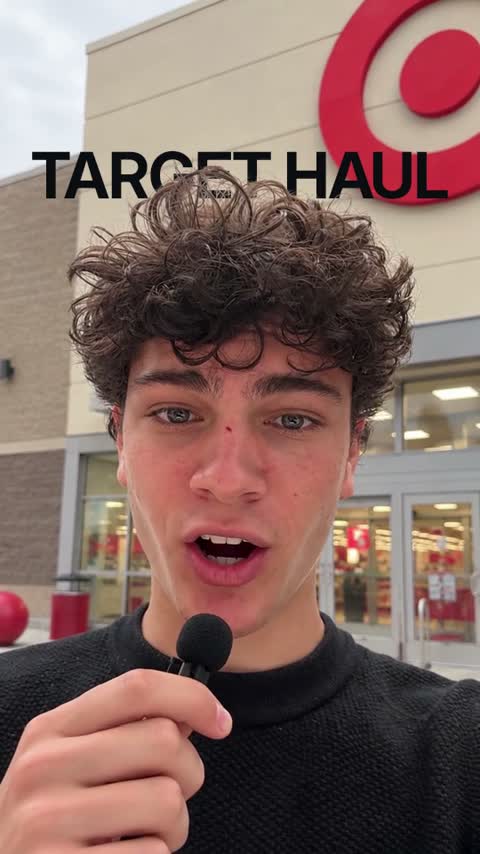
Pop-up
What you show pops up beside you with a click. For products, unboxing and reviews.
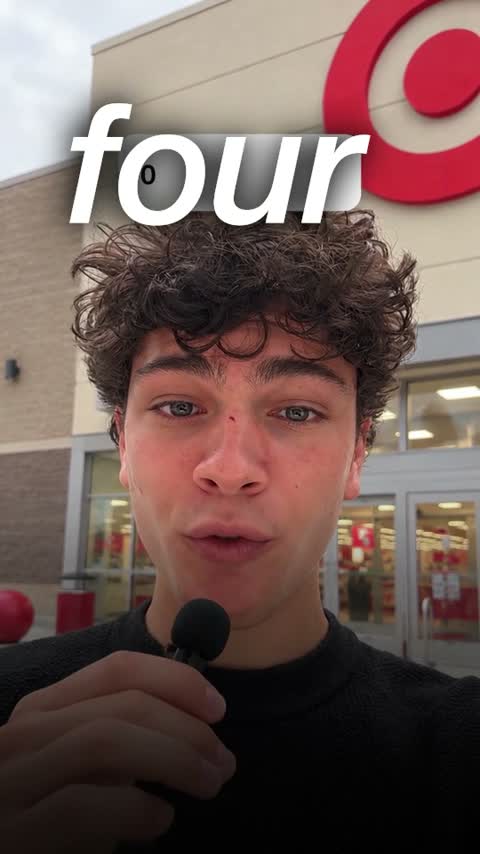
Ad
Your own product screens and the offer as a big number. Made to sell.
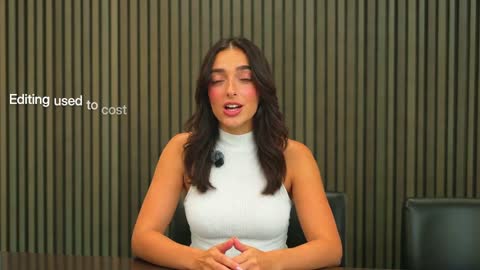
Intro
Edit-heavy pages, checklists and your hook set behind you.
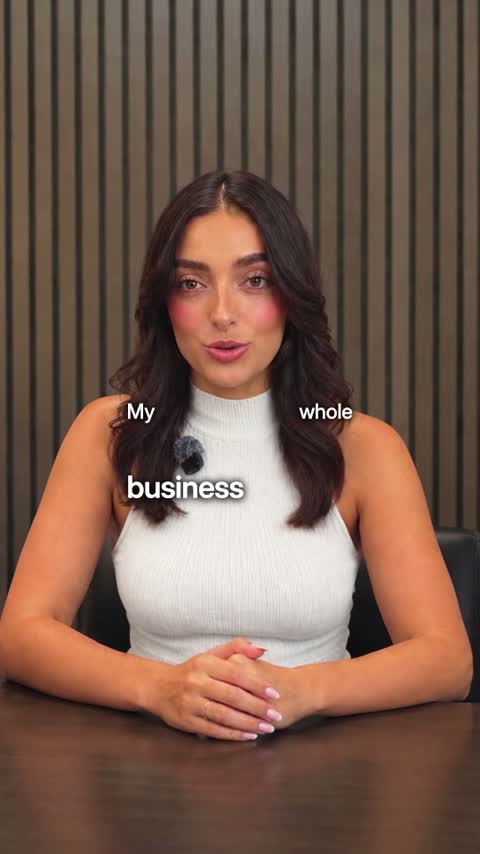
Tech
Real pictures of what you name and crisp two-voice captions.
Or browse every Clypmint style.
What Clypmint will not do here
Clypmint edits footage. It does not record your screen for you, and it does not generate a product shot you did not film.
Questions
Can it add motion graphics to my screen recording?
Yes. That is what a Clypmint style is. Each one carries a fixed set of built-in graphics, and the edit places them on the beats in your recording.
Do I need a designer?
No. The styles were measured from finished edits, so the design decisions are already made before your footage arrives.
Will every demo look the same?
They will share a grammar, which is usually the point. The cuts, the plate order, and the captions follow your footage, so two demos in one style are not the same video.
What does Clypmint cost?
Starter is $29 a month for 120 editing credits. Pro is $89 a month for 400 editing credits. Operator is $189 a month for 900 editing credits. Agency is $499 a month for 2400 editing credits. You are billed monthly and you can cancel any time.
Is there a free trial?
Sign up and choose a plan to start creating. Plans start at $29 a month. Upload your footage, choose a style, and review your finished video. No watermark. Cancel any time.
Other jobs
Send us the recording.
Sign up and choose a plan to start creating. Plans start at $29 a month. Upload your footage, choose a style, and review your finished video. No watermark. Cancel any time.