
AI video editor for everything you film
Clypmint is an AI video editor for the videos you film yourself. Upload a take, pick a style or let Clypmint pick, and get back a finished video with cuts, captions, pictures and music, ready for YouTube, Reels, TikTok or an ad. Change anything in plain words.
“Make the captions bigger”
Make a video like thisAn AI video editor that hands you a finished video
Edits like a pro editor
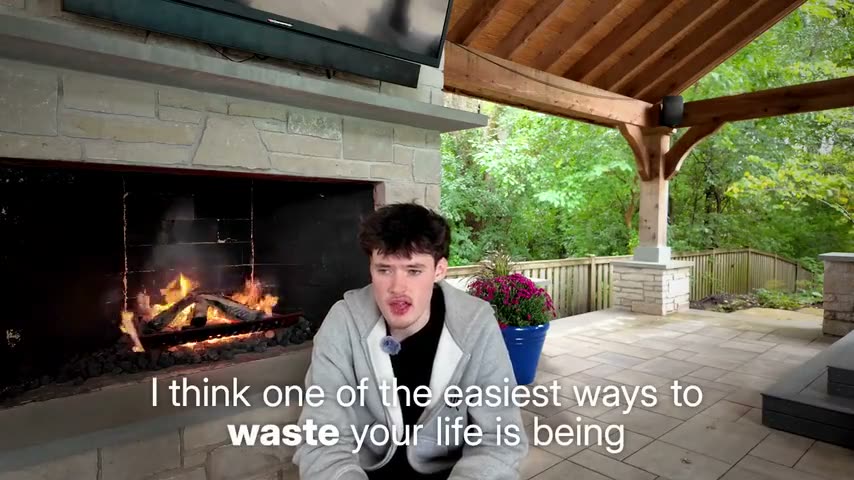
Clypmint cuts the pauses and retakes, sets the captions and puts pictures on your words, the way a good editor would.
Styles from real editors
Every style is measured from a real editor’s video, so your video is edited the way a working editor edits, not from a template.
Change it in plain words
Tell the AI editor what to change, like “open on the price” or “fewer captions.” A change by typing costs 1 to 2 credits (Fast) or 1 to 4 (Best), for what it uses, and changes by hand are free.
Why people choose Clypmint as their AI video editor
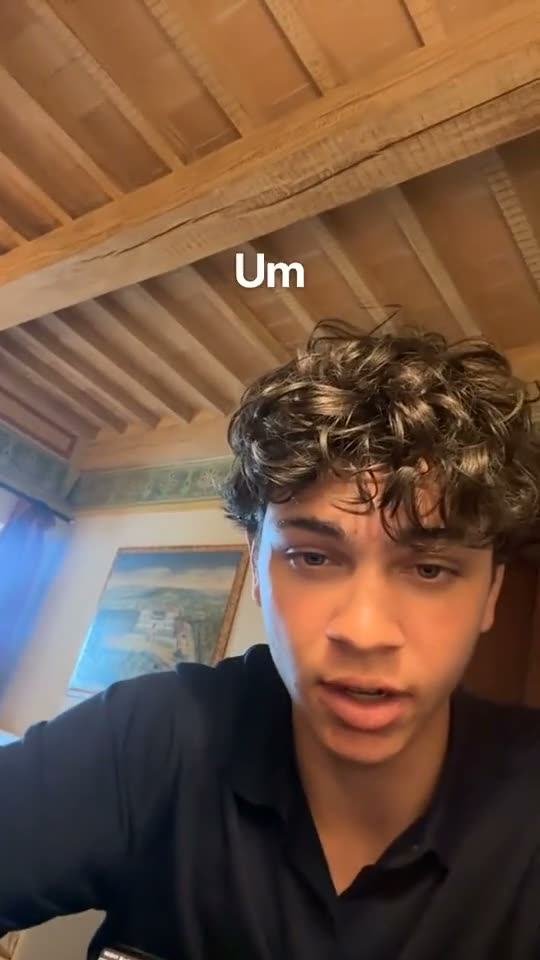
Captions that pop
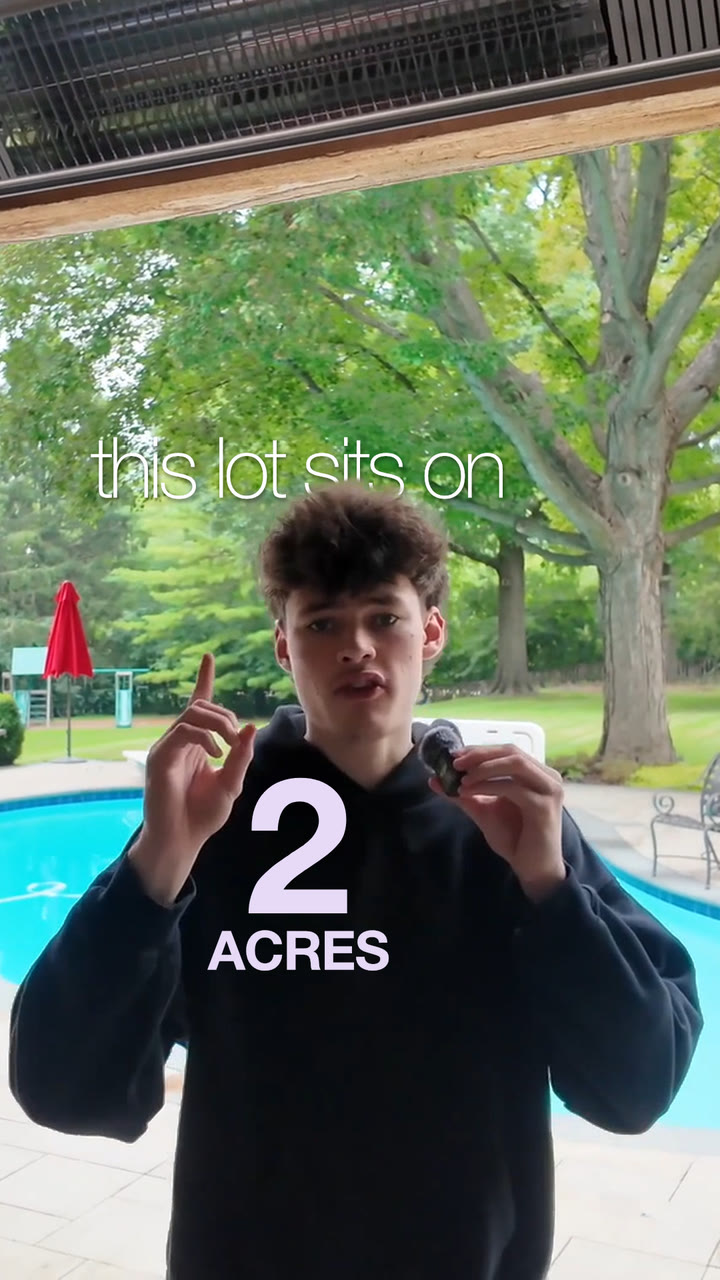
Every word lands as you say it, and the line that matters goes big. Pick the caption style you like.

Pictures on your words
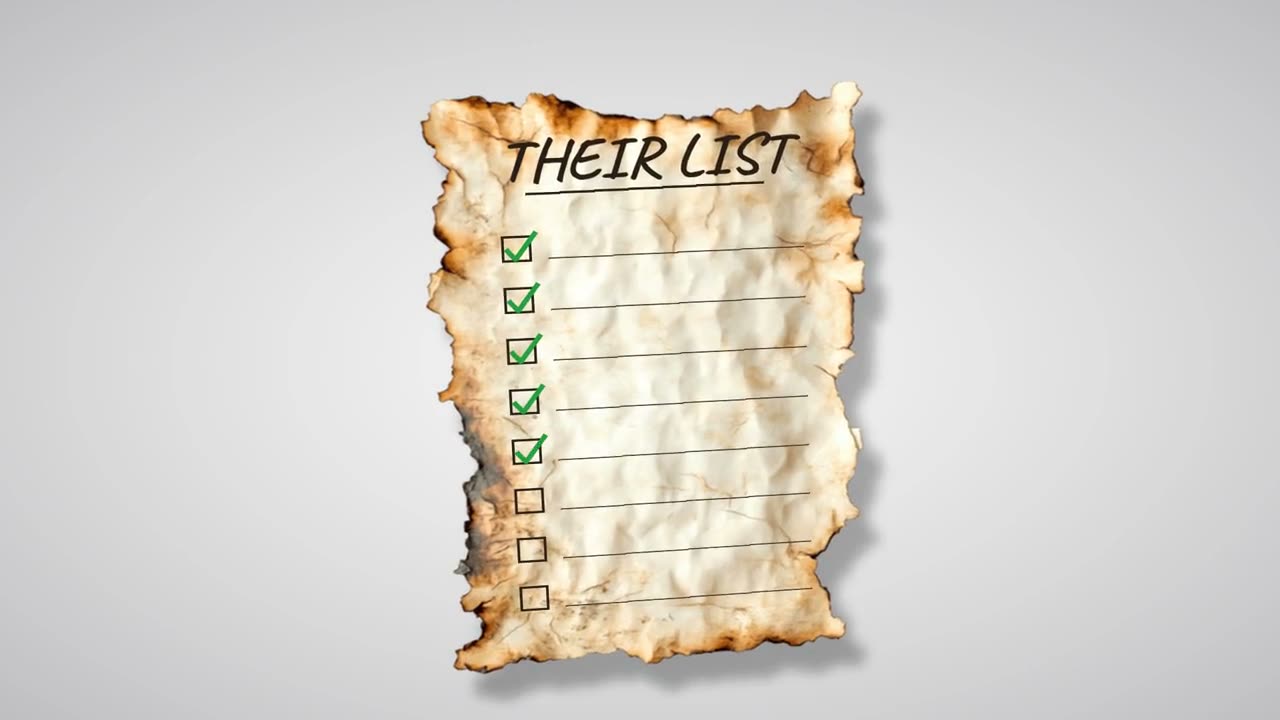
Say it and see it: a list ticked, money falling, the place you name, right on the word.
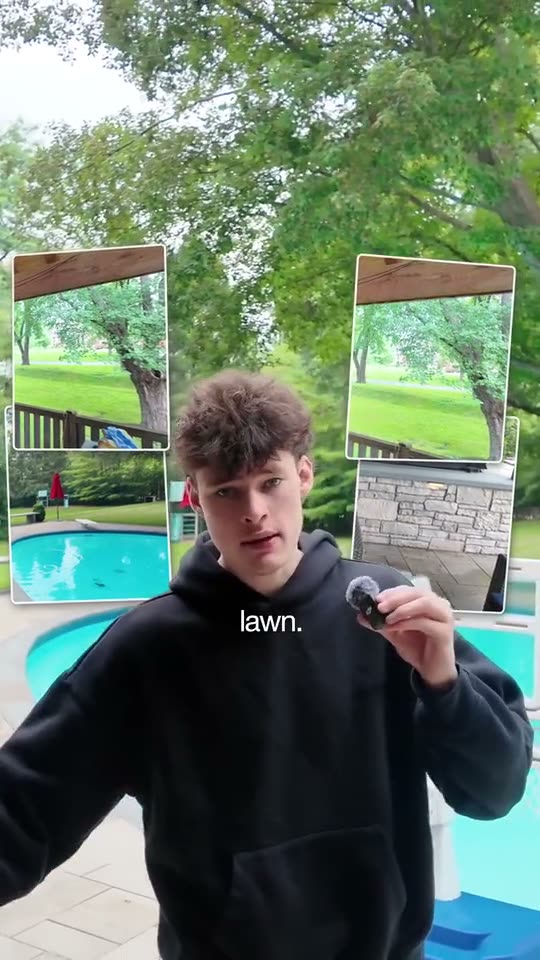
Your own photos and clips
Add up to 50 photos or clips with your video, and each one shows up when you name it (rolling out).
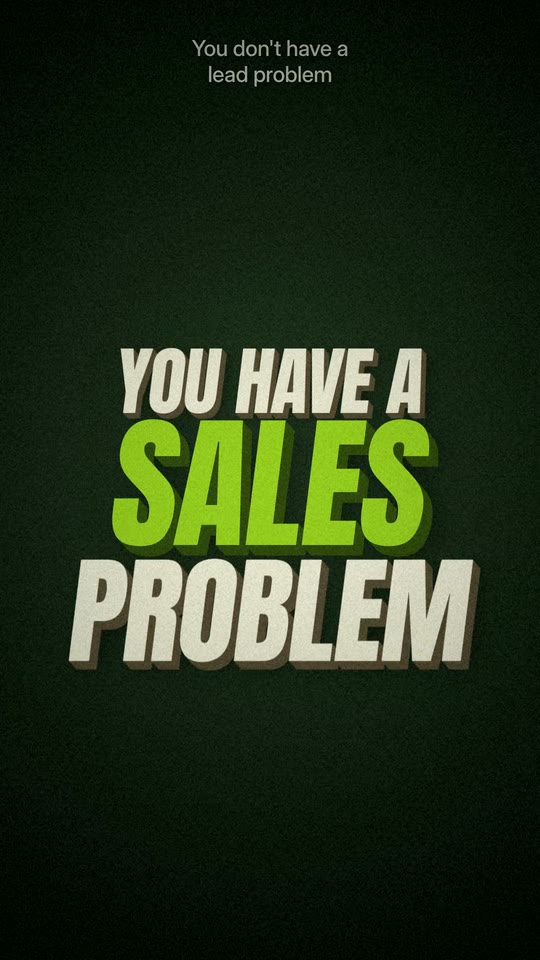
Shorts from the same take
A long video can also come back as vertical Shorts, ready for YouTube, TikTok and Reels.
How to edit a video with AI in Clypmint
Step 1
Film it
Talk to your phone or camera the way you already do. One take is fine, mistakes and all.
Step 2
Upload and pick a style
Upload the video, add photos or a song if you want, and pick a style or let Clypmint pick one.
Step 3
Get the finished video
Clypmint cuts it, captions it and adds pictures and music, then sends back a video that is ready to post.
Step 4
Change it in plain words
Ask for any change in a sentence. A change by typing costs 1 to 2 credits (Fast) or 1 to 4 (Best), for what it uses, and changes by hand are free. Then download it and post.
 Real estate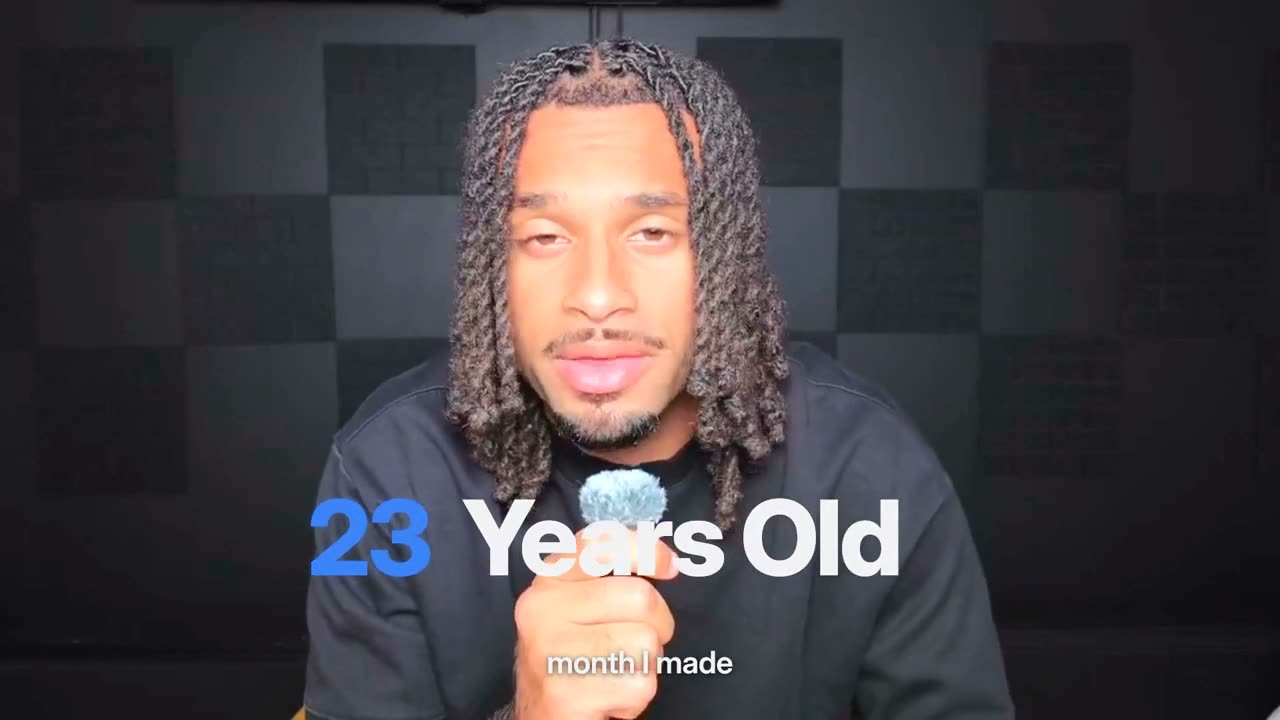
Explore Clypmint for every kind of video
Frequently asked questions
What is the best AI video editor?
The best AI video editor does the edit for you and still lets you take control. Clypmint edits what you shot, long or short, or makes a video from your words, in a style measured from a real editor or copied from a link; then you change it by typing or on the timeline.
What does an AI video editor do?
It does the editing for you. Clypmint finds the good takes, cuts the pauses and mistakes, times captions to your words, puts pictures on what you say and sends back a finished video.
Do I need editing skills?
No. You upload the video and pick a style, or let Clypmint pick. To change anything, you write what you want in plain words.
What kinds of videos can it edit?
Any video where a person talks: YouTube videos, Reels, TikToks, Shorts, ads, podcasts, lessons and sales videos.
Can I use my own photos, clips and music?
Yes. Add up to 50 photos or clips and your own song with the video. Each photo shows up when you name it (rolling out).
What does Clypmint cost?
Starter is $29 a month for 120 editing credits. Pro is $89 a month for 400 editing credits. Operator is $189 a month for 900 editing credits. Agency is $499 a month for 2400 editing credits. Sign up and choose a plan to start creating. Plans start at $29 a month. Upload your footage, choose a style, and review your finished video. No watermark. Cancel any time.
Your next video starts here
Cut my talking video, add captions and make it a Reel…ClypmintSee plansSign up and choose a plan to start creating. Plans start at $29 a month. Upload your footage, choose a style, and review your finished video. No watermark. Cancel any time.