How to make a talking head video look professional
Upload the recording, pick a Clypmint style, and Clypmint returns a finished edit. It cuts the dead air, writes captions that land on the word you say, and adds the motion graphics that style calls for. There is no timeline to learn. A talking head recorded in one take is the footage every Clypmint style was measured from, so this is the job Clypmint does best.
Starter is $29 a month for 120 editing credits. Pro is $89 a month for 400 editing credits. Operator is $189 a month for 900 editing credits. Agency is $499 a month for 2400 editing credits.
Why this is hard
- You filmed yourself in one take and it is 8 minutes of you saying "um".
- Plain subtitles do not fix it. The video is still one static shot.
- Real editors cost more per video than most people make from the video.
How to do it, step by step
- Upload the take
Drop in the file. One long recording is fine. Clypmint transcribes it and finds where the good takes are.
- Pick a style
Choose a Clypmint style. Each one is a full editing grammar measured from a real edit, not a filter.
- Let it cut
Clypmint removes the dead air, cuts on your own word boundaries, writes the captions, and lays in the graphics that style uses.
- Change what you want
Tell the AI editor what to change in a sentence. You get three rounds, and you can fix the captions yourself.
- Export and post
Download the finished file. There is no mark on it.
Which styles suit this
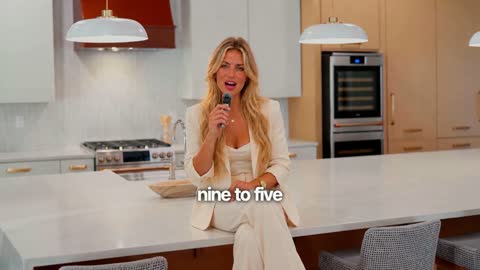
Personal brand
Captions on the chest and push-ins on your numbers. Your face is the film.
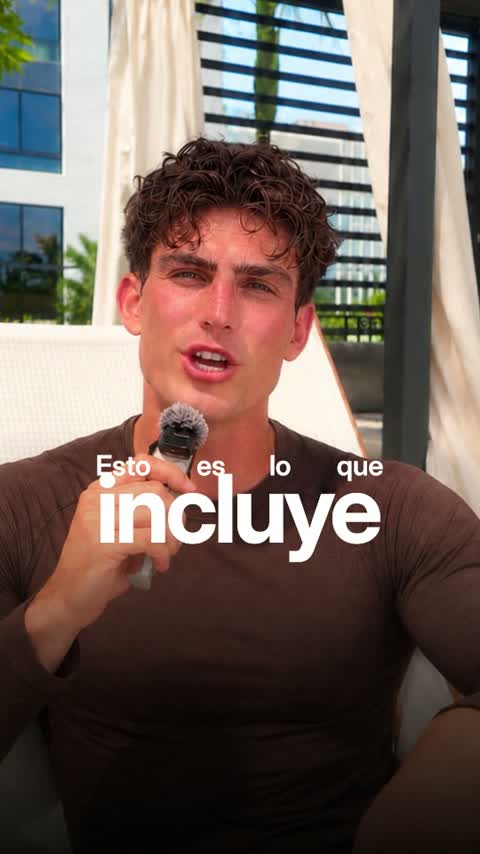
Luxe
Big set words and framed cards. Polished and premium.
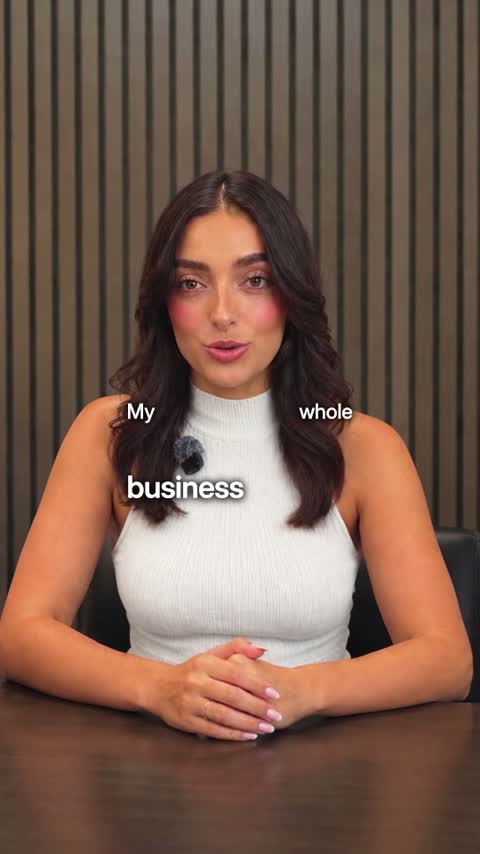
Tech
Real pictures of what you name and crisp two-voice captions.
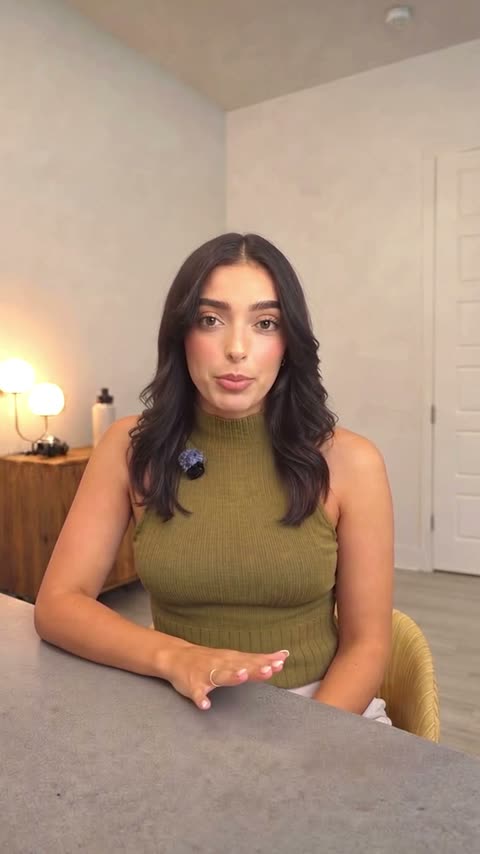
Just the cut
Pauses and mistakes cut out. No captions. Nothing added.
Or browse every Clypmint style.
What Clypmint will not do here
It needs your voice in the recording. A talking head with no usable audio has no transcript, and every style cuts on the words.
Questions
Does it work on a video with no cutaway footage?
Yes. Most Clypmint styles are built for a single locked take. They carry the edit with type and built-in graphics rather than with b-roll you do not have.
How long can the recording be?
It depends on the plan and the style. Styles state the footage length they are built for, and each plan states the longest single file it accepts.
Can I keep the same style on every video?
Yes. Pick the same Clypmint style each time. Every video you make with it follows the same grammar.
What does Clypmint cost?
Starter is $29 a month for 120 editing credits. Pro is $89 a month for 400 editing credits. Operator is $189 a month for 900 editing credits. Agency is $499 a month for 2400 editing credits. You are billed monthly and you can cancel any time.
Is there a free trial?
Sign up and choose a plan to start creating. Plans start at $29 a month. Upload your footage, choose a style, and review your finished video. No watermark. Cancel any time.
Other jobs
Send us the recording.
Sign up and choose a plan to start creating. Plans start at $29 a month. Upload your footage, choose a style, and review your finished video. No watermark. Cancel any time.