
Pop-up
What you show pops up beside you with a click. For products, unboxing and reviews.
- Vertical 9:16, for Shorts, Reels, TikTok and ads
- For posts and ads
Plans from $29 a month. Cancel any time.
What Pop-up does to your footage
Pop-up was built by measuring a creator’s unboxing video: how it cuts, where its words sit and what it shows on each beat. Your footage gets the same grammar.
- You never leave the screen: what you name or hold pops up beside your head with a click, its name under it.
- Captions tap on a word at a time above your head.
- The lines that matter go big, with the key words in neon yellow.
What footage suits it
- Products, unboxing, hauls, reviews, try-ons and the apps you use.
- Talking selfies that want pictures on top of the footage.
What Pop-up will not do
Your footage stays on screen the whole time; there are no full-screen pictures.
How to edit a video in this style
- Choose a plan and upload your footage
Sign up and choose a paid plan, then drop in the recording you already made. Clypmint transcribes it and finds where the usable takes are.
- Pick Pop-up
Choose Pop-up from the style picker. Its whole editing grammar comes with it.
- Let it cut
Clypmint cuts the dead air, sets the captions the way Pop-up sets them, and places that style's graphics on the beats where they belong.
- Change it in a sentence
Tell the AI editor what to change. It changes the video you already have. A change by typing costs 1 to 2 credits (Default) or 1 to 4 (Extended Thinking), for what it uses, and changes by hand are free.
- Watch it, then keep it
Watch your finished video, then download it without a watermark. Downloads are included in your paid plan.
Questions
What is Pop-up made for?
Pop-up is made for posts and ads. Products, unboxing, hauls, reviews, try-ons and the apps you use. Talking selfies that want pictures on top of the footage.
What shape of video does it make?
Vertical 9:16, for Shorts, Reels, TikTok and ads. Your plan sets the longest single file you can upload.
Can I change the edit after it runs?
Yes. Ask for changes in plain words. A change by typing costs 1 to 2 credits (Default) or 1 to 4 (Extended Thinking), for what it uses, and changes by hand are free. You can also fix the captions yourself.
What does Clypmint cost?
Starter is $29 a month for 120 editing credits. Pro is $89 a month for 400 editing credits. Operator is $189 a month for 900 editing credits. Agency is $499 a month for 2400 editing credits. Sign up and choose a plan to start creating. Plans start at $29 a month. Upload your footage, choose a style, and review your finished video. No watermark. Cancel any time.
Other styles to look at
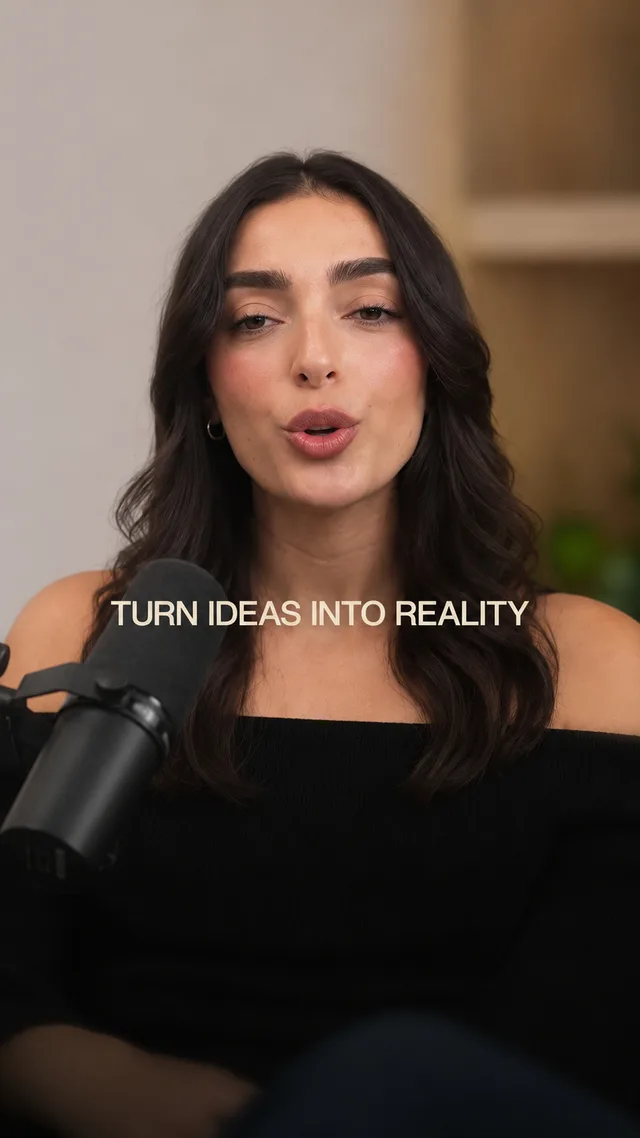
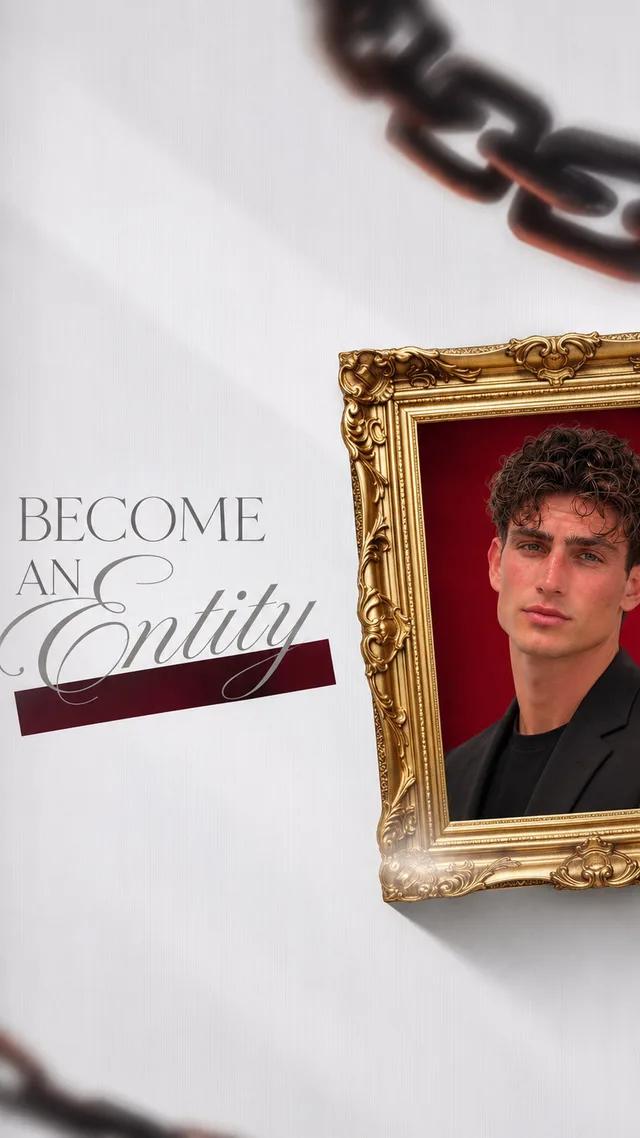
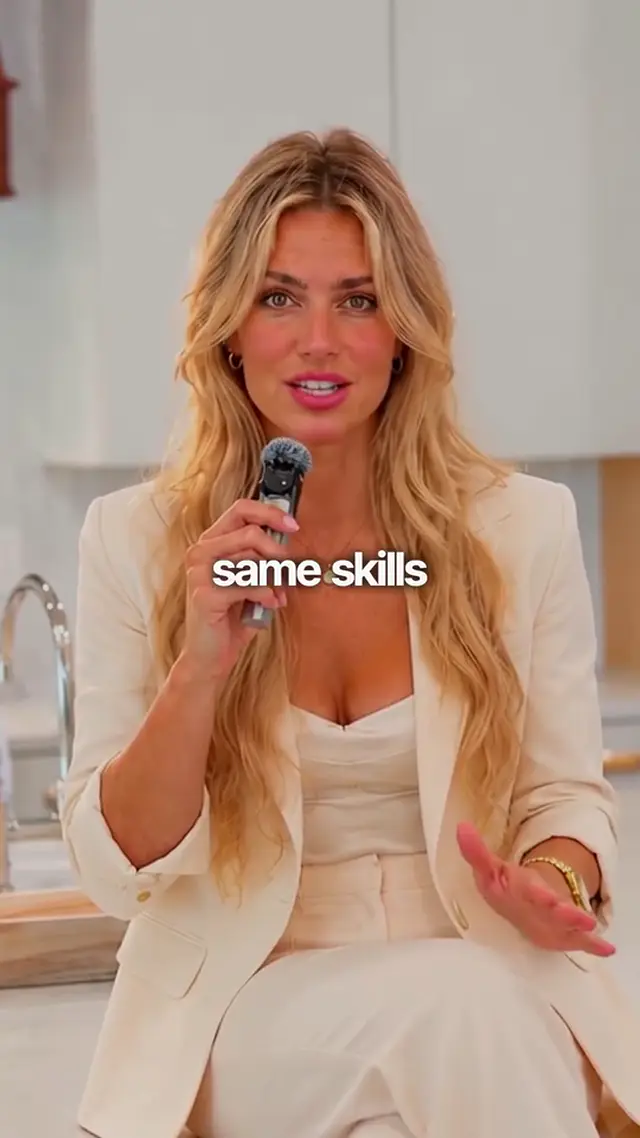
Send a recording, get it back in Pop-up.
Sign up and choose a plan to start creating. Plans start at $29 a month. Upload your footage, choose a style, and review your finished video. No watermark. Cancel any time.