
Remove silence from video and keep the good takes
Clypmint is a video editor that removes silence from video automatically. Upload a take where you talk to camera, and get it back with the pauses, stumbles and second takes cut, and a small change of framing at each cut so it reads as a cut. Keep it plain, or add captions and a style on top.
“Keep my second take of the opening”
Make a video like thisRemove silence and keep only the takes you want
kept pauses, retakes and tangents, cut
No dead air
Every pause, um and restart is cut, so the video moves at the pace you talk when you are at your best.
The best take wins
Said a line twice? Clypmint keeps the better take and cuts the other, in the order you told the story.
Cuts that read as cuts
The framing shifts a little at each cut, so a jump cut reads as chosen, not as a glitch.
Why people use Clypmint to cut the silence
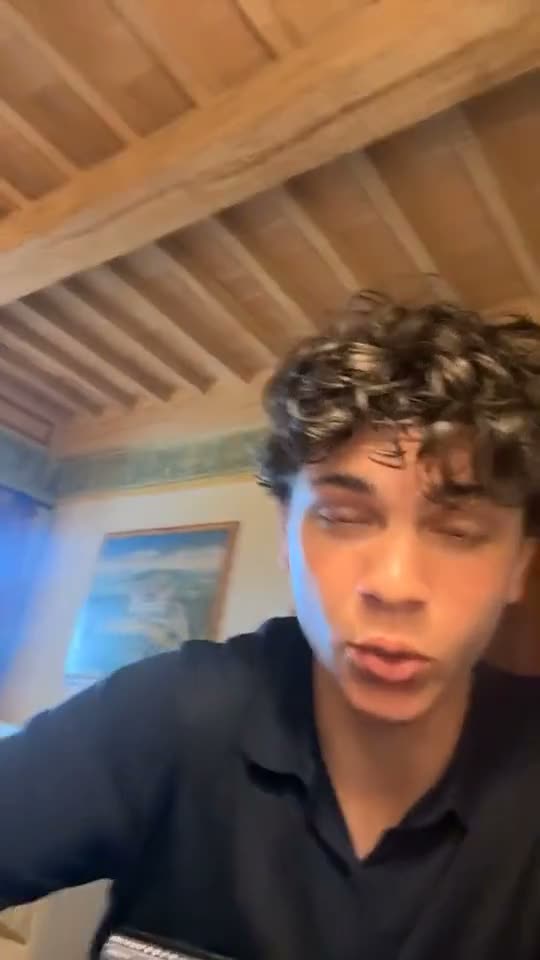
Just the cut
Nothing on screen but you, and no sound but your voice. The plainest edit, done right.
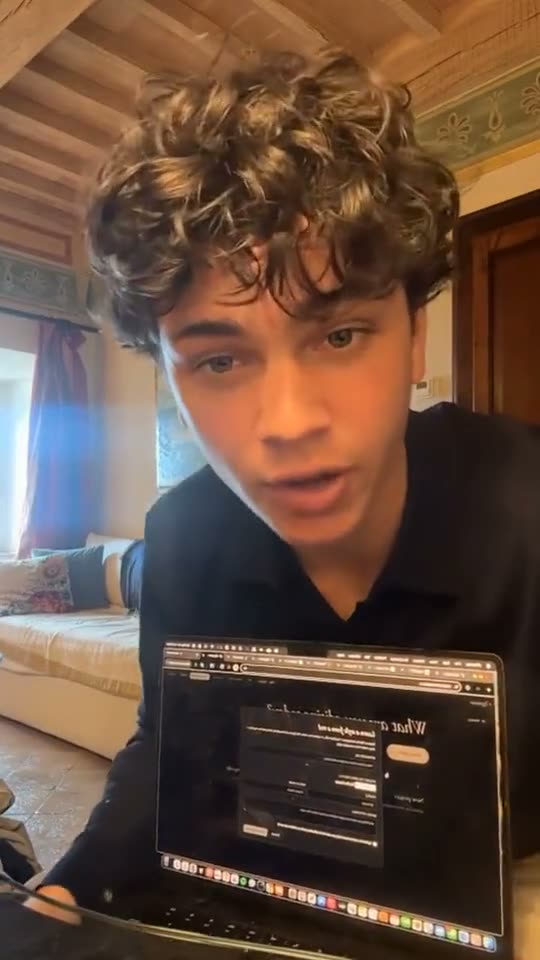
A new frame at each cut
A small push in or out at each cut keeps a jump cut clean.
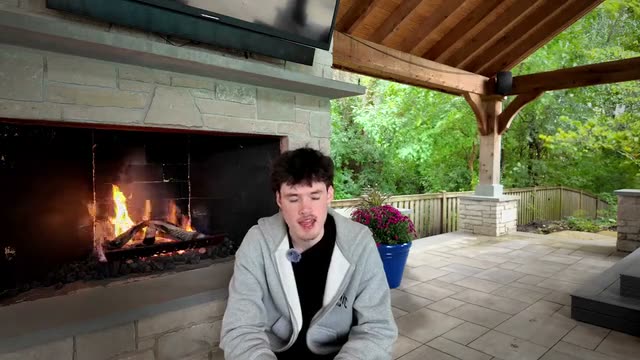
Two angles from one camera
On a longer talk, the cut can move between a wide and a close frame, like a filmed interview.
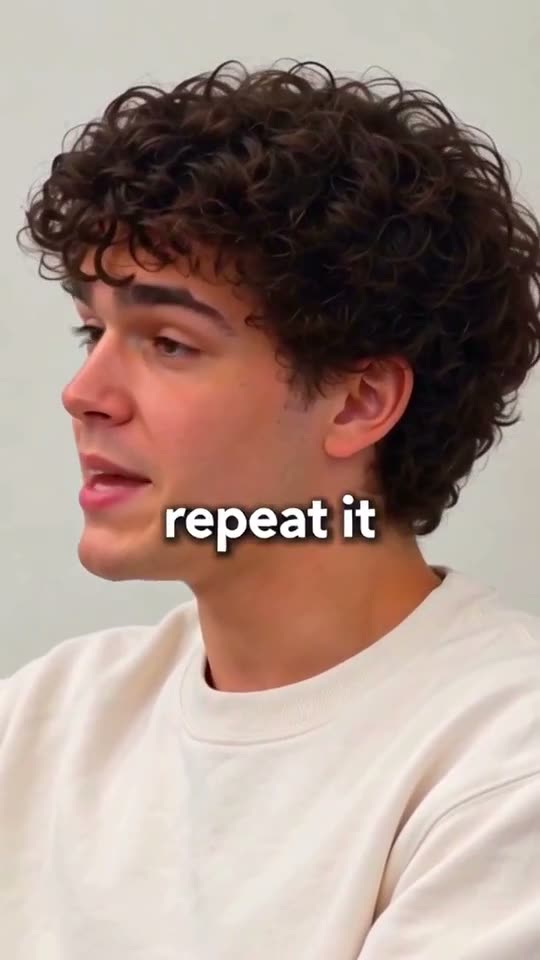
Captions when you want them
Add a style and every word gets a caption timed to your voice.
How to remove silence from a video with Clypmint
Step 1
Upload your take
Use the file you recorded, mistakes and all. One long take is fine.
Step 2
Pick Just the cut
Pick the Just the cut style for a plain edit, or any other style to add captions and pictures.
Step 3
Get it back tight
Clypmint cuts the pauses, stumbles and second takes and sends back the finished video.
Step 4
Change it in plain words
Ask to keep a line or cut another. A change by typing costs 1 to 2 credits (Default) or 1 to 4 (Extended Thinking), for what it uses, and changes by hand are free.
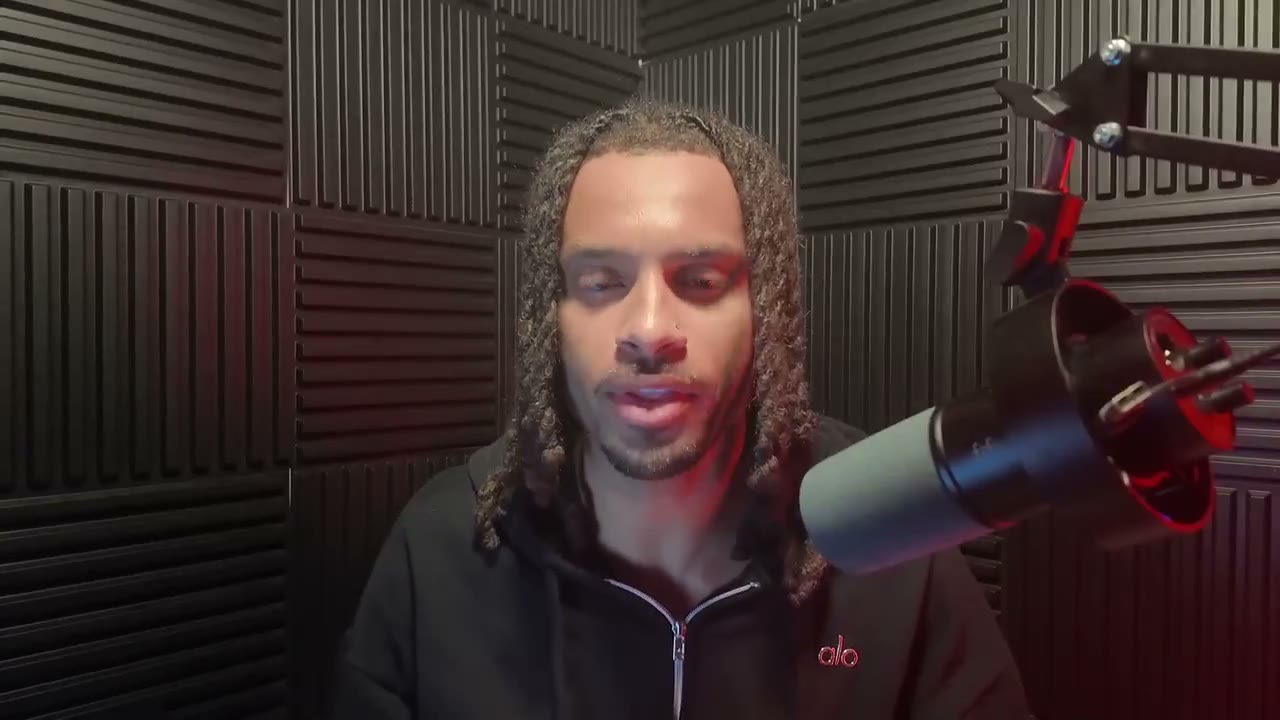
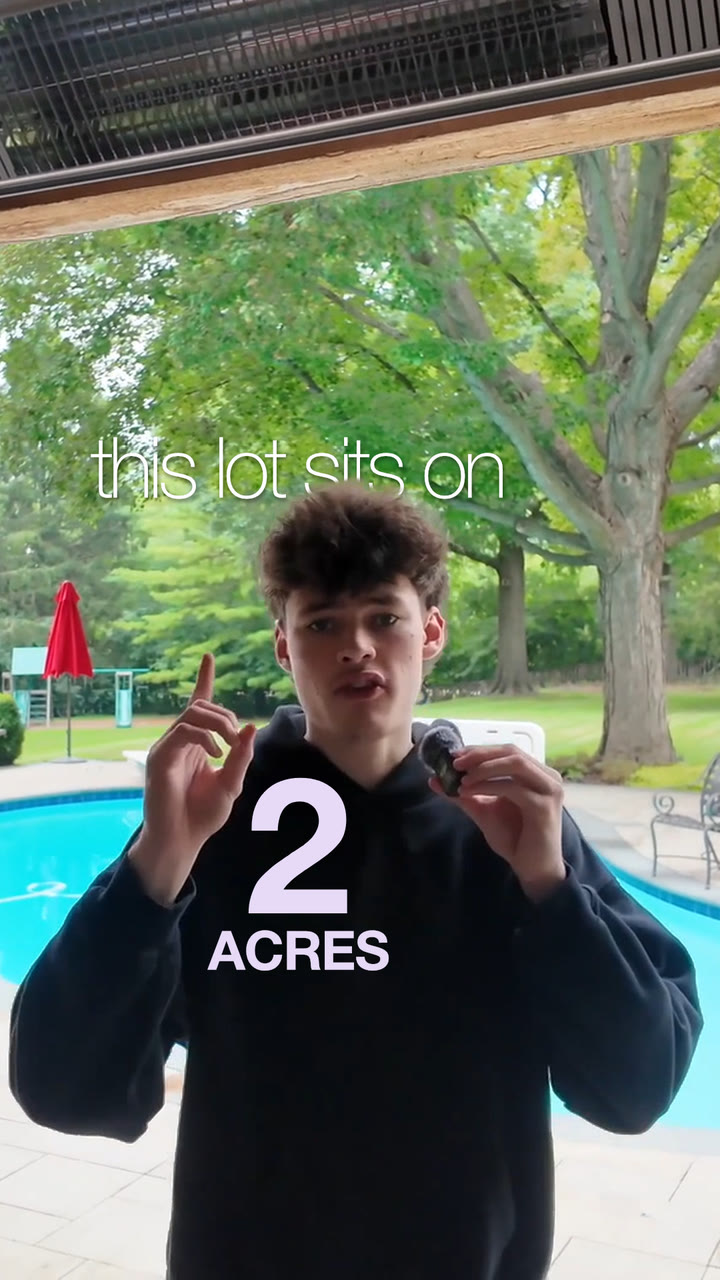
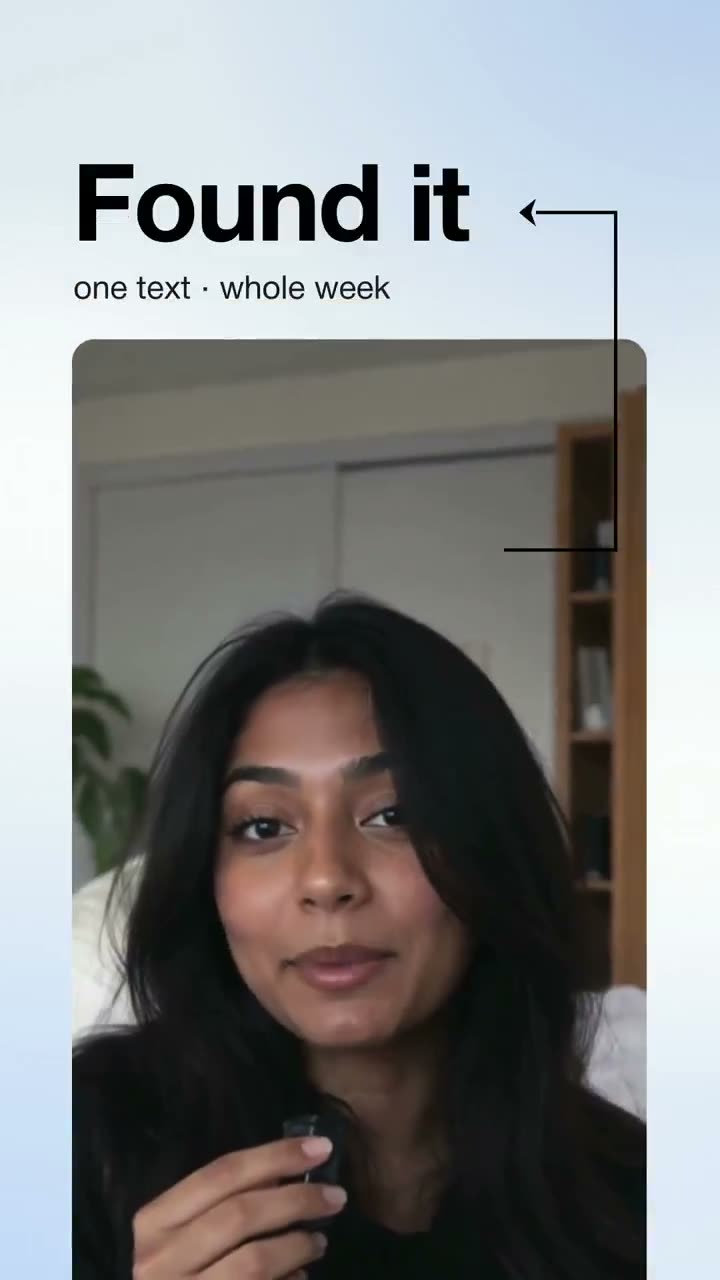
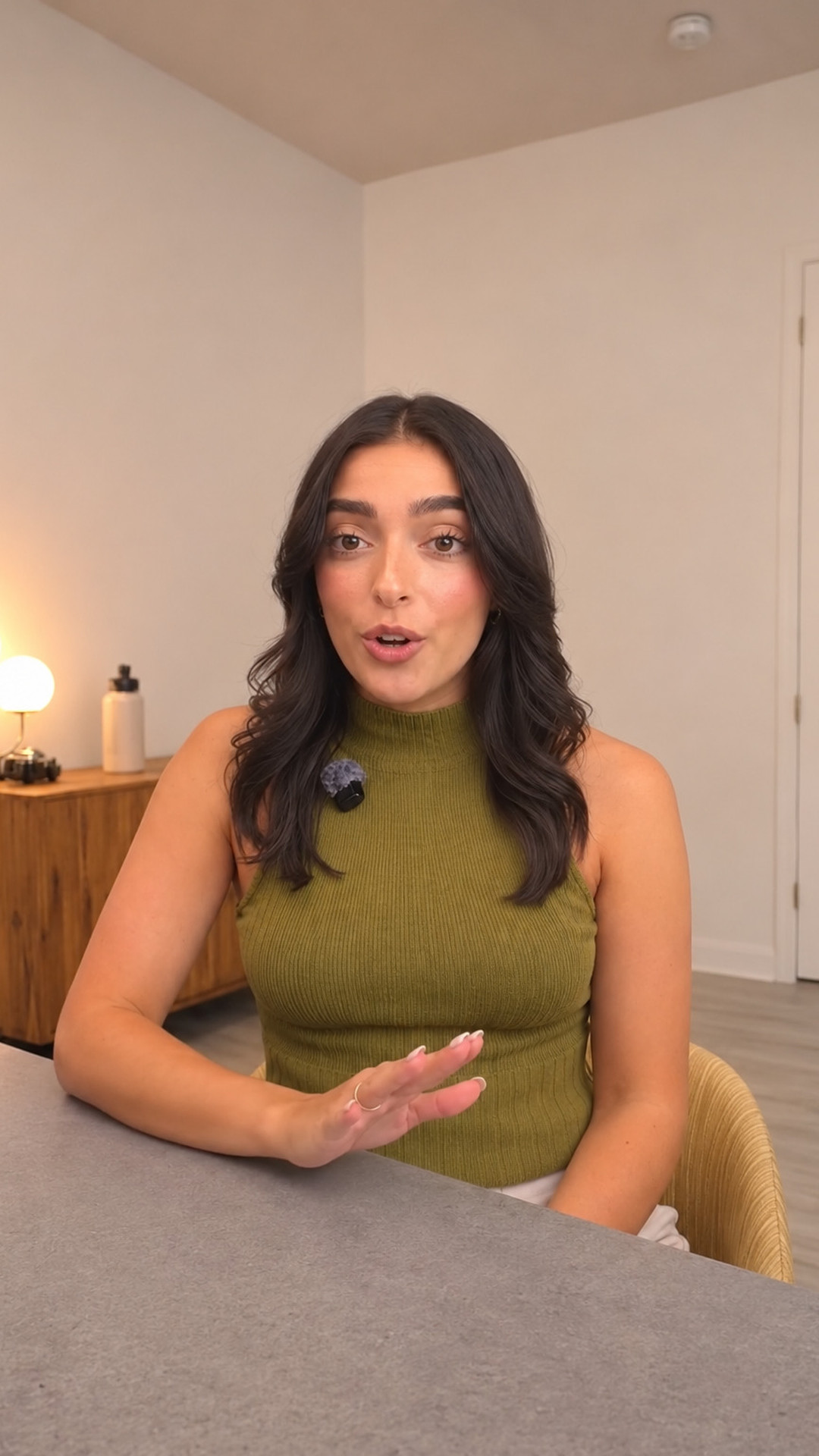 Just the cut
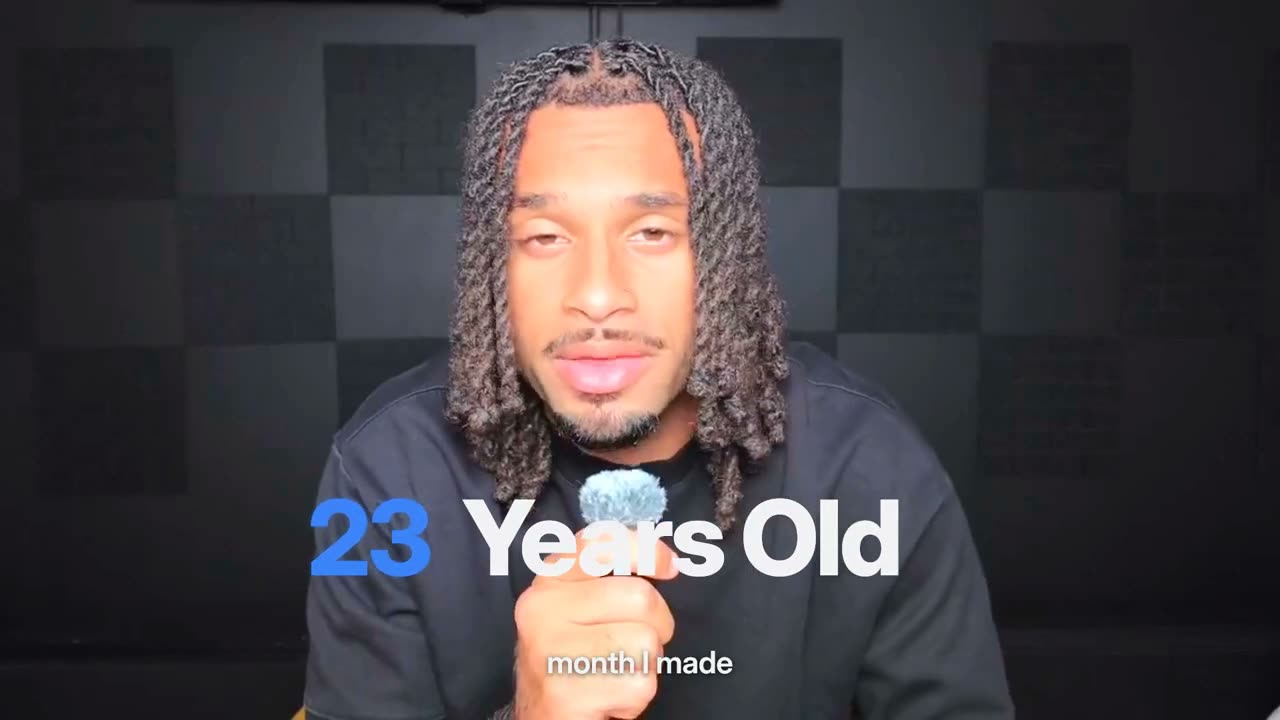
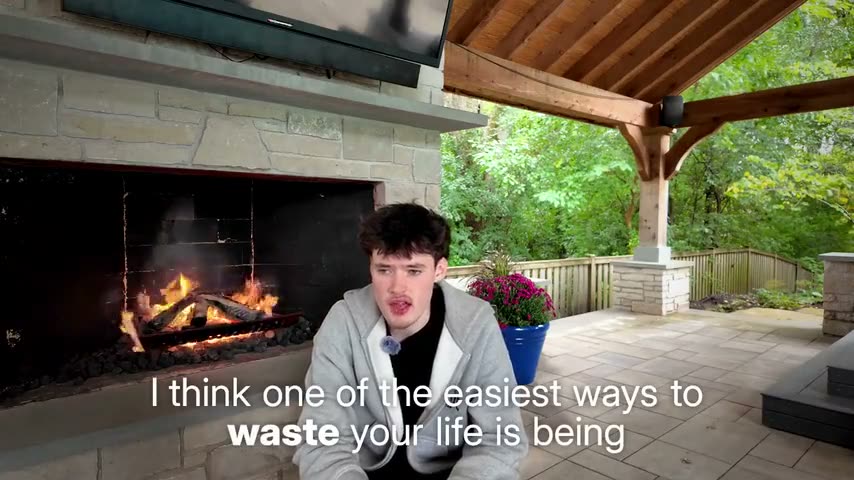


Explore Clypmint for every kind of video
Frequently asked questions
How do I remove silence from a video automatically?
Upload the video to Clypmint and pick the Just the cut style. It cuts every pause, stumble and second take and sends back the finished video, with nothing else added.
Will it cut words I meant to keep?
It keeps the best take of each line in the order you said it. If it cut something you want, ask for it back in plain words.
Does it add captions or music?
Not in Just the cut, which adds nothing. Pick another style for captions, pictures and music.
Can I write “just cut it” instead of picking a style?
Yes. Write it in your notes and Clypmint makes the plain cut.
What does Clypmint cost?
Starter is $29 a month for 120 editing credits. Pro is $89 a month for 400 editing credits. Operator is $189 a month for 900 editing credits. Agency is $499 a month for 2400 editing credits. Sign up and choose a plan to start creating. Plans start at $29 a month. Upload your footage, choose a style, and review your finished video. No watermark. Cancel any time.
Your next clean cut starts here
Cut the pauses and retakes from my talk, nothing else…ClypmintSee plansSign up and choose a plan to start creating. Plans start at $29 a month. Upload your footage, choose a style, and review your finished video. No watermark. Cancel any time.