
Clypmint for creators and personal brands
Clypmint edits the footage creators already film. Upload a take and it returns a finished video with the cuts, the captions and the on-screen type your style calls for. You keep one editing style across everything you post, so your feed reads as one channel. It is your face and your voice in every video. Choose a plan to start creating. Plans from $29 a month. No watermark. Changes by hand are free. Cancel any time.
Plans from $29 a month. Cancel any time.
Who this is for
- You post short video and the editing is the part that stops you.
- You film a lot in one sitting and then lose the week to cutting it up.
- You want your videos to look like yours, not like the default of whatever tool made them.
What Clypmint makes for you
- Vertical shorts with captions that sit where your face is not.
- Several clips out of one long recording, each cut to stand alone.
- One style across a week of posts, so your feed matches.
- Hooks and on-screen type built from the words you actually said.
How it works, in three steps
- Pick your style
Pick a Clypmint style, or let Clypmint pick one. Every video in it matches.
- Upload the session
Send one long recording. Clypmint finds the best parts and cuts each one.
- Change it in a sentence
Ask for a different hook, a tighter cut, or new captions. Export when it is right.
What Clypmint will not do here
Clypmint cuts on the words, so the recording needs usable audio. Footage with no clear voice track has no transcript to cut on, and the edit has nothing to hold on to.
What it costs
Starter is $29 a month for 120 editing credits. Pro is $89 a month for 400 editing credits. Operator is $189 a month for 900 editing credits. Agency is $499 a month for 2400 editing credits.
Sign up and choose a plan to start creating. Plans start at $29 a month. Upload your footage, choose a style, and review your finished video. No watermark. Cancel any time.
Every limit sits next to its plan on the pricing page.
Styles that suit this
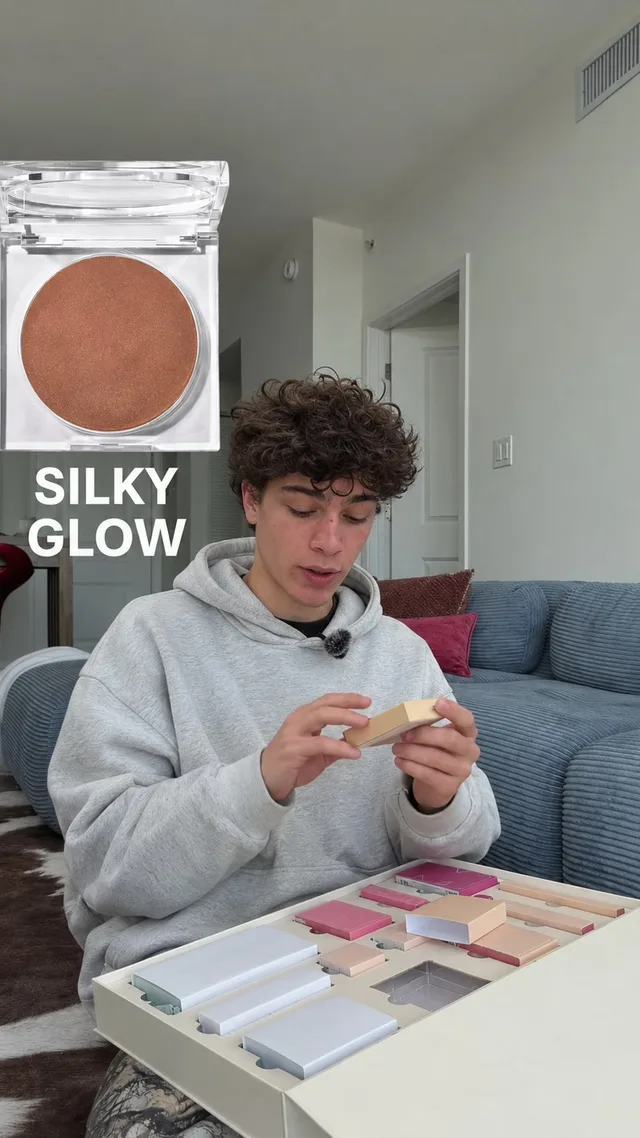
Pop-up
What you show pops up beside you with a click. For products, unboxing and reviews.

Tech
Real pictures of what you name and crisp two-voice captions.
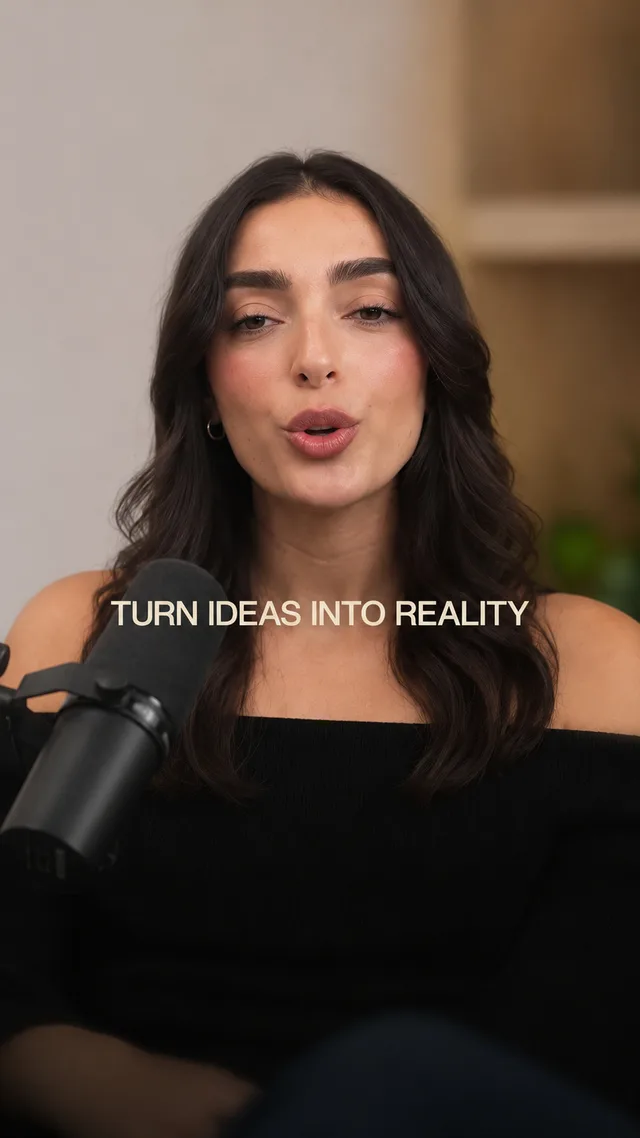
Warm
Soft pill captions and cream cards. Friendly and clear.
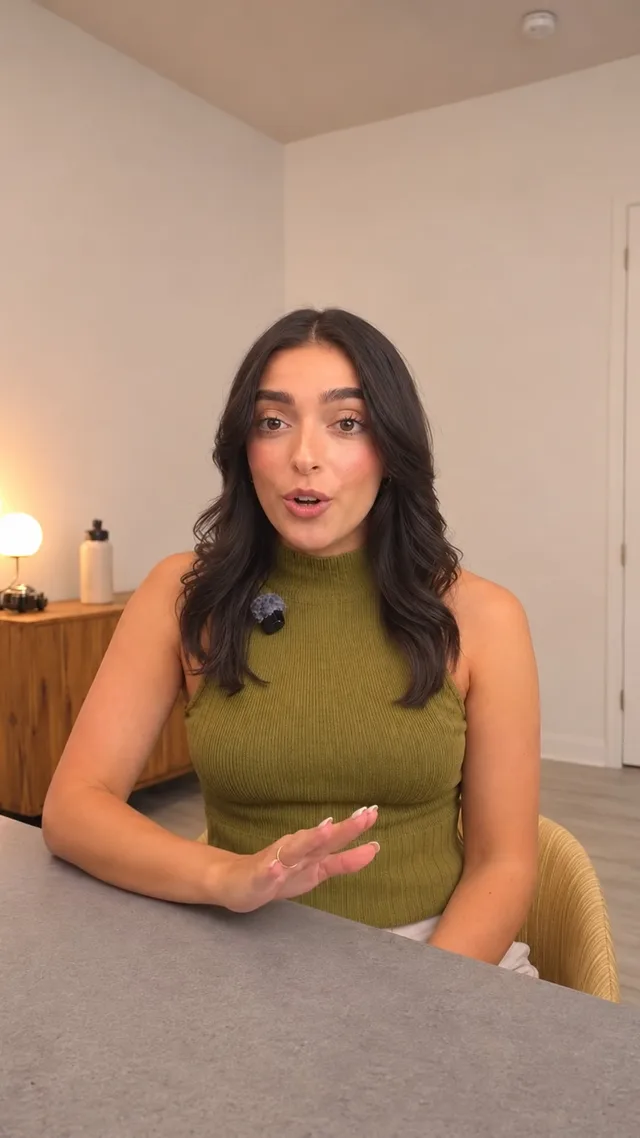
Just the cut
Pauses and mistakes cut out. No captions. Nothing added.
Or browse every Clypmint style. You can also let Clypmint pick the style for you.
Questions
Will my videos look like everybody else who uses this?
Your footage, your face and your own logos and screenshots make each video yours. Keep one style on every video and your feed has its own feel.
Can it find the good bits of a long recording?
Yes. Upload the whole session and Clypmint reads the transcript, picks the parts that stand alone, and edits each one.
Is there a watermark on what I download?
No. Downloads are clean.
Can I still edit it myself afterwards?
Yes. Ask for changes in plain words. A change by typing costs 1 to 2 credits (Default) or 1 to 4 (Extended Thinking), for what it uses, and changes by hand are free. You can also fix the captions yourself.
What does Clypmint cost?
Starter is $29 a month for 120 editing credits. Pro is $89 a month for 400 editing credits. Operator is $189 a month for 900 editing credits. Agency is $499 a month for 2400 editing credits. You are billed monthly and you can cancel any time.
Is there a free trial?
Sign up and choose a plan to start creating. Plans start at $29 a month. Upload your footage, choose a style, and review your finished video. No watermark. Cancel any time.
Read next
Send us the next recording.
Sign up and choose a plan to start creating. Plans start at $29 a month. Upload your footage, choose a style, and review your finished video. No watermark. Cancel any time.