
Clypmint for YouTubers
Clypmint edits long YouTube recordings and the shorts that come out of them. Upload the take, and it removes the dead air, cuts on your own word boundaries, captions it, and lays in the screens a long video needs to keep people watching. It edits the footage you filmed and never replaces you with a generated presenter. Choose a plan to start creating. Plans from $29 a month. No watermark. Changes by hand are free. Cancel any time.
Plans from $29 a month. Cancel any time.
Who this is for
- You record long videos and the edit is the bottleneck between you and posting.
- You want shorts from the same session without cutting them a second time by hand.
- You care that the channel looks the same from video to video.
What Clypmint makes for you
- A cut long video with the pauses and the false starts gone.
- Vertical shorts pulled from the same recording, each one edited rather than cropped.
- Captions and on-screen type in one style that the whole channel shares.
- Explainer and list screens for the parts that are easier to read than to hear.
How it works, in three steps
- Pick the channel style
Pick a Clypmint style and use it on every video, so the channel looks the same.
- Upload the recording
Send the full take. Clypmint transcribes it, cuts it, and builds the screens the video needs.
- Take the shorts too
Ask for the parts worth posting on their own. Each one comes back edited, not cropped.
What Clypmint will not do here
Each plan sets the longest single file it accepts, and a very long recording may have to be split. The pricing page states that limit next to each plan.
What it costs
Starter is $29 a month for 120 editing credits. Pro is $89 a month for 400 editing credits. Operator is $189 a month for 900 editing credits. Agency is $499 a month for 2400 editing credits.
Sign up and choose a plan to start creating. Plans start at $29 a month. Upload your footage, choose a style, and review your finished video. No watermark. Cancel any time.
Every limit sits next to its plan on the pricing page.
Styles that suit this
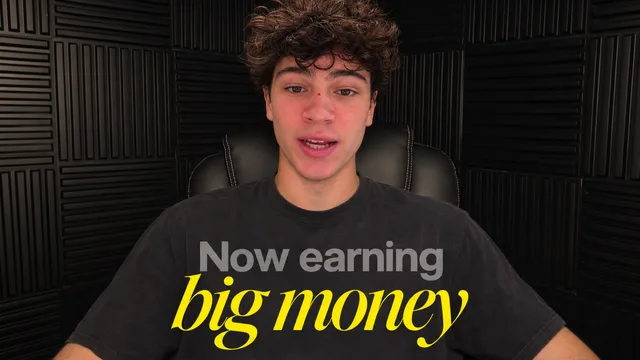
YouTube
Long videos with clean subtitles, counts and titles.
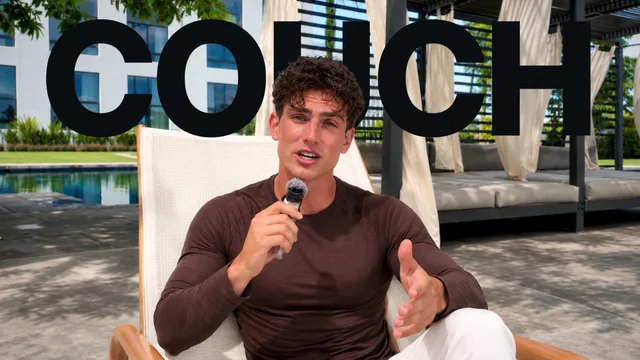
Documentary
A cinematic interview in chapters, with calm scenes of what you name.
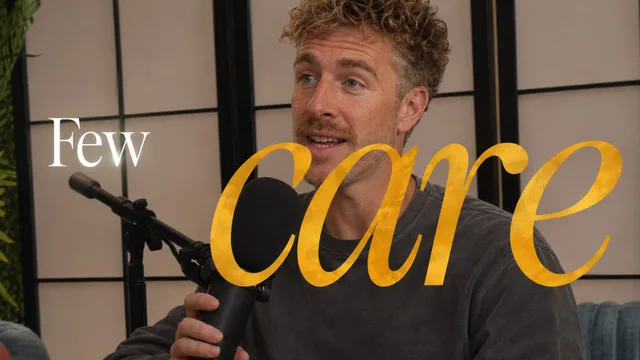
Podcast
Conversations where the picture follows who is talking.
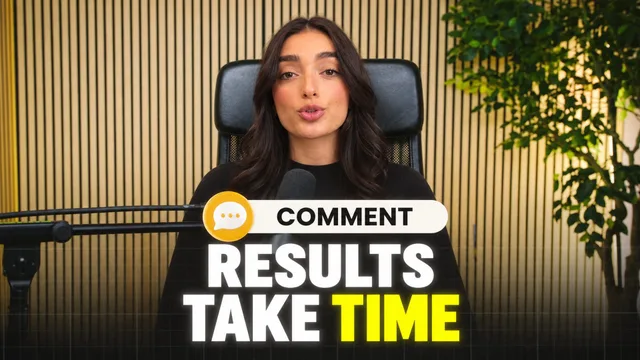
YouTube Health
Explainers with bold key lines, charts drawn as you talk and the research on screen.
Or browse every Clypmint style. You can also let Clypmint pick the style for you.
Questions
Does it edit long videos or only shorts?
Both. Clypmint cuts a long recording and can pull the shorts out of the same file.
Are the shorts just cropped?
No. A short comes back with its own cuts, captions and on-screen type, rather than the long video squeezed into a vertical frame.
Will every video on the channel match?
Yes, if you keep one style. Pick it each time and every video matches.
Can I fix a cut I do not like?
Yes. Say what to change in plain words. A change by typing costs 1 to 2 credits (Default) or 1 to 4 (Extended Thinking), for what it uses, and changes by hand are free.
What does Clypmint cost?
Starter is $29 a month for 120 editing credits. Pro is $89 a month for 400 editing credits. Operator is $189 a month for 900 editing credits. Agency is $499 a month for 2400 editing credits. You are billed monthly and you can cancel any time.
Is there a free trial?
Sign up and choose a plan to start creating. Plans start at $29 a month. Upload your footage, choose a style, and review your finished video. No watermark. Cancel any time.
Read next
Send us the next recording.
Sign up and choose a plan to start creating. Plans start at $29 a month. Upload your footage, choose a style, and review your finished video. No watermark. Cancel any time.