
Clypmint for agencies and operators
Clypmint edits client footage for the agencies and operators who post on their behalf. Each client gets a saved editing profile, so their videos keep their own style instead of drifting toward yours. Upload the recording, and the edit comes back cut, captioned and designed. It works on the client footage you were sent, never on an AI actor. Choose a plan to start creating. Plans from $29 a month. No watermark. Changes by hand are free. Cancel any time.
Plans from $29 a month. Cancel any time.
Who this is for
- You edit for other people and the volume is the problem, not the craft.
- You run content for several clients who each need to look different.
- You want a first cut in minutes that a human can finish, rather than starting from nothing.
What Clypmint makes for you
- A saved editing profile for each brand you run, reused on every later recording.
- First cuts from raw client recordings, ready to review instead of ready to start.
- Batches of short clips out of one long client session.
- The same style across a client account, so nothing you post feels off brand.
How it works, in three steps
- Set up a brand
Add that client's logos, screenshots and photos. Clypmint keeps them, and the style you pick, with that brand.
- Send their footage
Upload whatever they recorded. Clypmint cuts, captions and designs it against their profile, not a default.
- Review and hand it over
Ask for changes in plain words, or fix the captions yourself. Then export.
What Clypmint will not do here
Clypmint gives you a monthly editing credit balance, and each plan states how many brands it holds. A shop running more brands than a plan allows needs the larger plan, and it is not a seat-based tool.
What it costs
Starter is $29 a month for 120 editing credits. Pro is $89 a month for 400 editing credits. Operator is $189 a month for 900 editing credits. Agency is $499 a month for 2400 editing credits.
Sign up and choose a plan to start creating. Plans start at $29 a month. Upload your footage, choose a style, and review your finished video. No watermark. Cancel any time.
Every limit sits next to its plan on the pricing page.
Styles that suit this
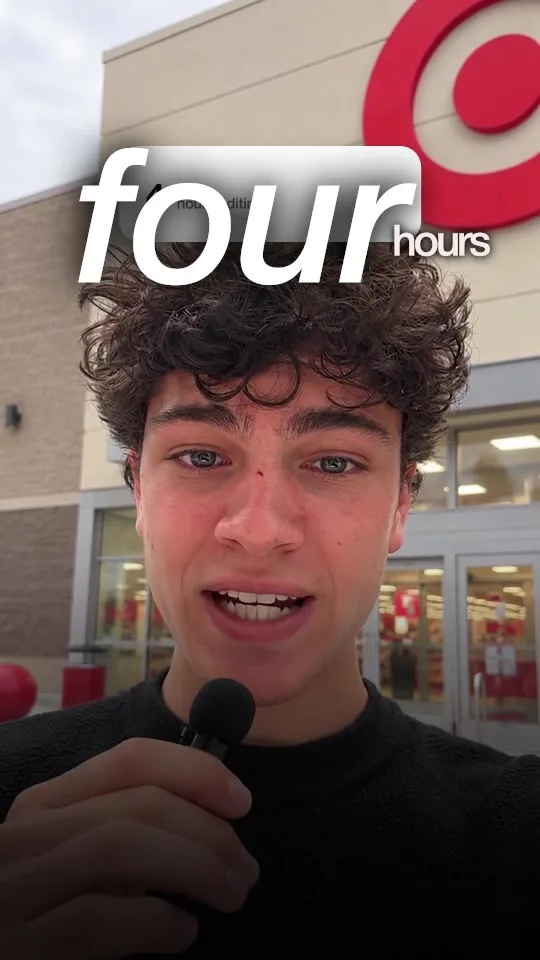
Ad
Your own product screens and the offer as a big number. Made to sell.
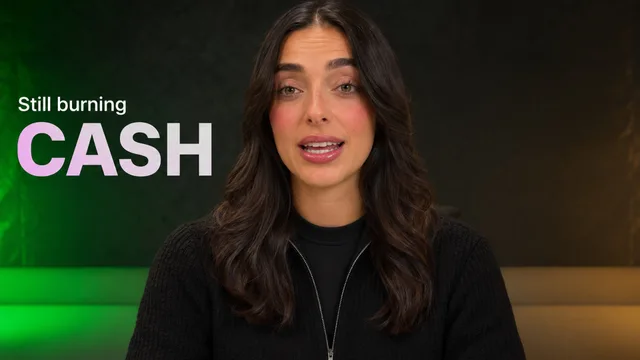
Intro
Edit-heavy pages, checklists and your hook set behind you.

Real estate
Glass captions behind your head, zooms on your face and your listings popping up.
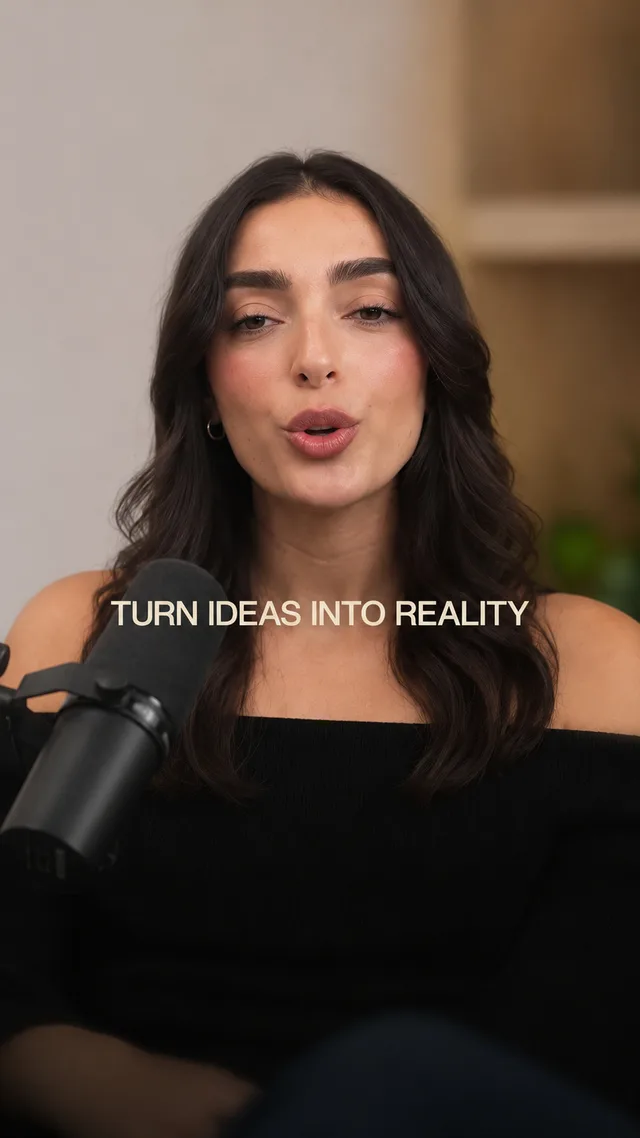
Warm
Soft pill captions and cream cards. Friendly and clear.
Or browse every Clypmint style. You can also let Clypmint pick the style for you.
Questions
Can I keep clients separate?
Yes. Each brand has its own saved profile, and each plan states how many brands it holds.
Can my editors finish the cut by hand?
Not on a timeline inside Clypmint. They say what to change in plain words, and they can fix the captions. A change by typing costs 1 to 2 credits (Default) or 1 to 4 (Extended Thinking), for what it uses, and changes by hand are free. They can also take the finished MP4 into their own editor.
Does it work on footage my client filmed?
Yes. That is the normal case. Clypmint edits real footage somebody shot, whoever shot it.
Is this a white-label service?
No. Clypmint is a tool you use, not an agency that edits for you, and downloads carry no Clypmint mark.
What about multiple people on the account?
Each plan states how many seats it includes on the pricing page. Check the plan before you buy for a team.
What does Clypmint cost?
Starter is $29 a month for 120 editing credits. Pro is $89 a month for 400 editing credits. Operator is $189 a month for 900 editing credits. Agency is $499 a month for 2400 editing credits. You are billed monthly and you can cancel any time.
Is there a free trial?
Sign up and choose a plan to start creating. Plans start at $29 a month. Upload your footage, choose a style, and review your finished video. No watermark. Cancel any time.
Read next
Send us the next recording.
Sign up and choose a plan to start creating. Plans start at $29 a month. Upload your footage, choose a style, and review your finished video. No watermark. Cancel any time.