
Name drop
The people and brands you name step onto white with their real faces, names and logos.
- Vertical 9:16 or wide 16:9
- For posts, YouTube videos and ads
Plans from $29 a month. Cancel any time.
What Name drop does to your footage
Name drop was built by measuring a 101-second founder story on LinkedIn: how it cuts, where its words sit and what it shows on each beat. Your footage gets the same grammar.
- Every real person you name steps onto white: their face, their name set big, and what you say about them beside it.
- Their company’s logo joins them on the word you say it.
- Your captions sit beside your head, a word or two at a time. A list you say stacks up on white.
What footage suits it
- Founders, creators and coaches telling a story about the people they met or learned from.
- Talks that name real people, companies and products.
What Name drop will not do
It shows a face only for people with a public page. Friends and clients stay in your words.
How to edit a video in this style
- Choose a plan and upload your footage
Sign up and choose a paid plan, then drop in the recording you already made. Clypmint transcribes it and finds where the usable takes are.
- Pick Name drop
Choose Name drop from the style picker. Its whole editing grammar comes with it.
- Let it cut
Clypmint cuts the dead air, sets the captions the way Name drop sets them, and places that style's graphics on the beats where they belong.
- Change it in a sentence
Tell the AI editor what to change. It changes the video you already have. A change by typing costs 1 to 2 credits (Default) or 1 to 4 (Extended Thinking), for what it uses, and changes by hand are free.
- Watch it, then keep it
Watch your finished video, then download it without a watermark. Downloads are included in your paid plan.
Questions
What is Name drop made for?
Name drop is made for posts, YouTube videos and ads. Founders, creators and coaches telling a story about the people they met or learned from. Talks that name real people, companies and products.
What shape of video does it make?
Vertical 9:16 or wide 16:9. Your plan sets the longest single file you can upload.
Can I change the edit after it runs?
Yes. Ask for changes in plain words. A change by typing costs 1 to 2 credits (Default) or 1 to 4 (Extended Thinking), for what it uses, and changes by hand are free. You can also fix the captions yourself.
What does Clypmint cost?
Starter is $29 a month for 120 editing credits. Pro is $89 a month for 400 editing credits. Operator is $189 a month for 900 editing credits. Agency is $499 a month for 2400 editing credits. Sign up and choose a plan to start creating. Plans start at $29 a month. Upload your footage, choose a style, and review your finished video. No watermark. Cancel any time.
Other styles to look at
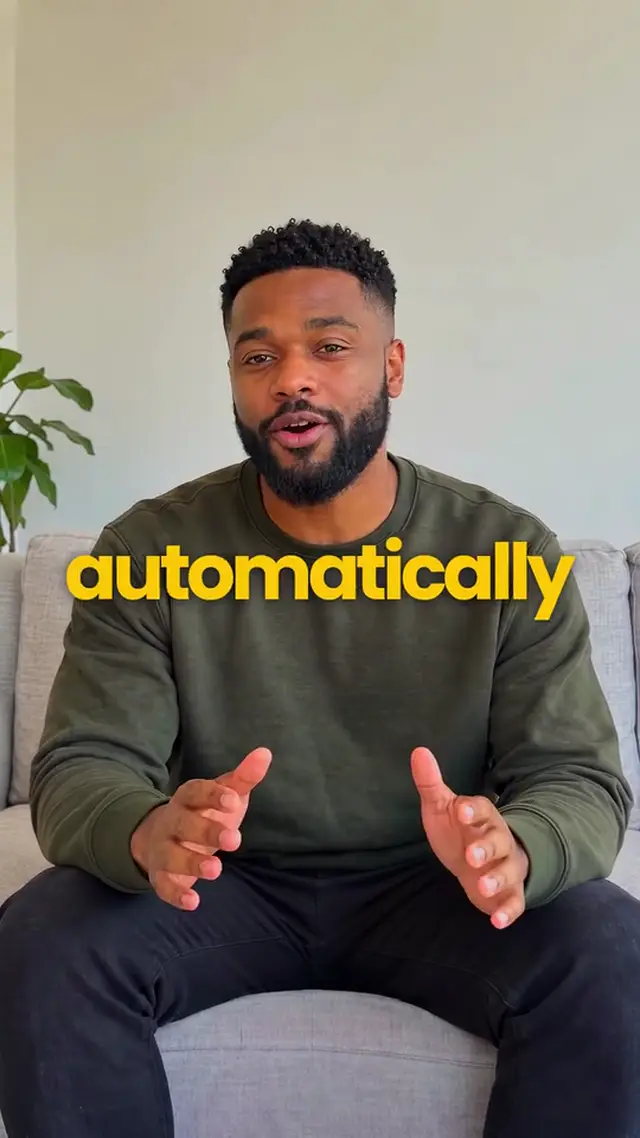
Gold Closer
You on camera, white words on your chest, the key word in gold and points that land numbered.
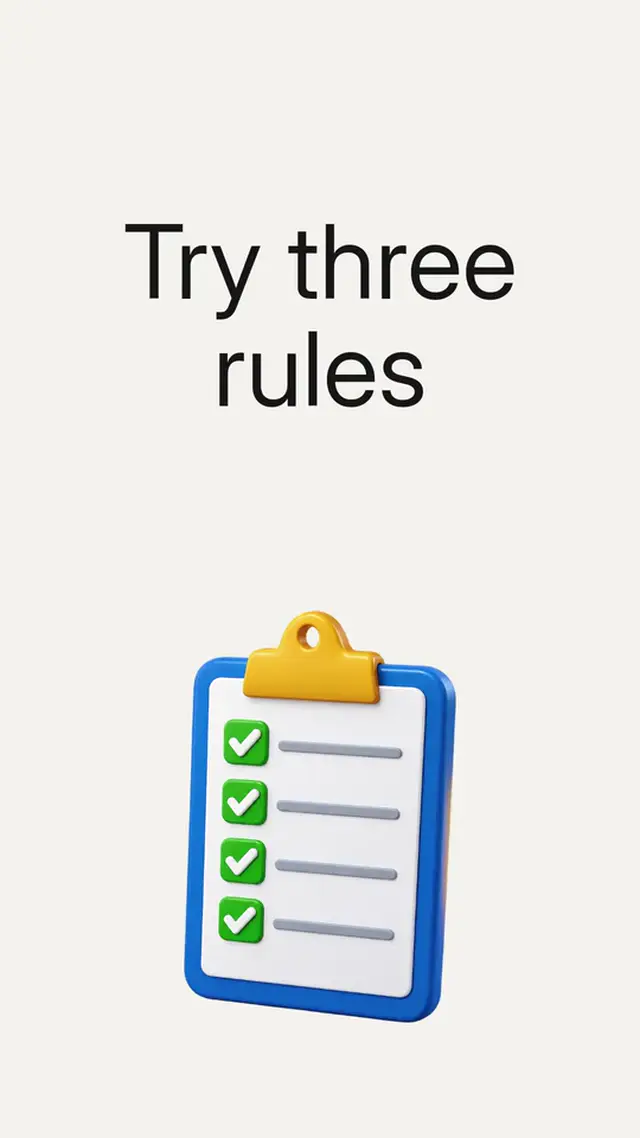
Serif Editorial Launch
Serif launch statements, magazine-like frames and product pictures. Motion led by music.
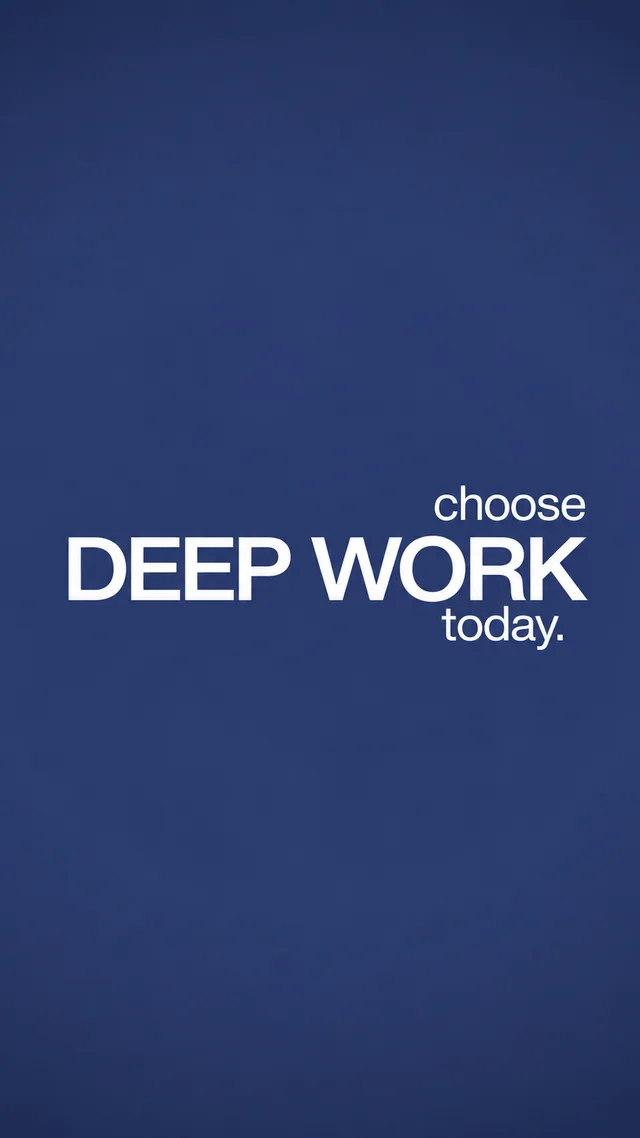
Bold Navy Statement
Oversized statements, navy and white cards, bracketed brand marks and narrated pictures.

Crimson Serif Explainer
Red serif emphasis, animated phrases and story pictures on a clean white page.
Send a recording, get it back in Name drop.
Sign up and choose a plan to start creating. Plans start at $29 a month. Upload your footage, choose a style, and review your finished video. No watermark. Cancel any time.