
YouTube Health
Explainers with bold key lines, charts drawn as you talk and the research on screen.
- Wide 16:9, for YouTube
- For YouTube videos
Plans from $29 a month. Cancel any time.
What YouTube Health does to your footage
YouTube Health was built by measuring a doctor’s 14 minute health masterclass: how it cuts, where its words sit and what it shows on each beat. Your footage gets the same grammar.
- The point of each passage is set as a bold key line.
- Charts and whiteboards drawn as you talk.
- The research you cite, on screen.
What footage suits it
- Doctors, health, fitness and nutrition coaches, scientists and other experts.
- 5 to 30 minute YouTube explainers.
What YouTube Health will not do
It is calm on purpose: no running subtitles, and nothing counts up.
How to edit a video in this style
- Choose a plan and upload your footage
Sign up and choose a paid plan, then drop in the recording you already made. Clypmint transcribes it and finds where the usable takes are.
- Pick YouTube Health
Choose YouTube Health from the style picker. Its whole editing grammar comes with it.
- Let it cut
Clypmint cuts the dead air, sets the captions the way YouTube Health sets them, and places that style's graphics on the beats where they belong.
- Change it in a sentence
Tell the AI editor what to change. It changes the video you already have. A change by typing costs 1 to 2 credits (Default) or 1 to 4 (Extended Thinking), for what it uses, and changes by hand are free.
- Watch it, then keep it
Watch your finished video, then download it without a watermark. Downloads are included in your paid plan.
Questions
What is YouTube Health made for?
YouTube Health is made for YouTube videos. Doctors, health, fitness and nutrition coaches, scientists and other experts. 5 to 30 minute YouTube explainers.
What shape of video does it make?
Wide 16:9, for YouTube. Your plan sets the longest single file you can upload.
Can I change the edit after it runs?
Yes. Ask for changes in plain words. A change by typing costs 1 to 2 credits (Default) or 1 to 4 (Extended Thinking), for what it uses, and changes by hand are free. You can also fix the captions yourself.
What does Clypmint cost?
Starter is $29 a month for 120 editing credits. Pro is $89 a month for 400 editing credits. Operator is $189 a month for 900 editing credits. Agency is $499 a month for 2400 editing credits. Sign up and choose a plan to start creating. Plans start at $29 a month. Upload your footage, choose a style, and review your finished video. No watermark. Cancel any time.
Other styles to look at
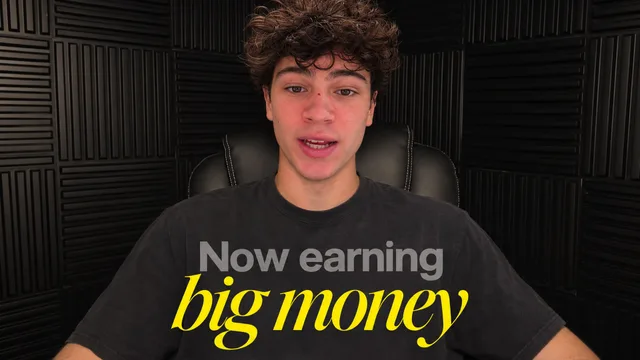
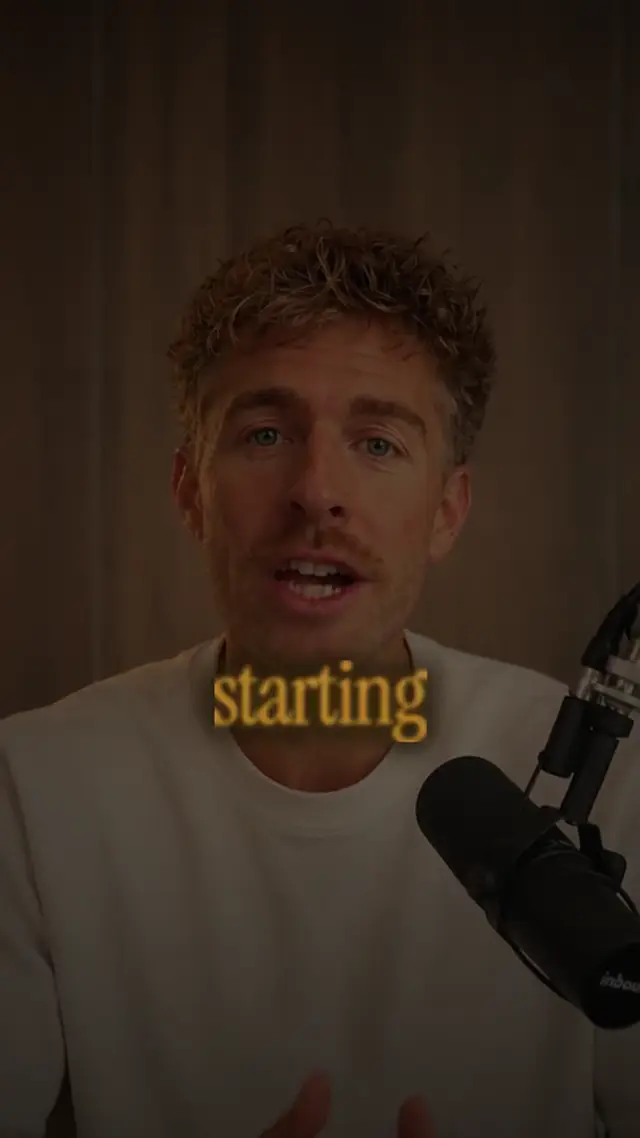
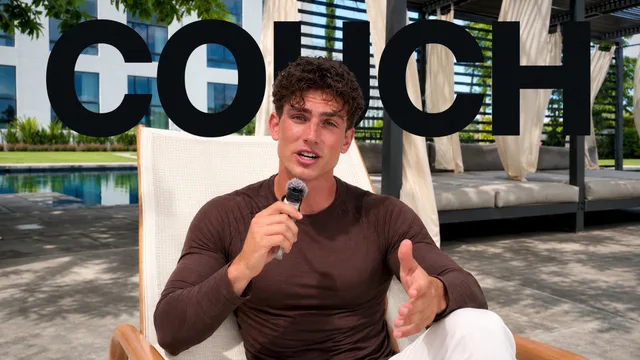
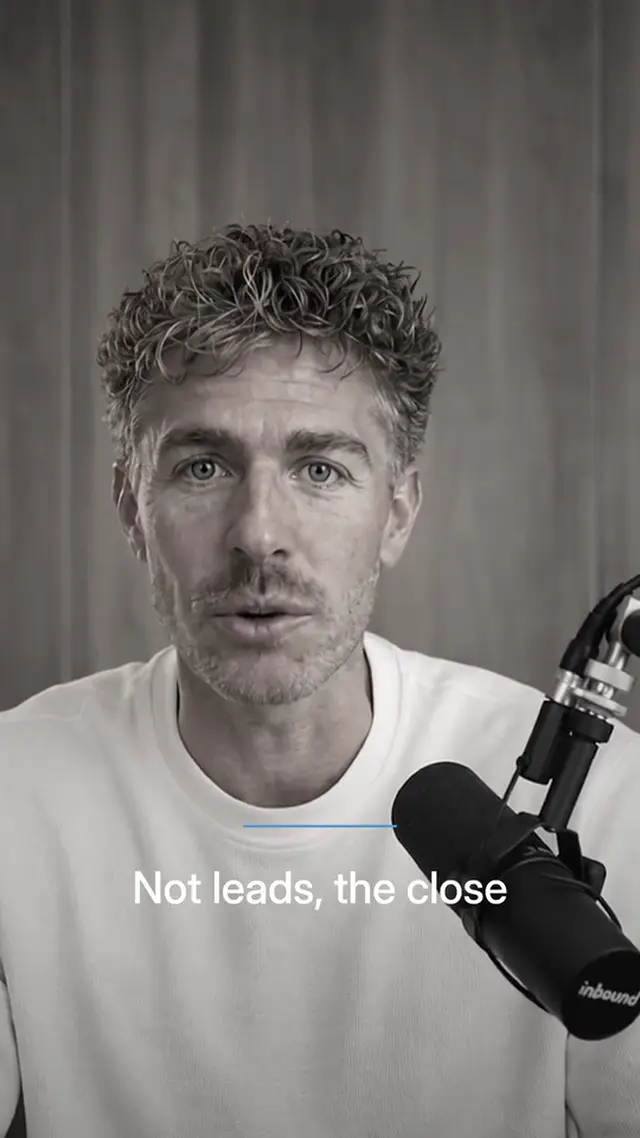
Send a recording, get it back in YouTube Health.
Sign up and choose a plan to start creating. Plans start at $29 a month. Upload your footage, choose a style, and review your finished video. No watermark. Cancel any time.