
Documentary
A cinematic interview in chapters, with calm scenes of what you name.
- Wide 16:9, for YouTube
- For YouTube videos
Plans from $29 a month. Cancel any time.
What Documentary does to your footage
Documentary was built by measuring an 11 minute founder interview cut like a documentary: how it cuts, where its words sit and what it shows on each beat. Your footage gets the same grammar.
- A wide, cinematic picture with chapter cards.
- Between the talk, calm dark violet scenes where each thing you name lands on its word.
- Cut between two camera angles, like a filmed interview.
What footage suits it
- Founders, investors, experts and coaches with a 5 to 20 minute talk.
- YouTube videos that should feel expensive and thoughtful.
See talking head videos made with Documentary: a real edit, the videos it suits and how it works.
What Documentary will not do
It is long and calm; it is not for a fast 30 second post.
How to edit a video in this style
- Choose a plan and upload your footage
Sign up and choose a paid plan, then drop in the recording you already made. Clypmint transcribes it and finds where the usable takes are.
- Pick Documentary
Choose Documentary from the style picker. Its whole editing grammar comes with it.
- Let it cut
Clypmint cuts the dead air, sets the captions the way Documentary sets them, and places that style's graphics on the beats where they belong.
- Change it in a sentence
Tell the AI editor what to change. It changes the video you already have. A change by typing costs 1 to 2 credits (Default) or 1 to 4 (Extended Thinking), for what it uses, and changes by hand are free.
- Watch it, then keep it
Watch your finished video, then download it without a watermark. Downloads are included in your paid plan.
Questions
What is Documentary made for?
Documentary is made for YouTube videos. Founders, investors, experts and coaches with a 5 to 20 minute talk. YouTube videos that should feel expensive and thoughtful.
What shape of video does it make?
Wide 16:9, for YouTube. Your plan sets the longest single file you can upload.
Can I change the edit after it runs?
Yes. Ask for changes in plain words. A change by typing costs 1 to 2 credits (Default) or 1 to 4 (Extended Thinking), for what it uses, and changes by hand are free. You can also fix the captions yourself.
What does Clypmint cost?
Starter is $29 a month for 120 editing credits. Pro is $89 a month for 400 editing credits. Operator is $189 a month for 900 editing credits. Agency is $499 a month for 2400 editing credits. Sign up and choose a plan to start creating. Plans start at $29 a month. Upload your footage, choose a style, and review your finished video. No watermark. Cancel any time.
Other styles to look at
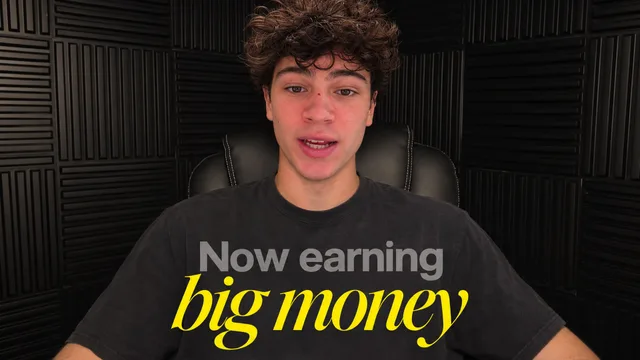
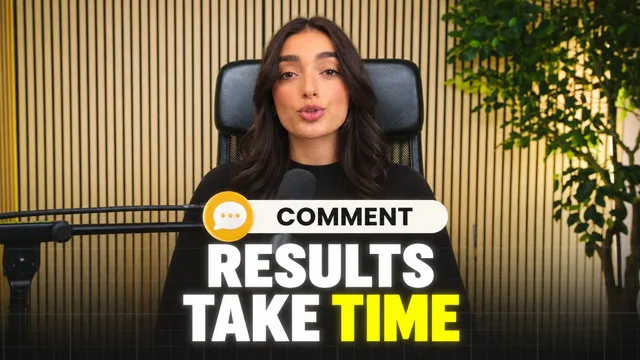
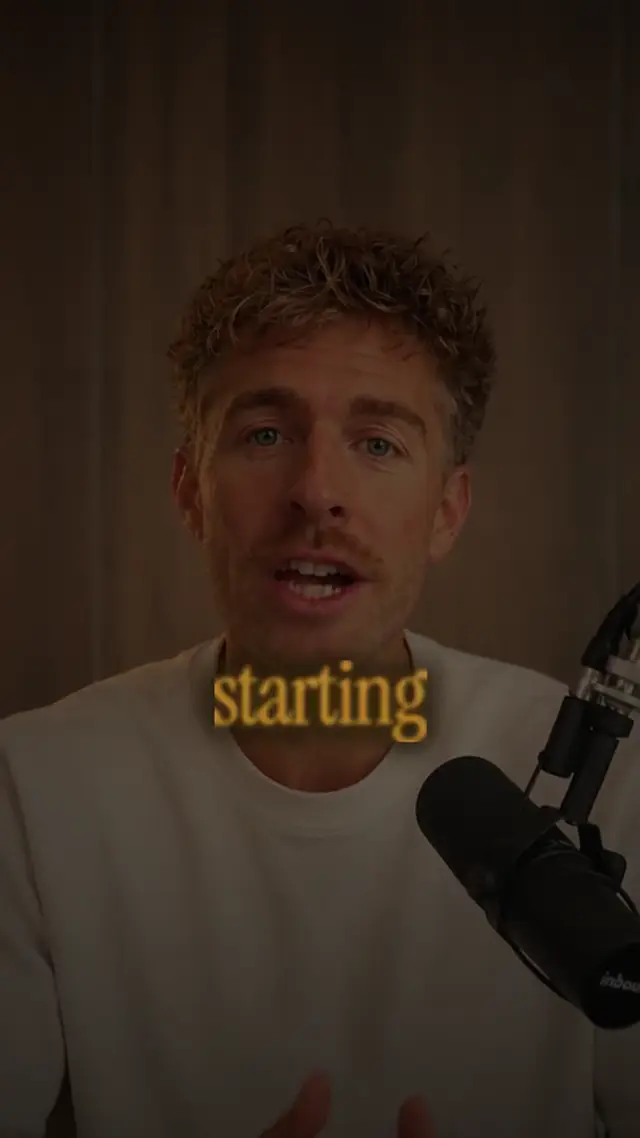
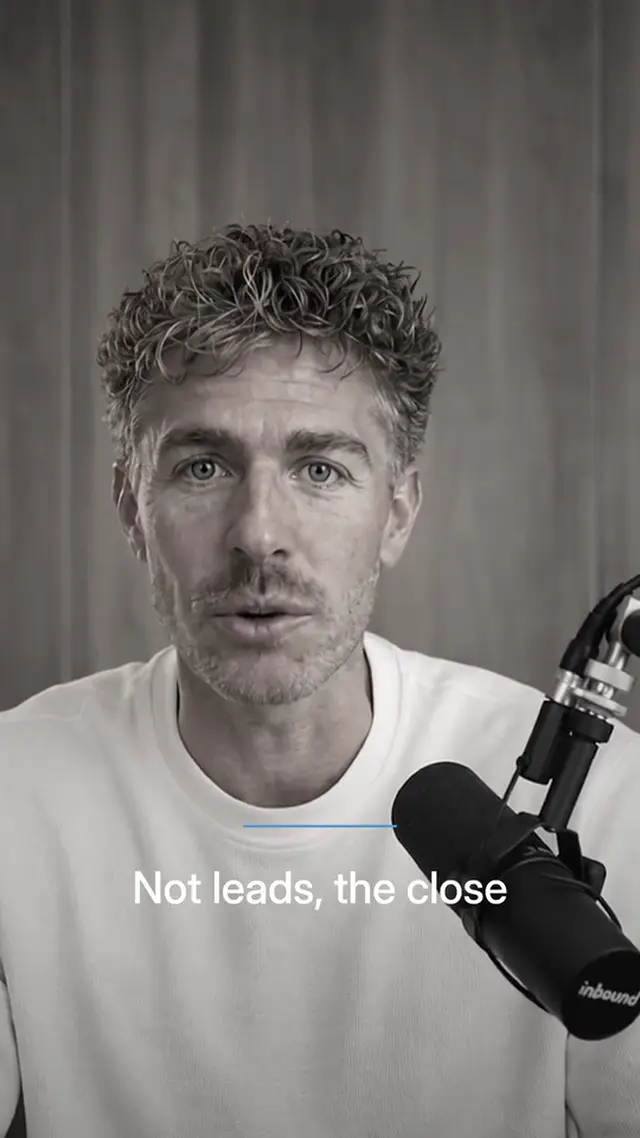
Send a recording, get it back in Documentary.
Sign up and choose a plan to start creating. Plans start at $29 a month. Upload your footage, choose a style, and review your finished video. No watermark. Cancel any time.