
Filler word remover
Remove filler words like "um" and "uh" automatically
Clypmint will remove filler words, long pauses and mistakes from videos of people talking. Upload the take, and the finished video comes back tight, with captions on every word.
Add media
A video you talked to camera works best.
Plans from $29 a month. Cancel any time.
How it works
- Sign up and pick a plan
Make an account with Google or email, then pick the plan that fits.
- Upload your video
Add the recording with the ums, pauses and false starts left in.
- Check the cut
Watch the edit. If a cut went too far, type what to put back.
Why it works
- Clypmint cuts mistakes, pauses and filler, and opens on the hook.
- It keeps the words you meant and drops the ones you did not.
- Captions are timed to the word, with key words colored and kept clear of the face.
- You never scrub a timeline to find each "um".
Made with Clypmint
Tap any one to make your own.
 Pop-upMake a video in the Pop-up style
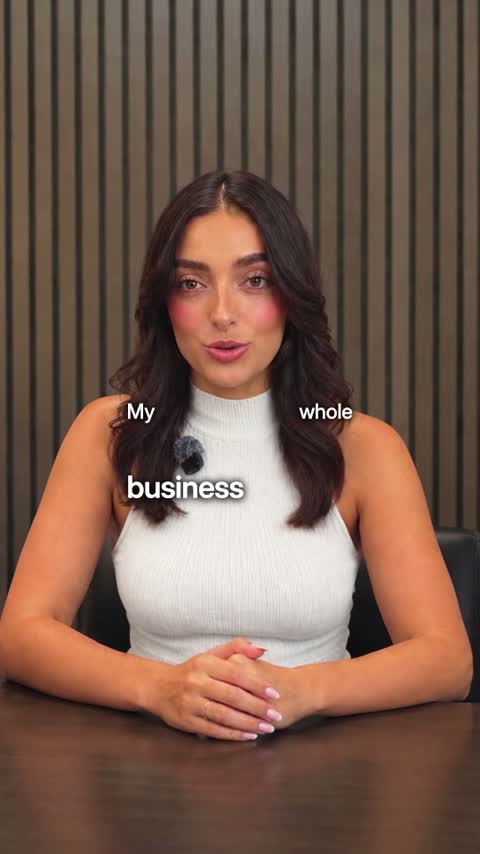 TechMake a video in the Tech style
 LuxeMake a video in the Luxe style
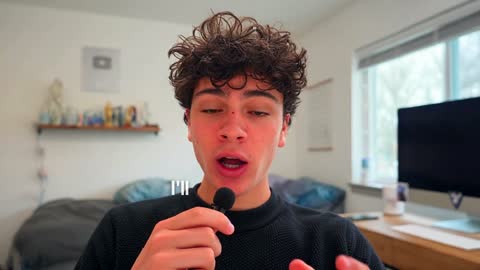 YouTubeMake a video in the YouTube style
 Real estateMake a video in the Real estate style
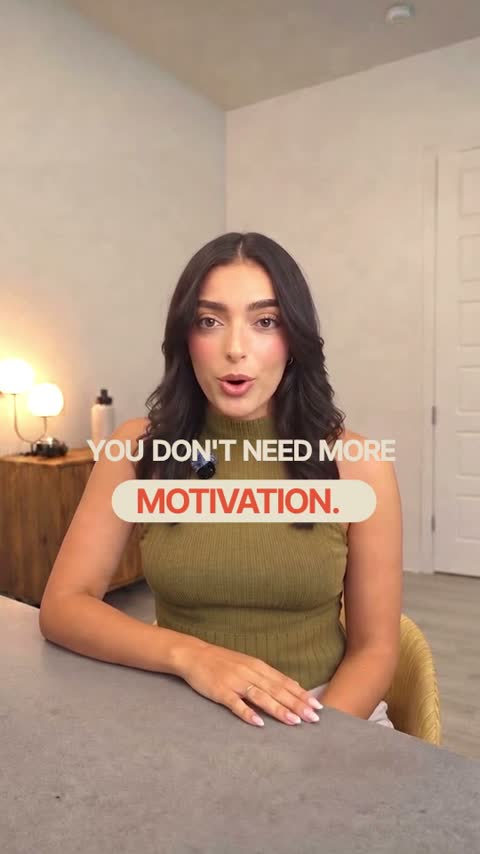 WarmMake a video in the Warm style
 PodcastMake a video in the Podcast style
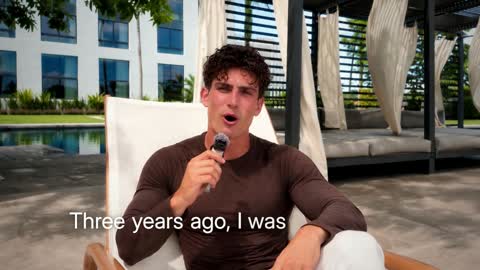 DocumentaryMake a video in the Documentary style
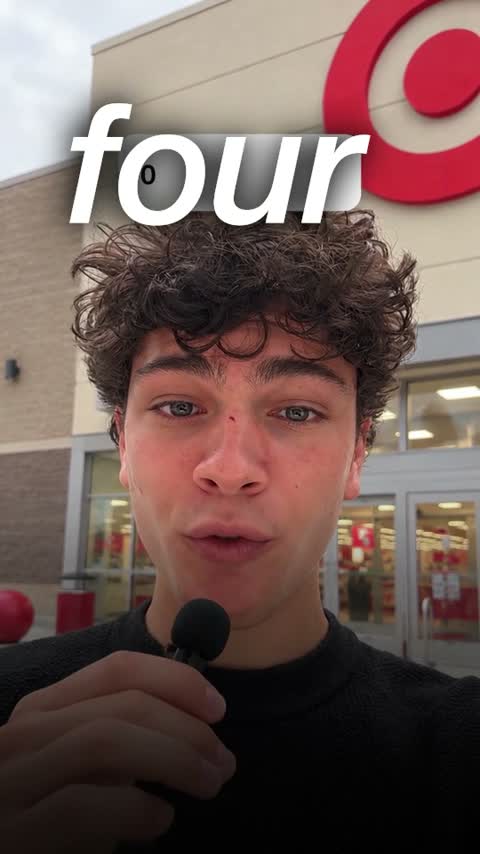 UGC adMake a video in the UGC ad style
Plus the tools to finish it
Everything in Starter
$29$21.75/month
billed yearly
Or $29 a month, billed monthly. Cancel any time.
- 120 credits a monthA 1-minute video uses 4, so about 30 videos
- Cuts, captions, B-roll and titlesIn any of our styles, with no watermark
- We fix it until you are happyNot happy with your first video? We work on it until you are. How it works
Questions
Does it cut long pauses too?
Yes. Long pauses and dead air come out with the filler words.
What if it cuts something I wanted?
Type what to put back, like "keep the joke at the start", and the edit changes.
Do I pay before creating a video?
Yes. Choose a plan before your first edit. You can browse our video examples before subscribing.