
Course video editor
A course video editor that edits every lesson for you
Clypmint is a course video editor for the lessons you record. It cuts the mistakes and pauses, adds captions and puts your slides and pictures where you talk about them.
Add media
A video you talked to camera works best.
Plans from $29 a month. Cancel any time.
How it works
- Sign up and pick a plan
Make an account with Google or email, then pick the plan that fits.
- Upload a lesson
Add the recorded lesson, plus any slides or pictures you want in it.
- Download the lesson
Watch it, type any change, then download it for your course.
Why it works
- Clypmint cuts mistakes, pauses and filler, and opens on the hook.
- Your slides and pictures land on the words that name them.
- Captions are timed to the word, with key words colored and kept clear of the face.
- Starter takes uploads up to 15 minutes long.
Made with Clypmint
Tap any one to make your own.
 Pop-upMake a video in the Pop-up style
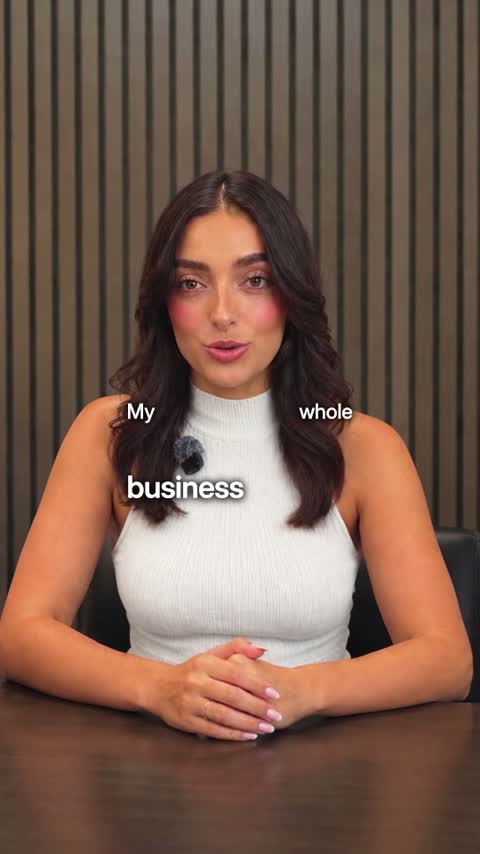 TechMake a video in the Tech style
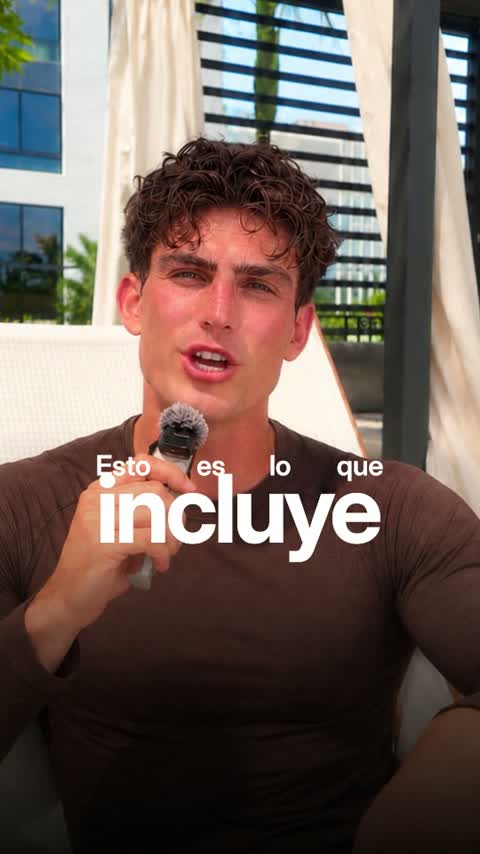 LuxeMake a video in the Luxe style
 YouTubeMake a video in the YouTube style
 Real estateMake a video in the Real estate style
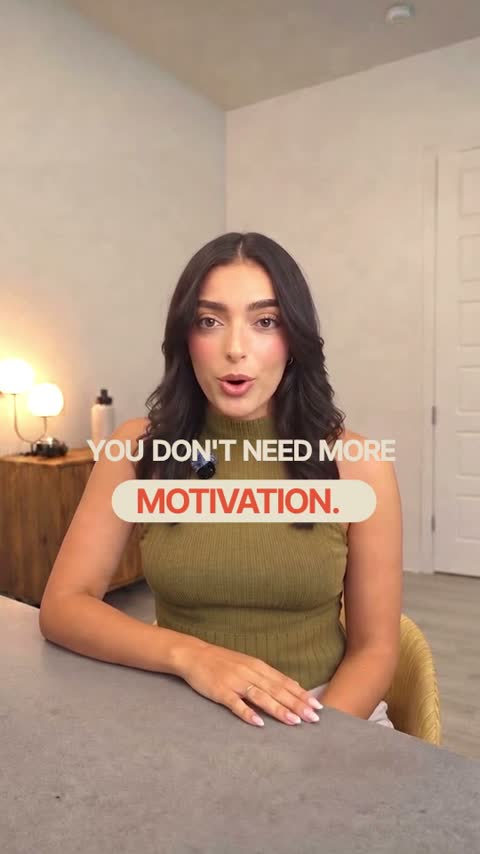 WarmMake a video in the Warm style
 PodcastMake a video in the Podcast style
 DocumentaryMake a video in the Documentary style
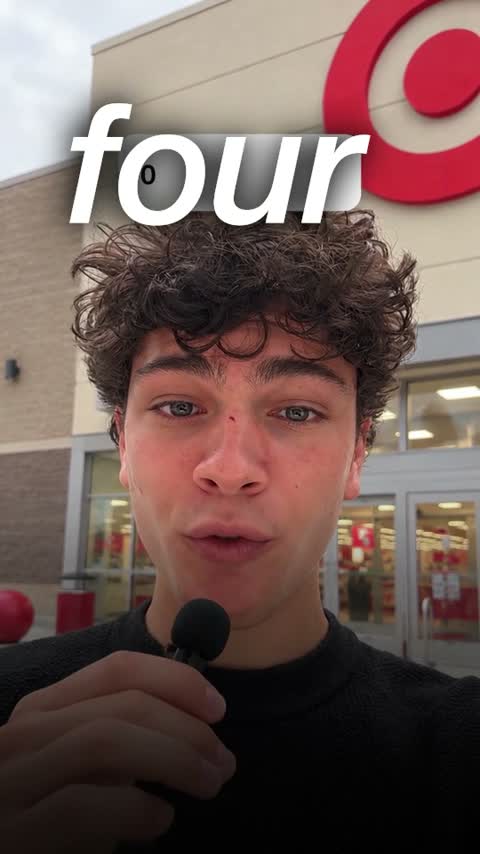 UGC adMake a video in the UGC ad style
Plus the tools to finish it
Everything in Starter
$29$21.75/month
billed yearly
Or $29 a month, billed monthly. Cancel any time.
- 120 credits a monthA 1-minute video uses 4, so about 30 videos
- Cuts, captions, B-roll and titlesIn any of our styles, with no watermark
- We fix it until you are happyNot happy with your first video? We work on it until you are. How it works
Questions
Can I keep one look across every lesson?
Yes. Pick the same style for each lesson and they all match.
How long can a lesson be?
Starter takes uploads up to 15 minutes long.
Do I pay before creating a video?
Yes. Choose a plan before your first edit. You can browse our video examples before subscribing.