
LinkedIn video editor
The LinkedIn video editor that edits it for you
Clypmint is a LinkedIn video editor for the videos you record yourself. It cuts the pauses, adds clear captions for people watching with the sound off and puts your screenshots where you mention them.
Add media
A video you talked to camera works best.
Plans from $29 a month. Cancel any time.
How it works
- Sign up and pick a plan
Make an account with Google or email, then pick the plan that fits.
- Upload your video
Add the raw take, plus any screenshots, charts or logos you want in it.
- Download and post
Watch the edit, type any change, then download it for LinkedIn.
Why it works
- Most people scroll LinkedIn with the sound off, so every word is captioned.
- Clypmint cuts mistakes, pauses and filler, and opens on the hook.
- Your screenshots and product shots land on the words that name them.
- Clean, simple styles that look right next to a work post.
Made with Clypmint
Tap any one to make your own.
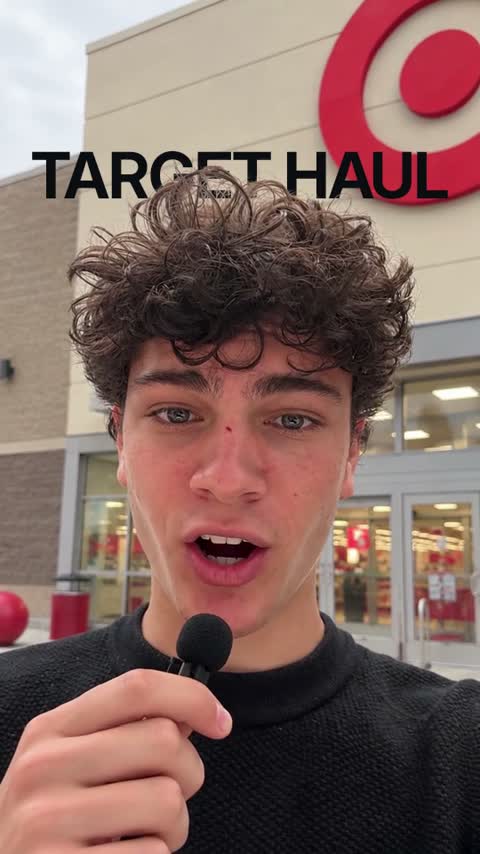 Pop-upMake a video in the Pop-up style
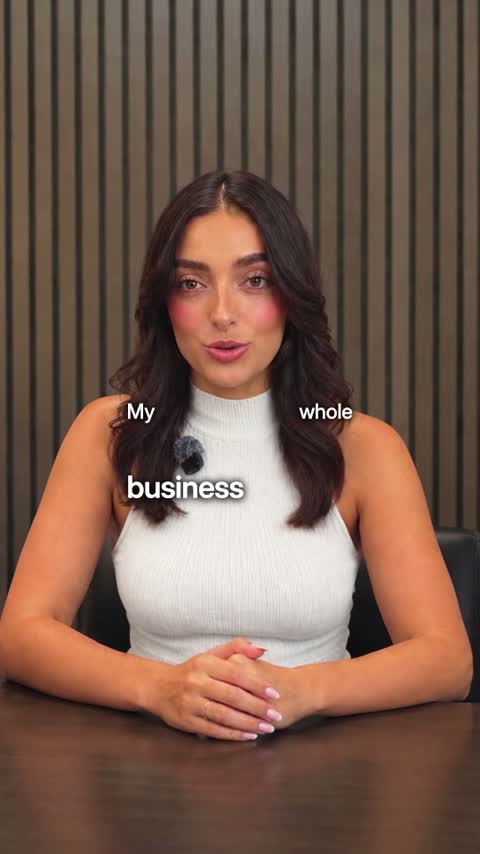 TechMake a video in the Tech style
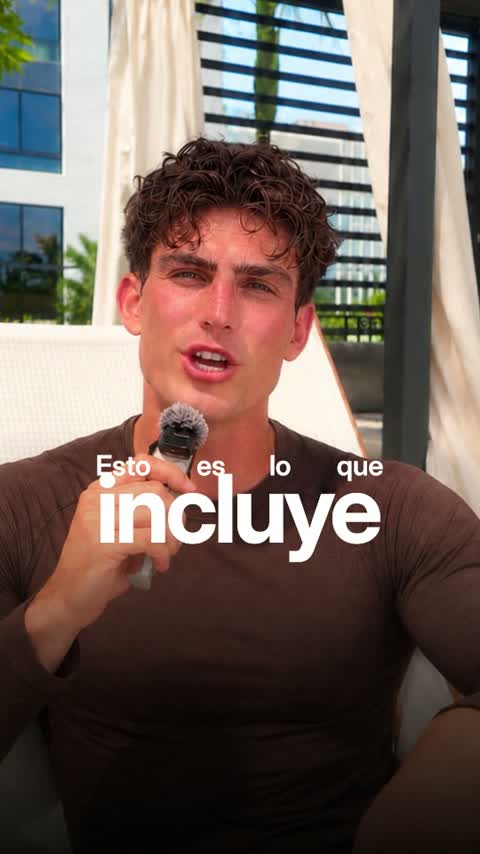 LuxeMake a video in the Luxe style
 YouTubeMake a video in the YouTube style
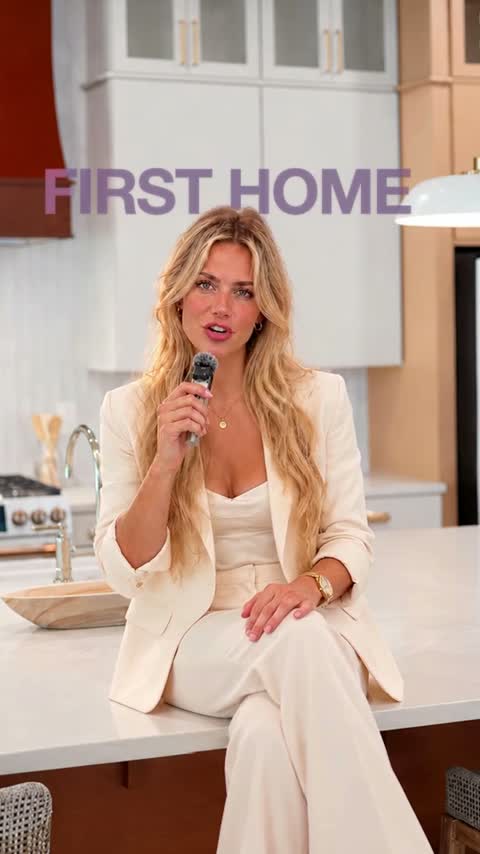 Real estateMake a video in the Real estate style
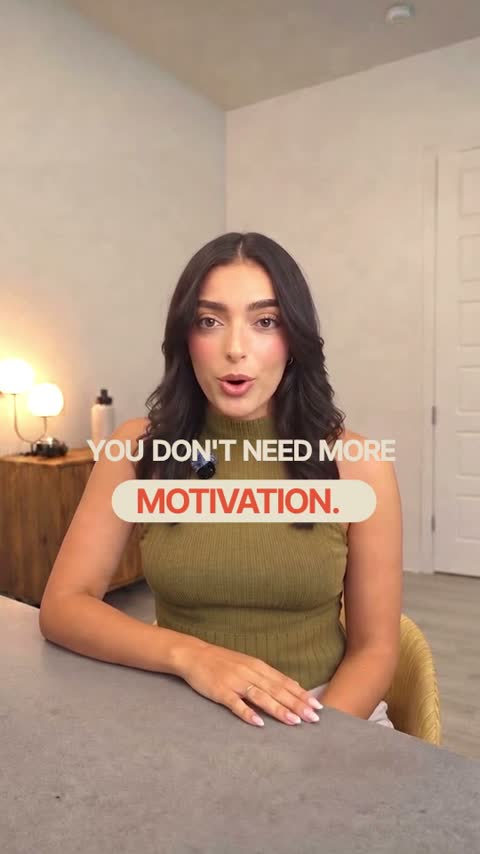 WarmMake a video in the Warm style
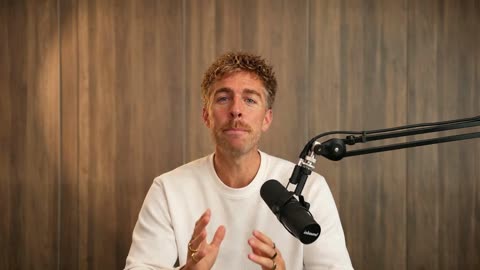 PodcastMake a video in the Podcast style
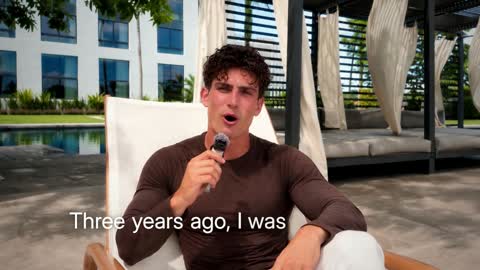 DocumentaryMake a video in the Documentary style
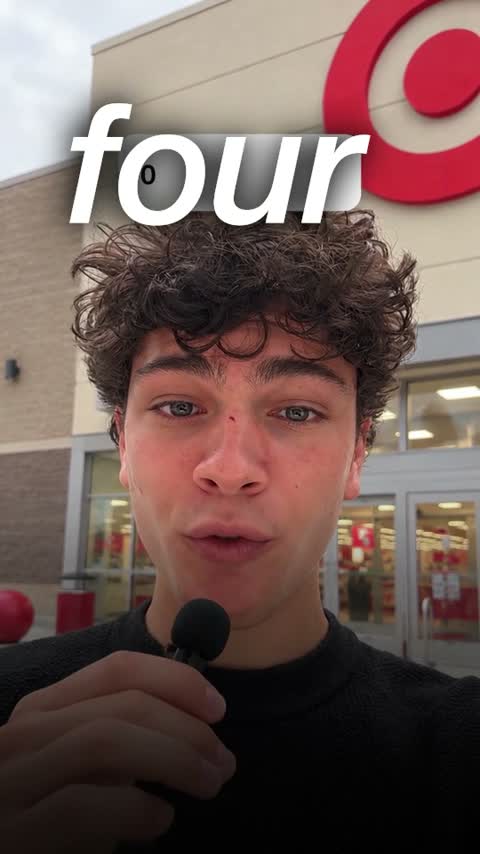 UGC adMake a video in the UGC ad style
Plus the tools to finish it
Everything in Starter
$29$21.75/month
billed yearly
Or $29 a month, billed monthly. Cancel any time.
- 120 credits a monthA 1-minute video uses 4, so about 30 videos
- Cuts, captions, B-roll and titlesIn any of our styles, with no watermark
- We fix it until you are happyNot happy with your first video? We work on it until you are. How it works
Questions
Can I add my product screenshots?
Yes. Add them with your video, and Clypmint puts each one where you talk about it.
Is it good for founder updates?
Yes. Founders send a quick update to camera and get back a finished video for LinkedIn.
Do I pay before creating a video?
Yes. Choose a plan before your first edit. You can browse our video examples before subscribing.